

Finished visuals, not prompts.
Make the thing you actually need, ready to print, post or upload.
Invitations, menus, business cards, YouTube thumbnails, stickers and more. Fill in a short form and download finished files in the right size and format.
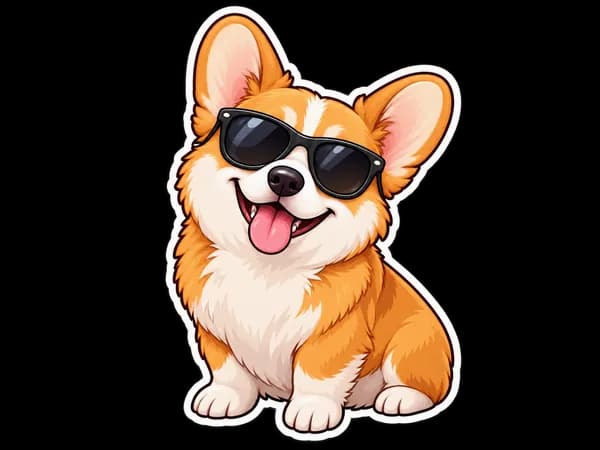
Photos to spec
Product shots and listing photos that follow marketplace and MLS rules.
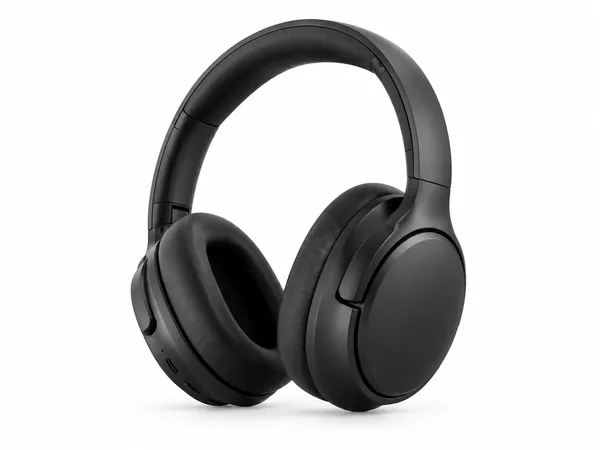

Invitations & print
Invitations, menus, flyers and business cards with your details typeset and print files ready.
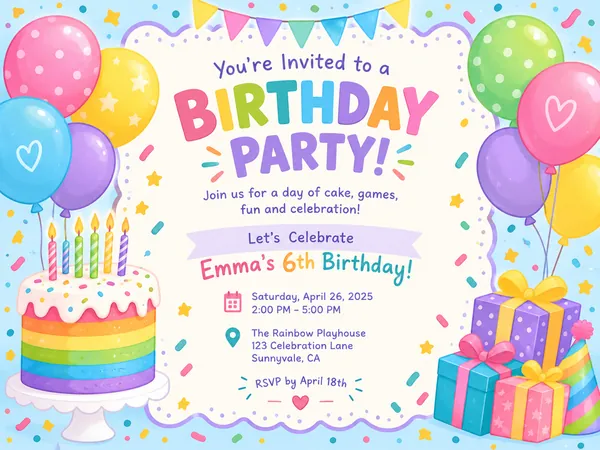
Birthday Invitation Maker
Themed birthday invitations for kids and adults, printable at 5×7 or shareable by text.
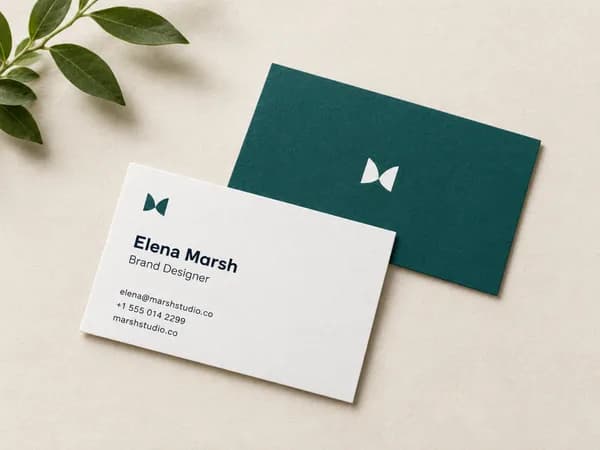
Business Card Maker
Enter your name and contact details, get a designed business card as a print-ready PDF in US or EU size.
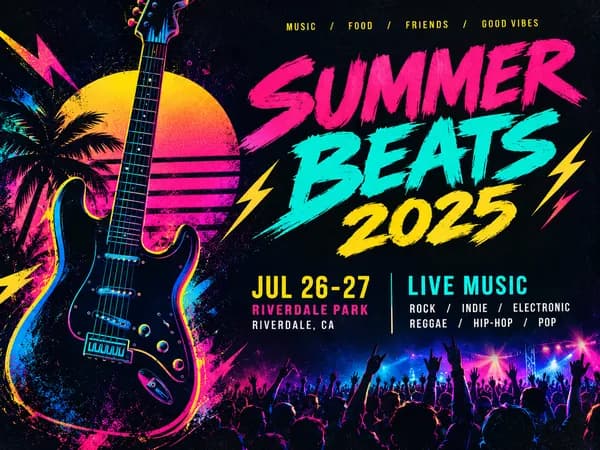
Event Flyer Maker
Posters and flyers for parties, gigs and community events, for print and Instagram.
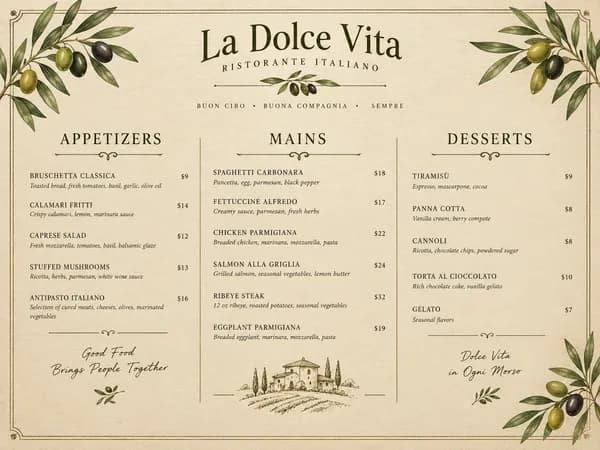
Restaurant Menu Maker
Paste your dishes and prices, get a designed one-page menu in Letter or A4.
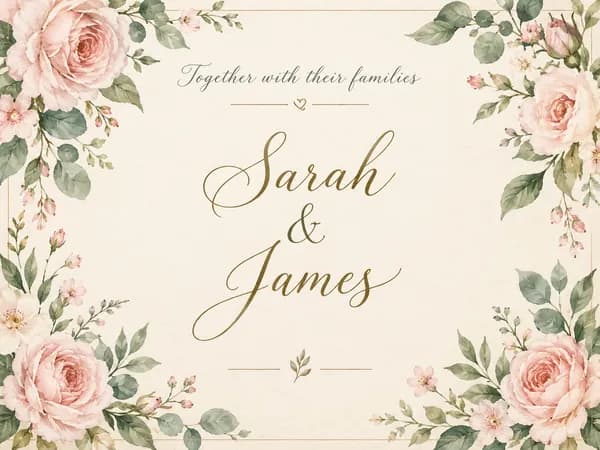
Wedding Invitation Maker
Printable 5×7 wedding invitations with your names, date and venue, plus a phone-ready version.
Creators & social
Thumbnails, banners and covers at the exact size each platform expects.
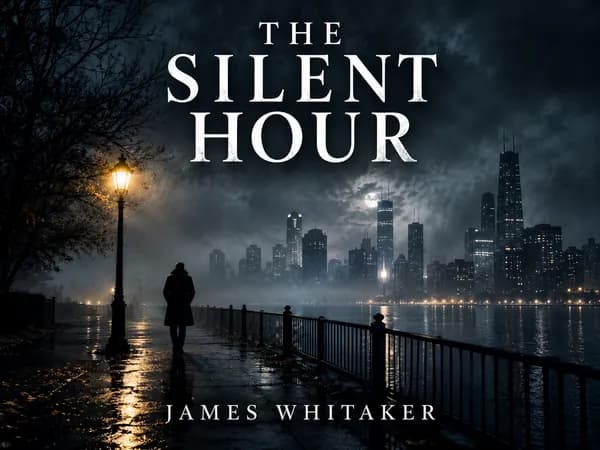
Book Cover Maker
Genre-appropriate front covers for Kindle eBooks and 6×9 paperbacks.
LinkedIn Banner Maker
1584×396 LinkedIn background banners that leave room for your profile photo.

YouTube Thumbnail Maker
Click-worthy 1280×720 thumbnails with bold headline text, optionally featuring your face.
Stickers & merch
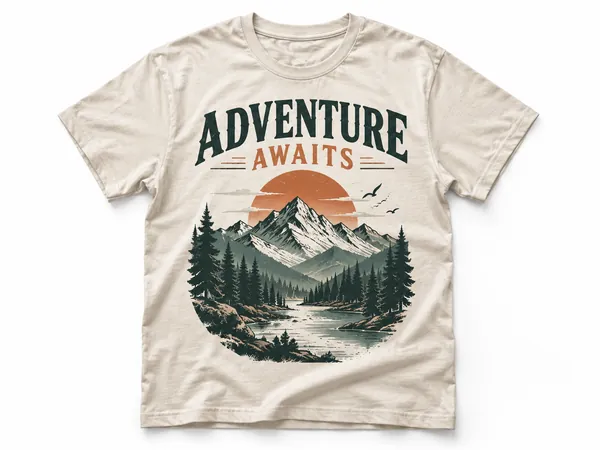
Transparent, print-ready artwork for stickers and print-on-demand shirts.
How PiCraft works
- Step 1
Choose what you need
Pick a maker, such as a birthday invitation, a business card, a YouTube thumbnail or a sticker. Each one is built for a single job.
- Step 2
Answer a few plain questions
Type the names, dates, prices or the idea for the sticker. Upload a photo if the maker uses one. There is no prompt to write.
- Step 3
Download files that are ready to use
In about a minute you get every file for that design: the print PDF with bleed, the web image, the transparent PNG, whichever the job needs.
Why use PiCraft
Most of the work in a design is not the picture. It is the size, the bleed, the spelling and the file format. PiCraft takes care of those, so the first file you download is usually the one you use.
The exact size, every time
1280×720 thumbnails, 5×7 in invitations with bleed, 3.5×2 in business cards. You never have to look up a spec.
Files you can use right away
Print PDFs with bleed, transparent PNGs and pure-white product shots, not just a picture to fix up later.
No prompts to write
Answer a few plain questions, like names, dates or what's on the sticker. PiCraft handles the design.
Specs with sources
Maker pages explain the rules they follow and link to the official guidelines where they exist, such as YouTube, LinkedIn and Amazon KDP.
The files you get
Print PDF with bleed
Invitations, flyers, menus and business cards at 300 DPI, with bleed for your print shop and text kept inside the safe area.
Transparent PNG
Stickers and t-shirt graphics with the background removed, ready for Cricut, print-on-demand stores and cutting machines.
Platform-sized JPG
Thumbnails, banners, covers and share images at the pixel size and file weight each platform asks for.
Pure white product images
Main images with a background set to exact RGB 255, plus lifestyle and detail shots for the rest of the listing.
Made with AI, used responsibly
PiCraft uses AI image models to create the artwork. AI can slip on a letter in a name, a digit in a price or a detail on a product, so proofread everything before it goes to a printer or a customer.
Some uses have rules of their own. Marketplaces expect product images to show what the buyer gets, and many real estate listing services require edited or virtually staged photos to be labeled. Each maker page explains the rules that apply to it.
Read more about how PiCraft works on the About page, and about your data in the Privacy Policy.
Questions
Is PiCraft free?+
You can try it free. Every new visitor gets a few free credits to use on any maker, and each design uses one credit. When your free credits are used up you can't create more for now.
Do I need to create an account?+
No. You start with free credits on the browser you are using, and we don't ask for your name or email address. Your credits and your file history are linked to that browser, so use the same one to see them again.
How is PiCraft different from a general AI image generator?+
A general generator returns a picture and leaves the rest to you: the right size, bleed, spelling, background removal and file format. PiCraft asks plain questions, writes the design instructions for you and exports the files in the formats the job needs.
Can I use the files commercially?+
Yes. You can use what you create for personal and commercial projects, as long as your input doesn't infringe anyone else's rights. Check trademarks and other rights before you sell or publish a design.
Will the text on my design be spelled correctly?+
PiCraft puts your text into the design and tells the AI to spell it exactly, but AI can still make mistakes. Read every name, date, price and phone number before you print or publish, and generate again if something is off.
How long does a design take?+
Usually 30–90 seconds. Every file for that design, such as the print PDF and the share image, is ready at the same time.
How long are my files kept?+
Generated files are deleted automatically after 90 days, so download the ones you want to keep. You can ask us to delete them sooner by emailing support.
What happens to the photos I upload?+
Your photos are sent to our AI provider to create the design and are not shown to other visitors. The Privacy Policy lists the providers we use and how long data is kept.
What if the result isn't right?+
Generate again. Each attempt is a new design and uses one credit. If a generation fails, the credit is returned automatically.