

Restaurant Menu Maker
Paste your menu the way you'd write it on a notepad: one dish per line with a short description and price. PiCraft lays it out as a finished, printable menu.
Choose US Letter or A4, download the PDF for your printer, and use the web image on your website, Google Business Profile or delivery apps.
- Step 1
Paste your dishes
One line per dish with an optional description and price.
- Step 2
Pick a style and paper
Choose from ten styles, on US Letter or A4 paper.
- Step 3
Print or publish
PDF with bleed for print, a web image for your site and delivery apps.
Made with the Restaurant Menu Maker
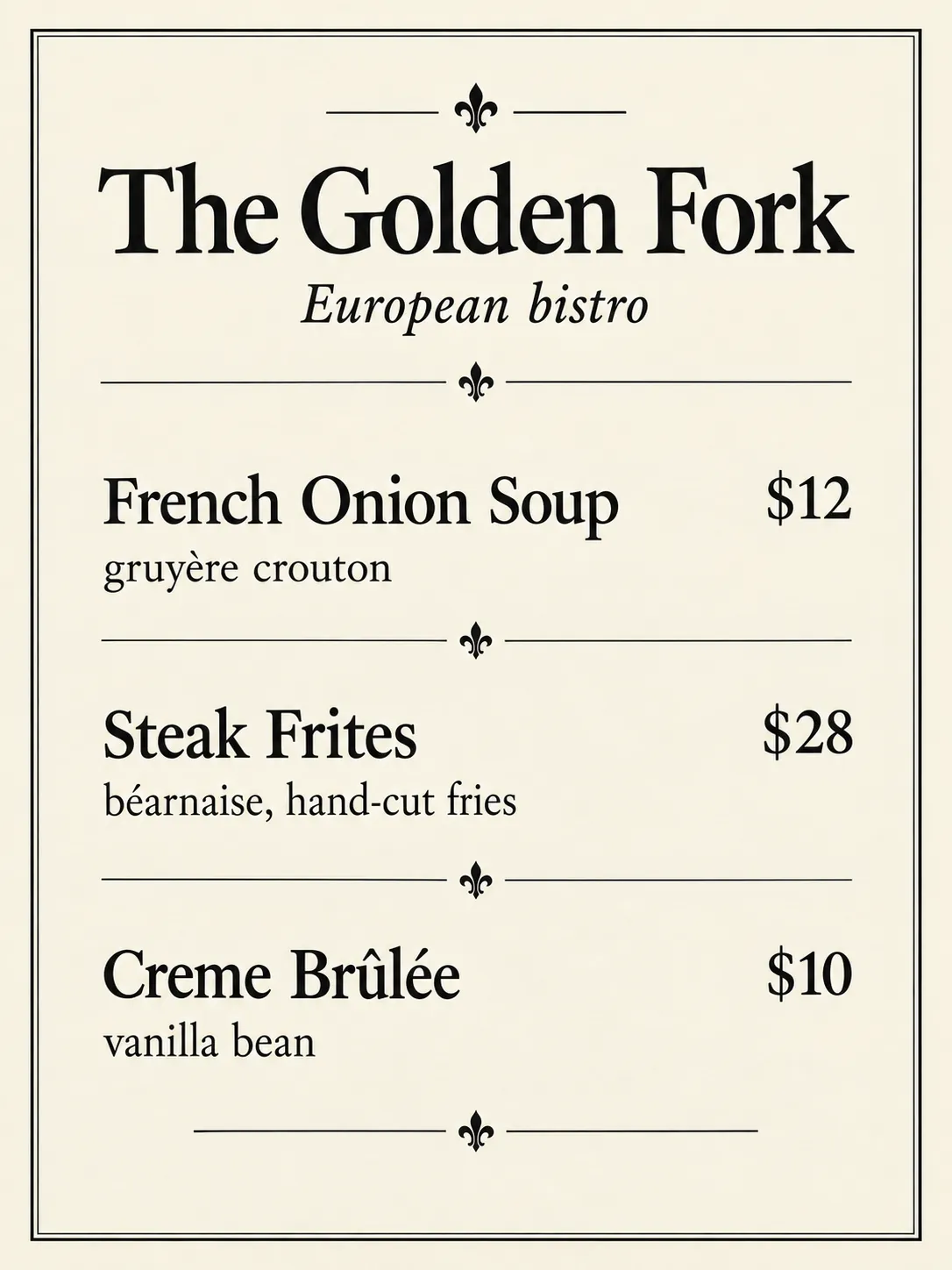
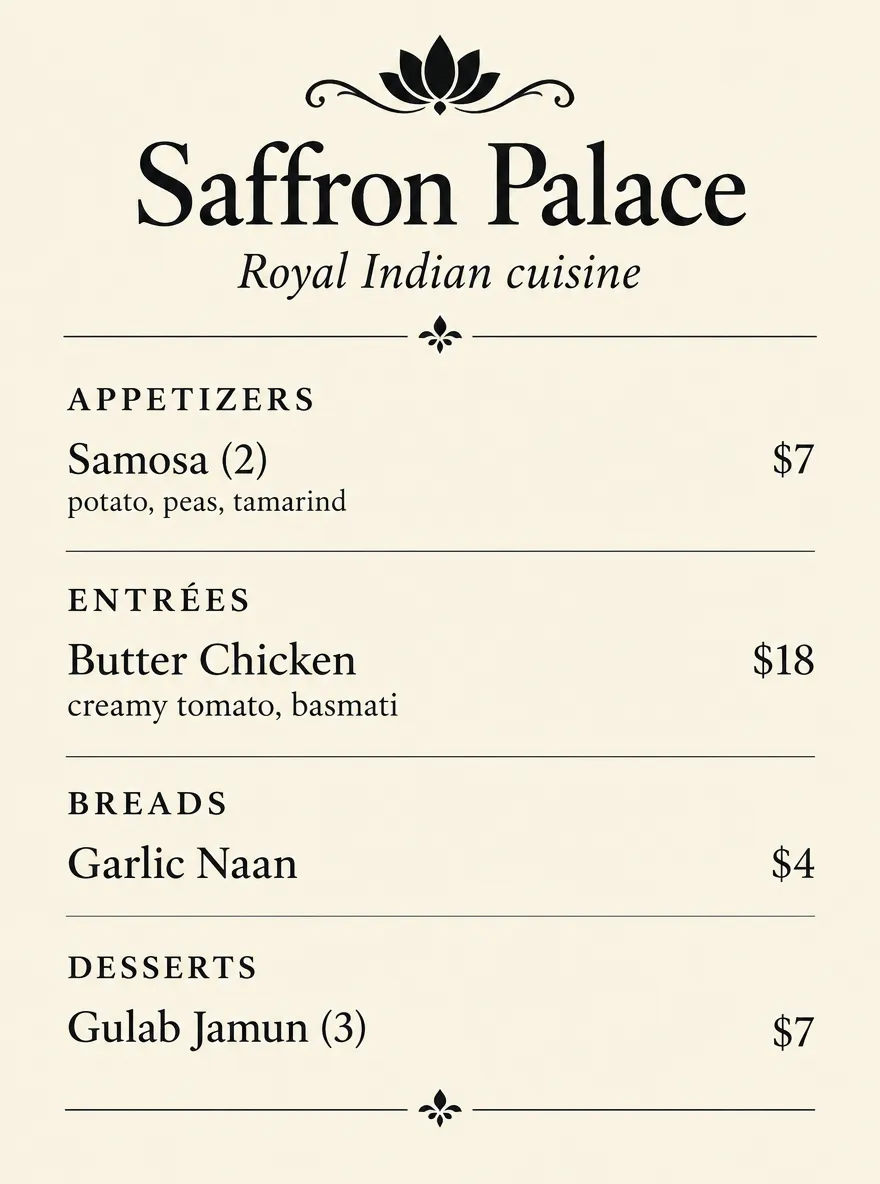
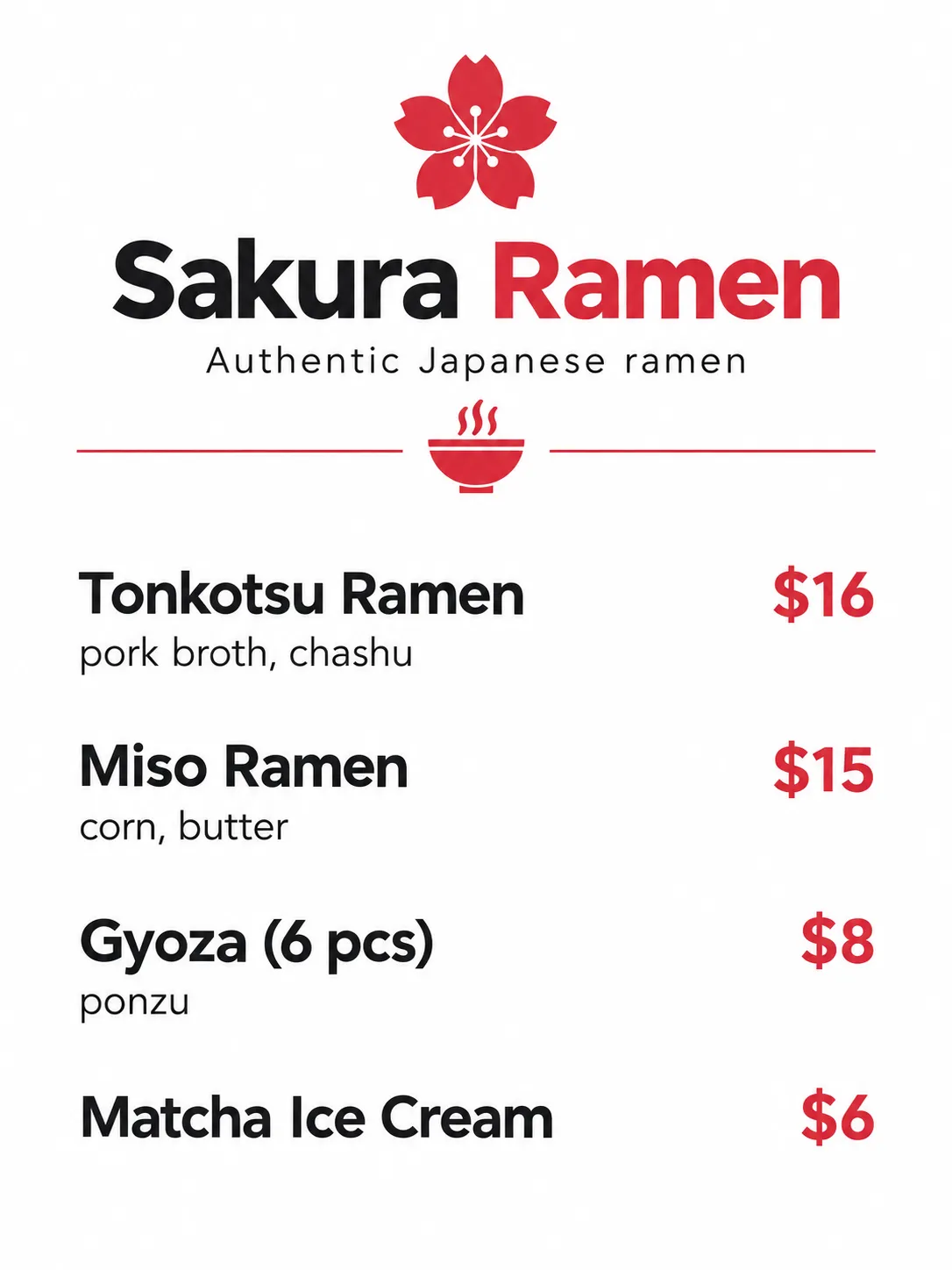
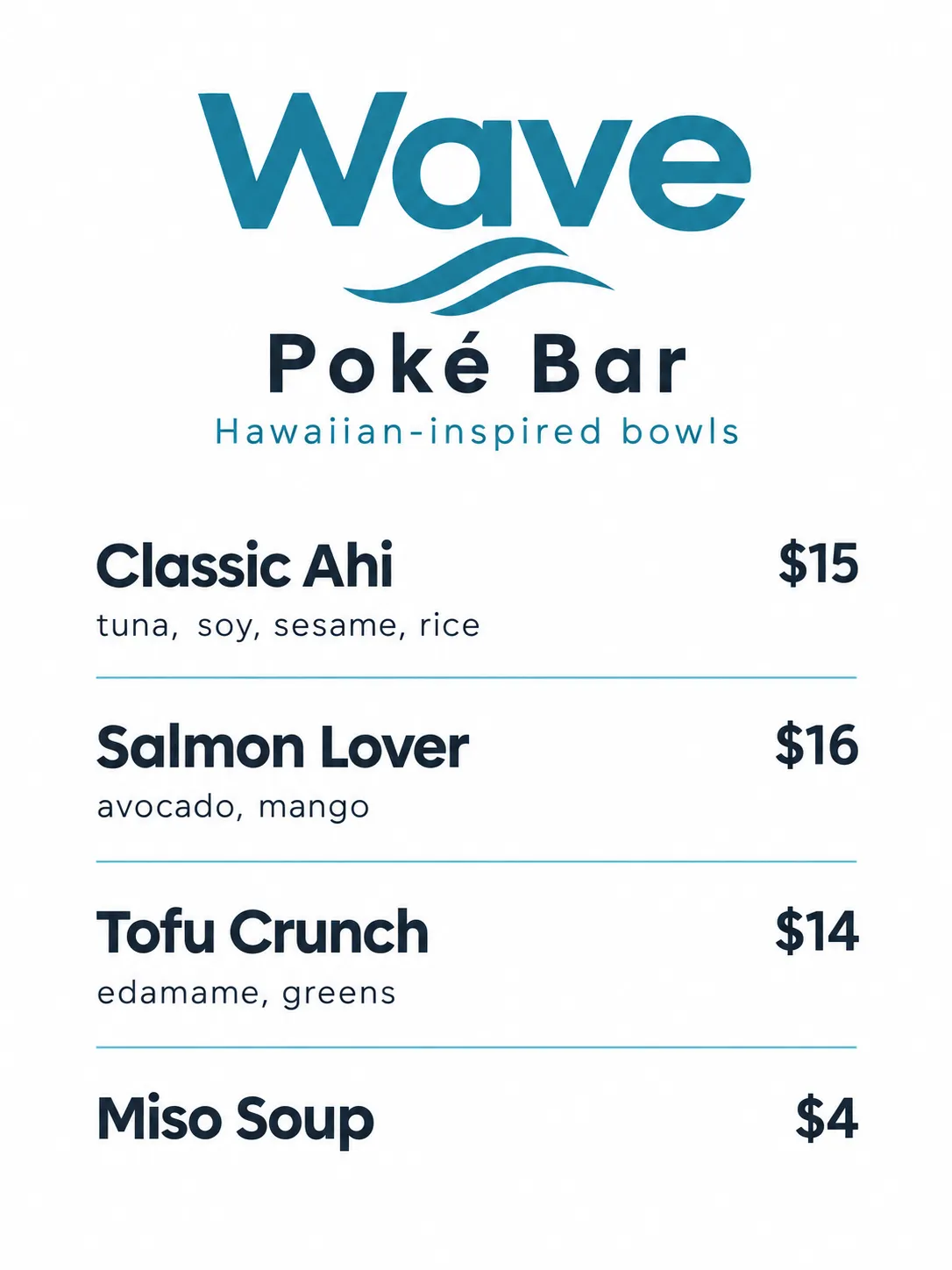
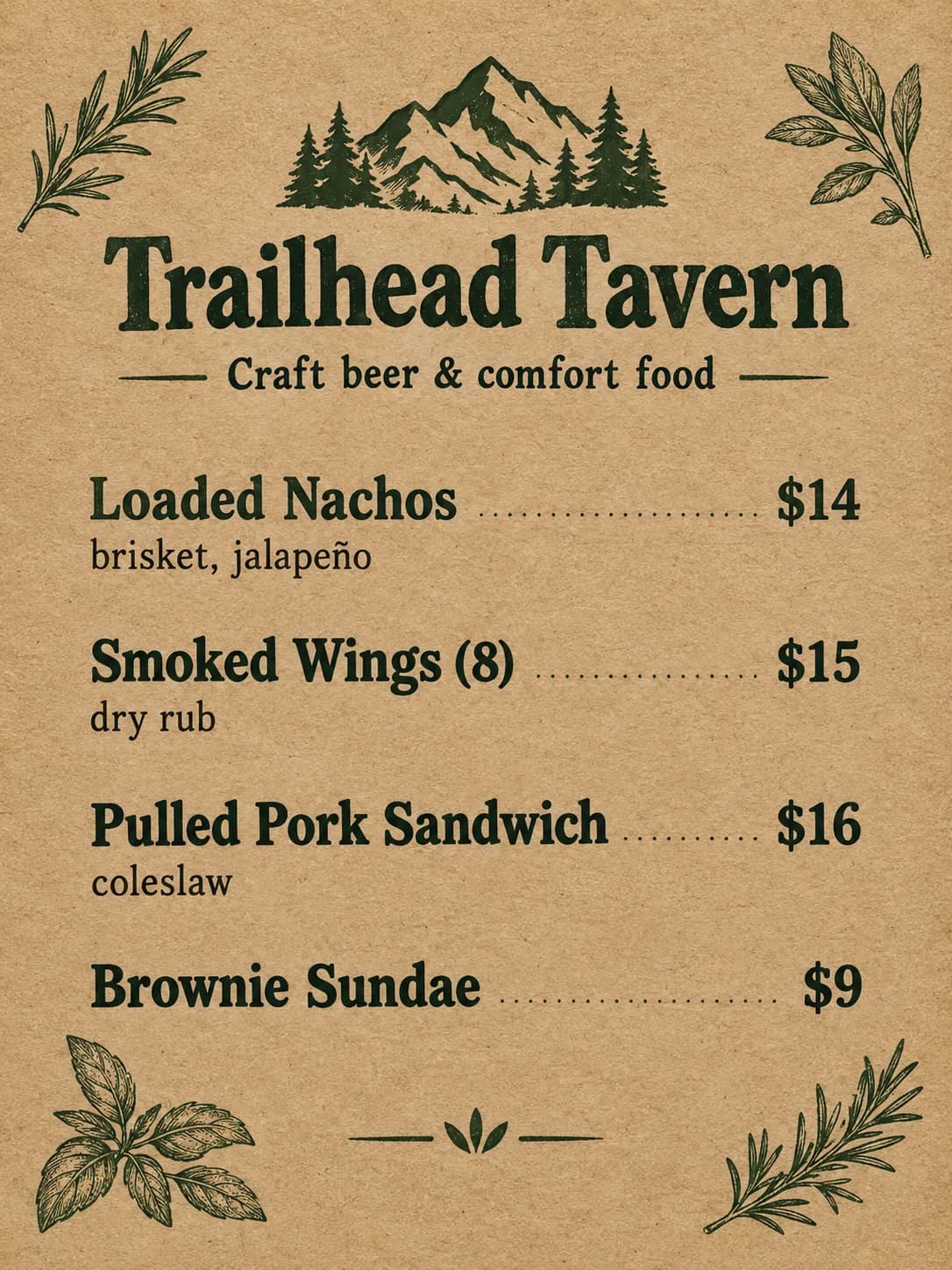
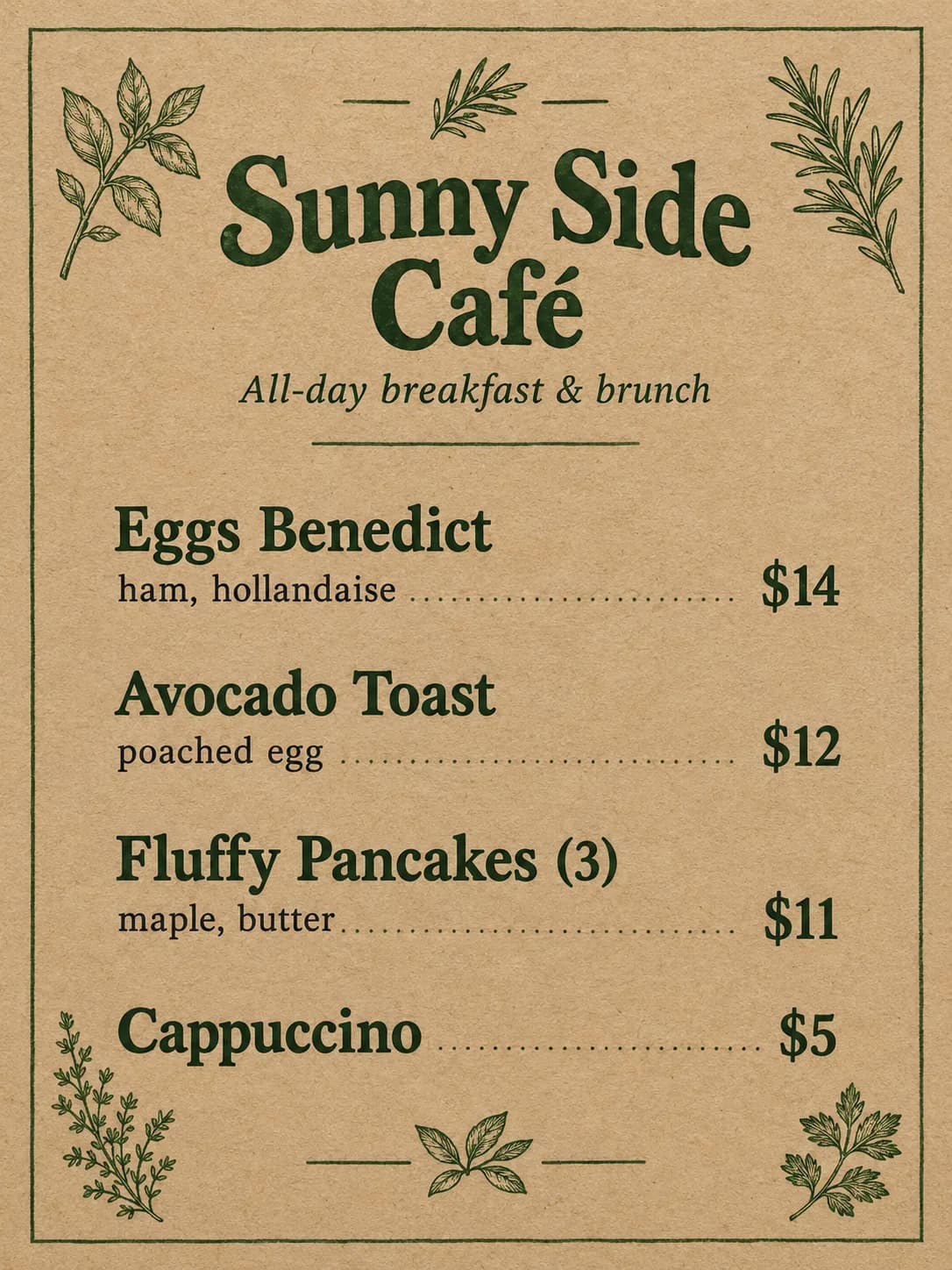
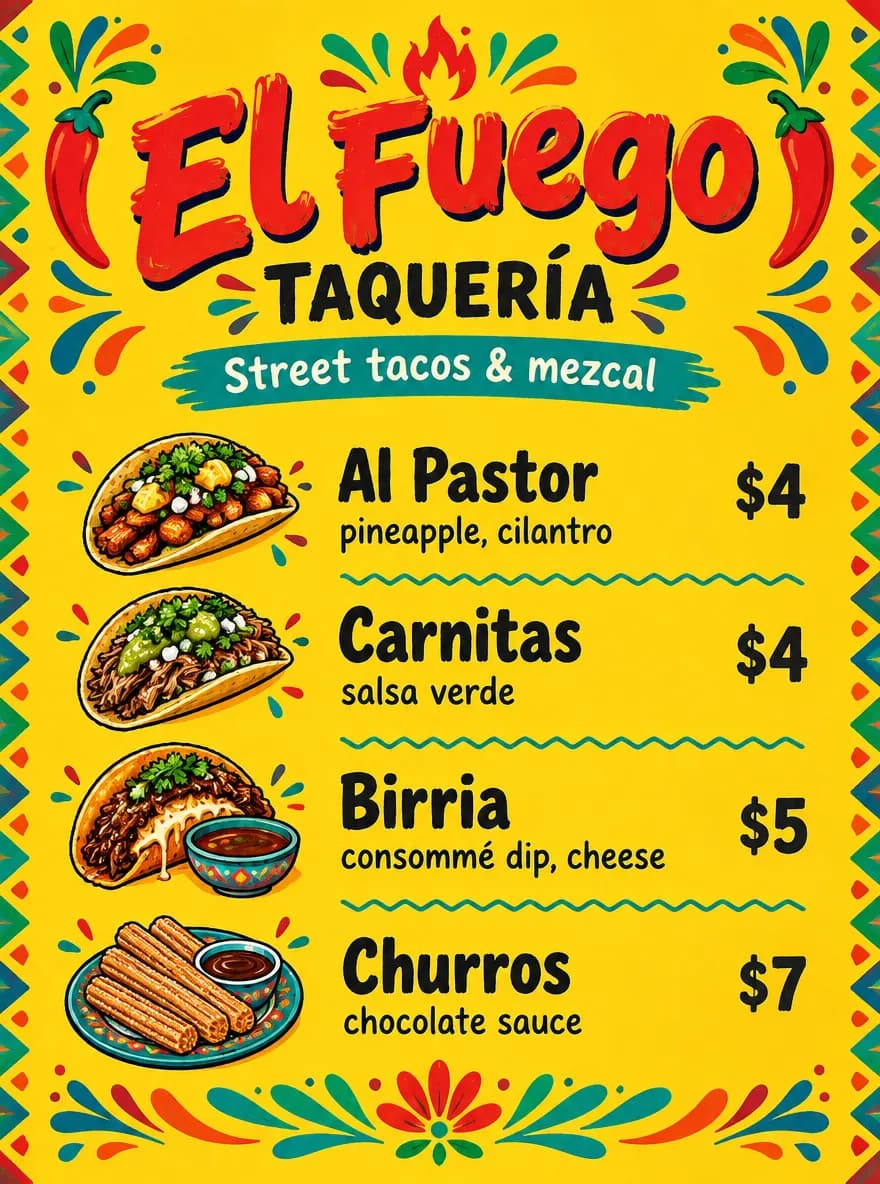
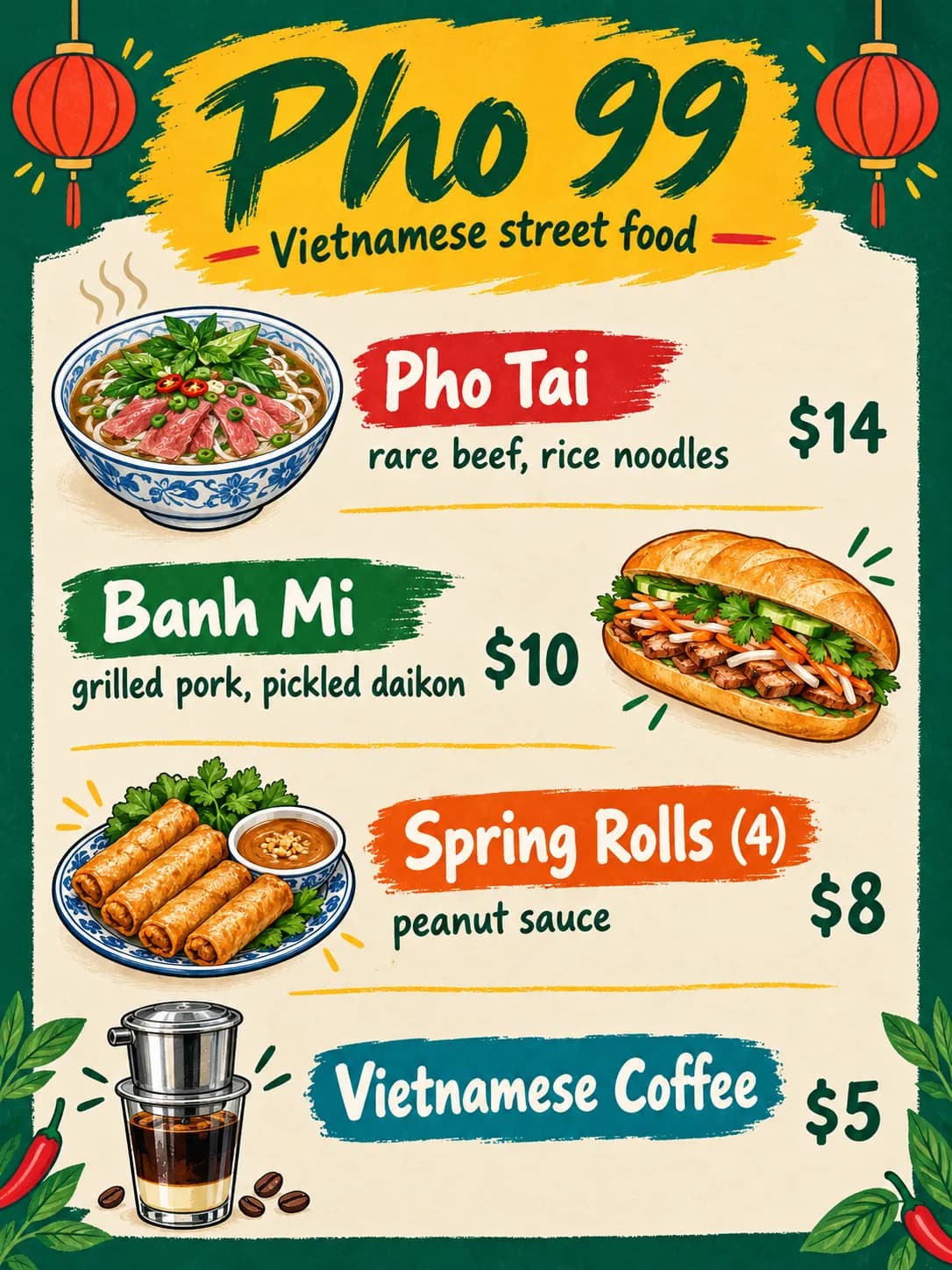
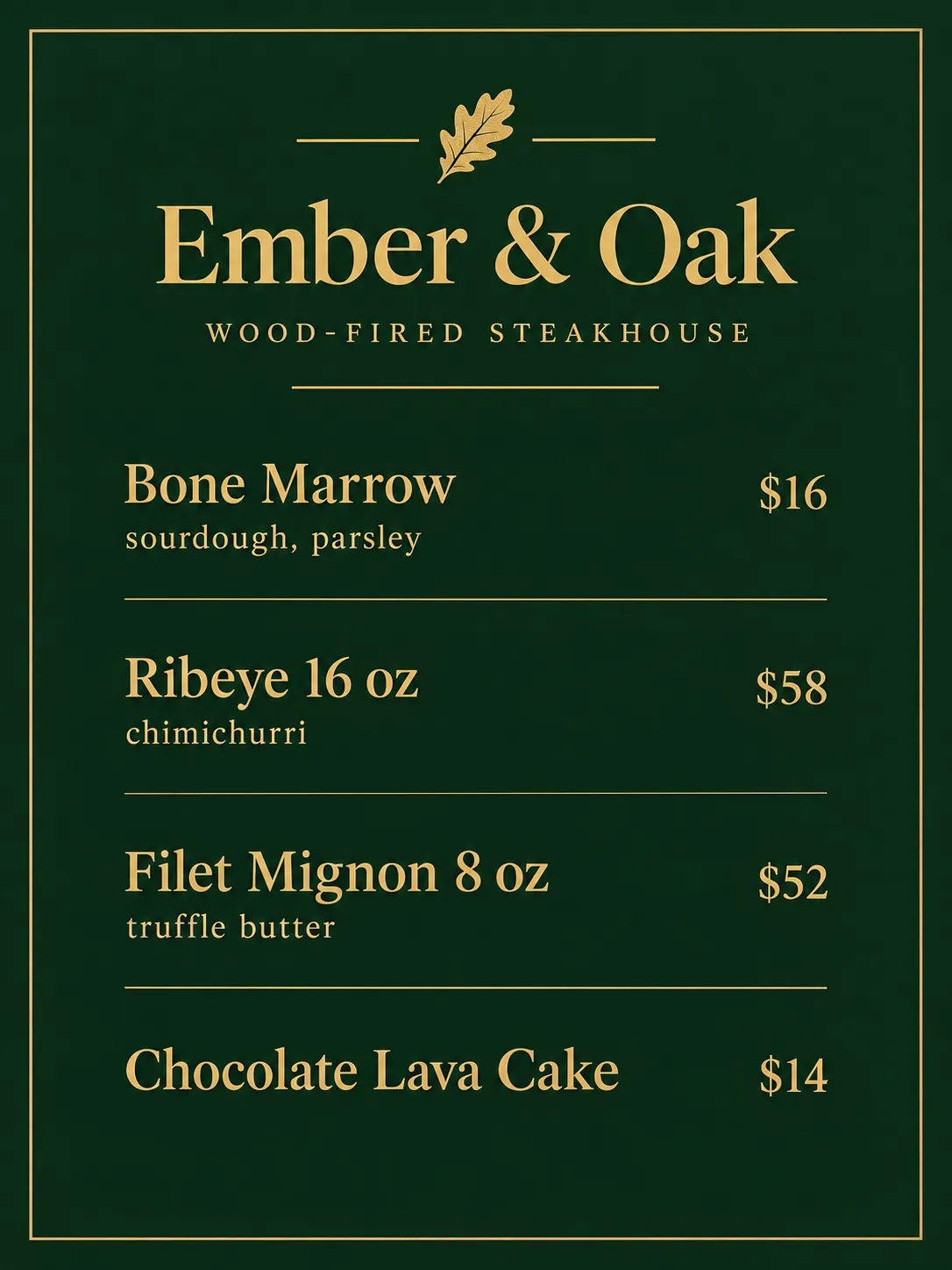
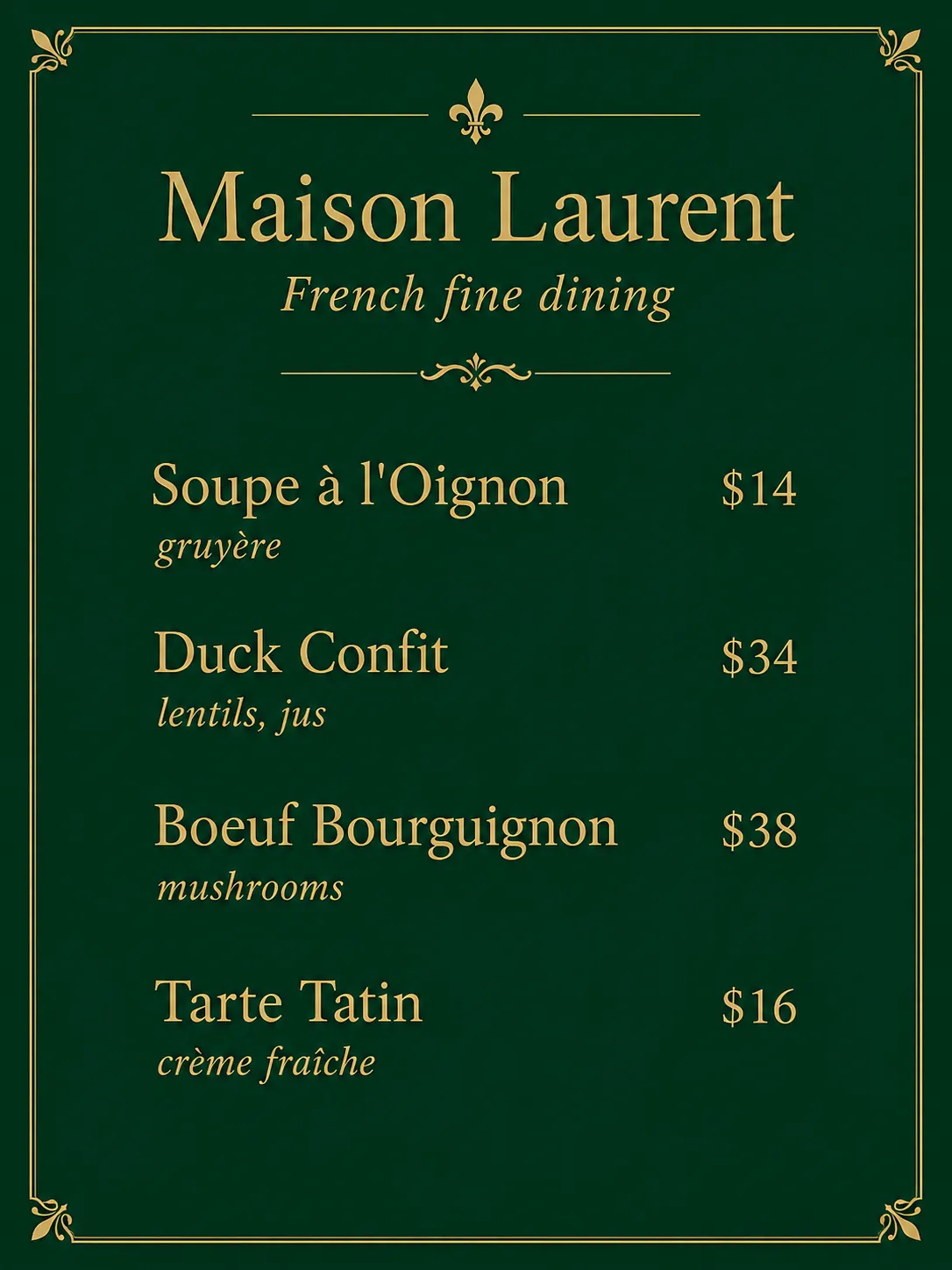

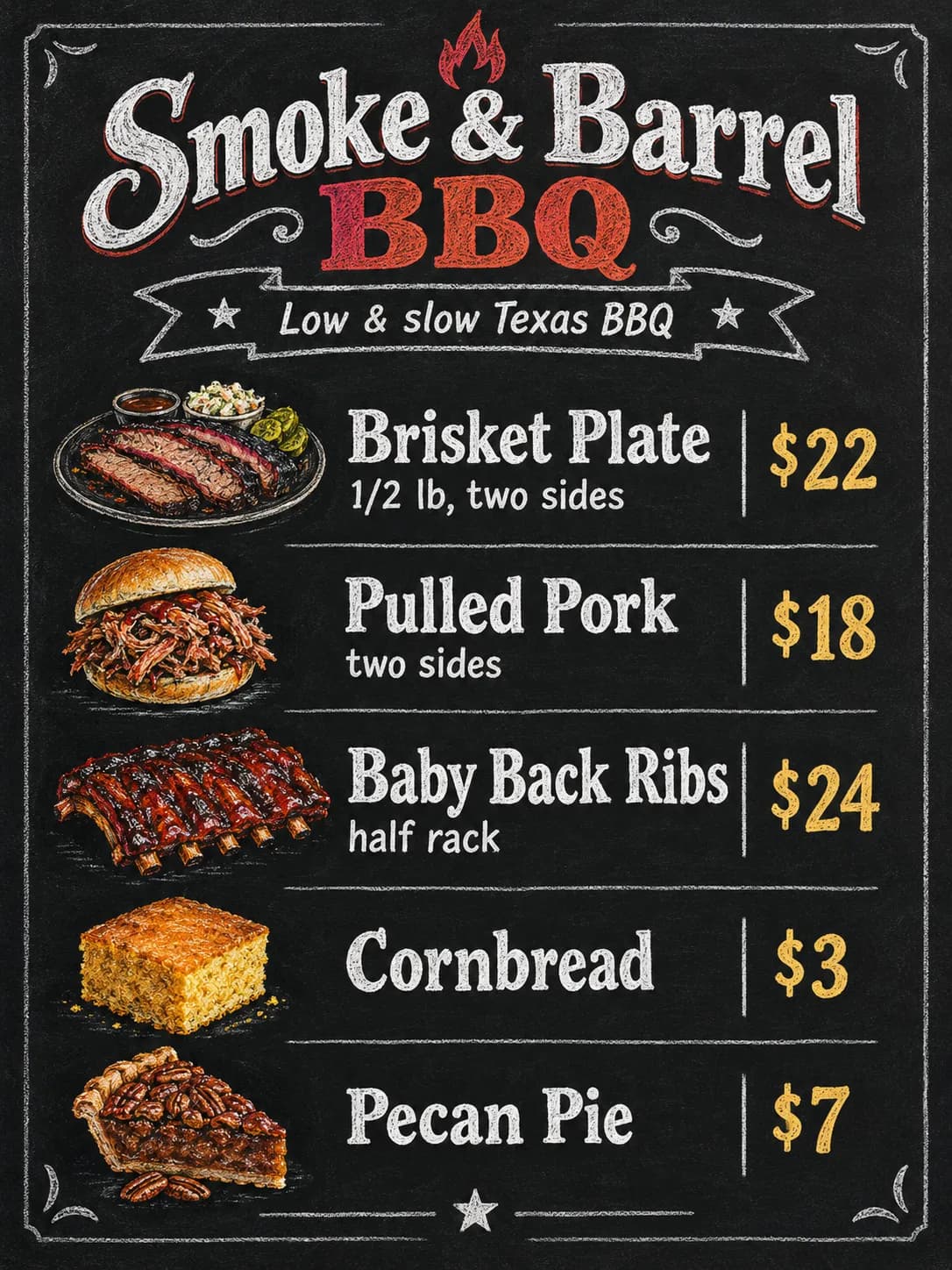

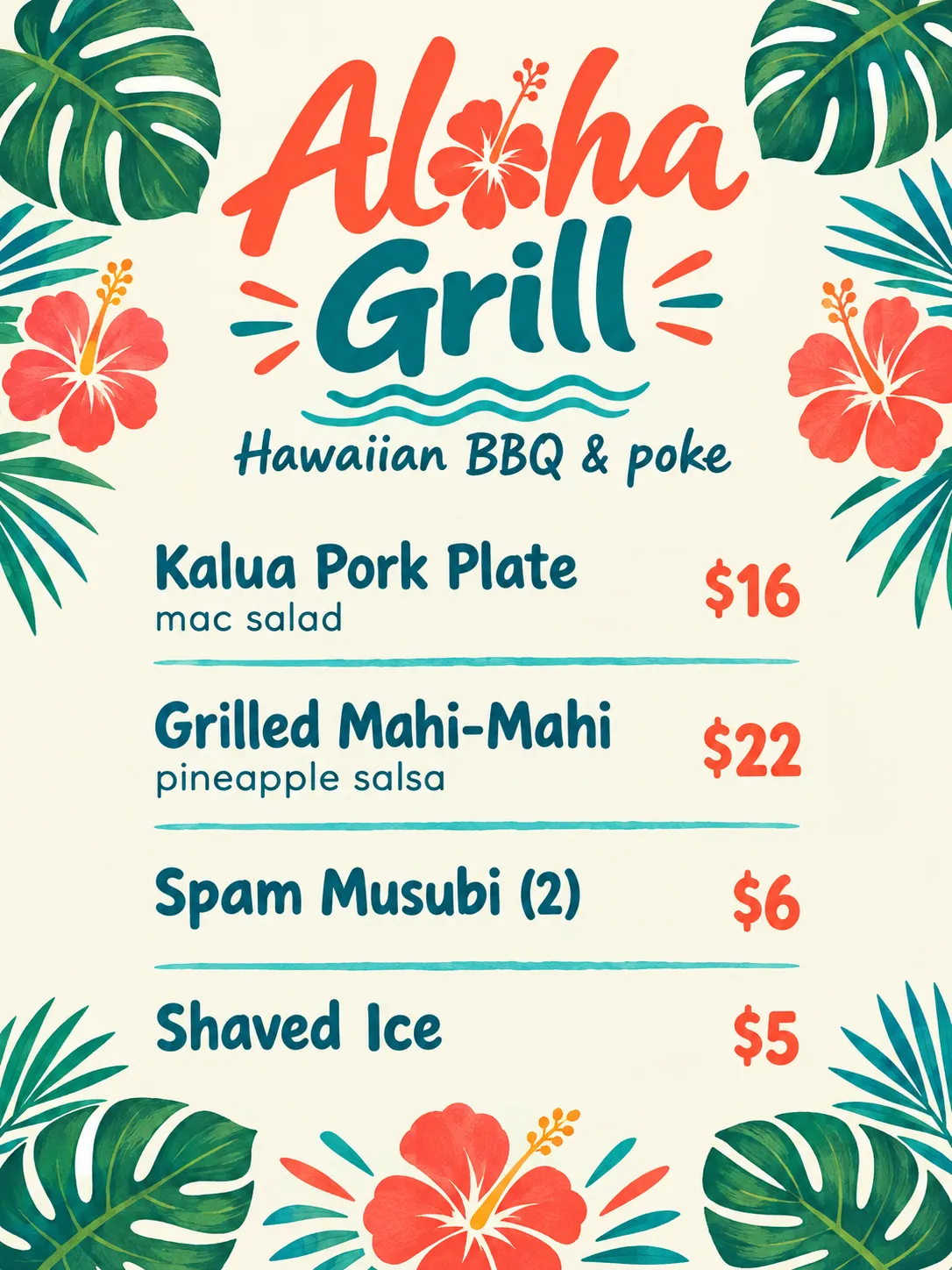


How the Restaurant Menu Maker works
Paste your menu the way you would write it on a notepad: one line per dish, with an optional description and a price. Enter the restaurant name and a tagline, choose a style and a paper size, and PiCraft lays the menu out as a one-page design.
Lines without a price become section headings, so you can group dishes under Starters, Mains and Desserts just by adding a line. Dish names are set prominently, descriptions smaller, and prices aligned consistently.
The model is told to keep every name, description and price exactly as you wrote it. You still have to read the result carefully, because a wrong price on a printed menu is expensive.
What you get with the Restaurant Menu Maker
Print PDF with bleed
US Letter with 0.125 inch bleed or A4 with 3 mm bleed, at 300 DPI, ready to send to a printer.
A print JPG
The same print file as a JPG for services and shops that prefer images.
A web image
A 150 DPI JPG for your website, your Google Business Profile, social posts and delivery apps.
Ten restaurant styles
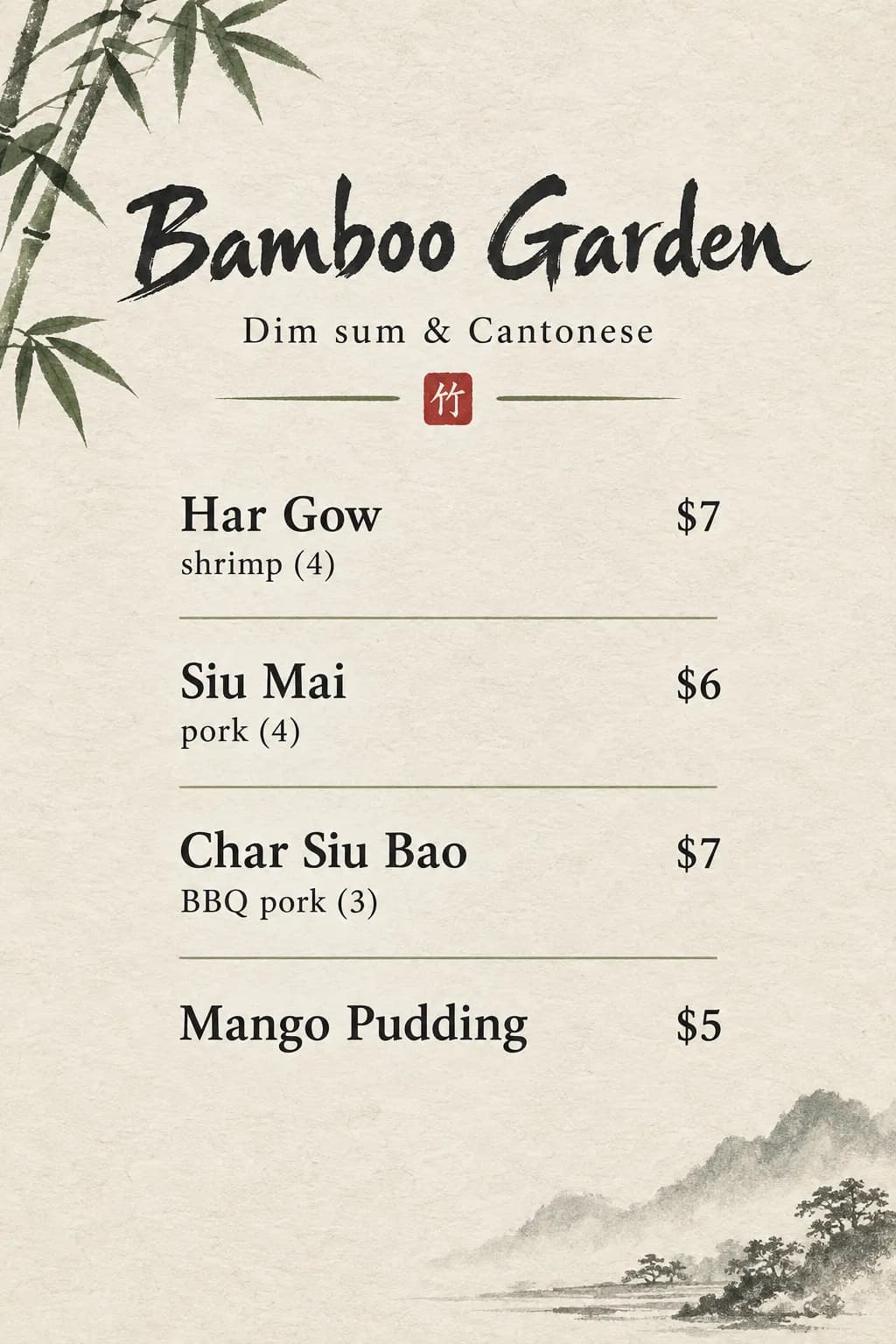
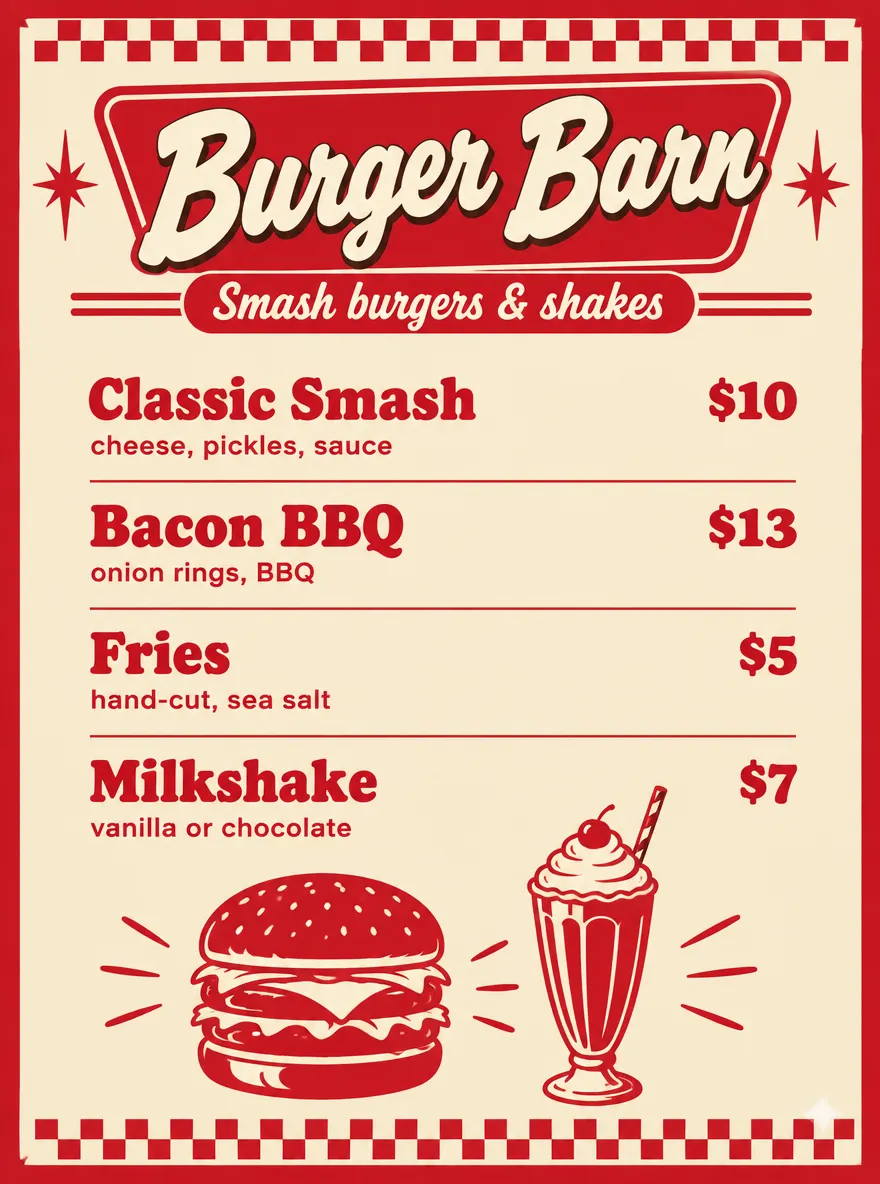
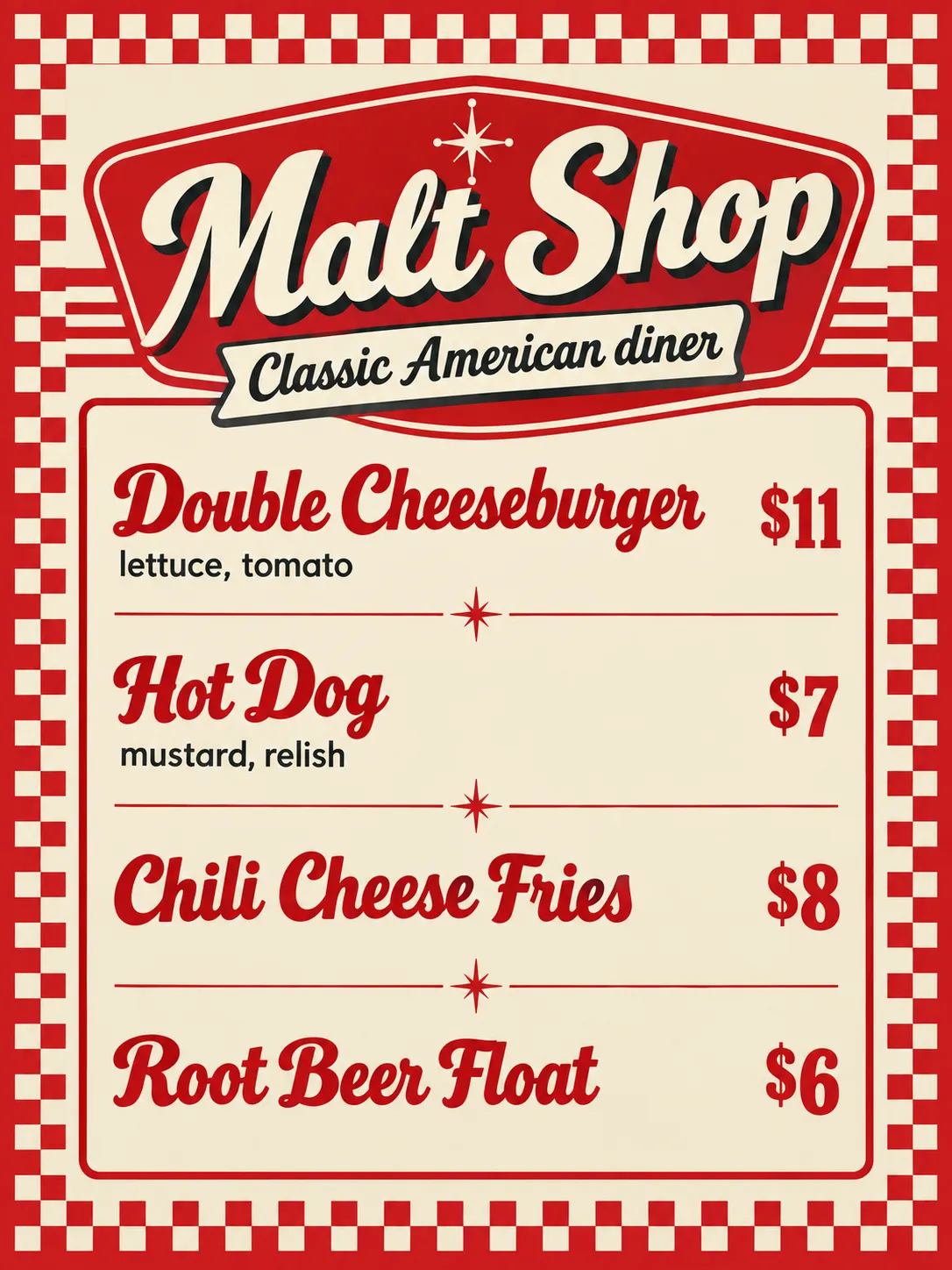
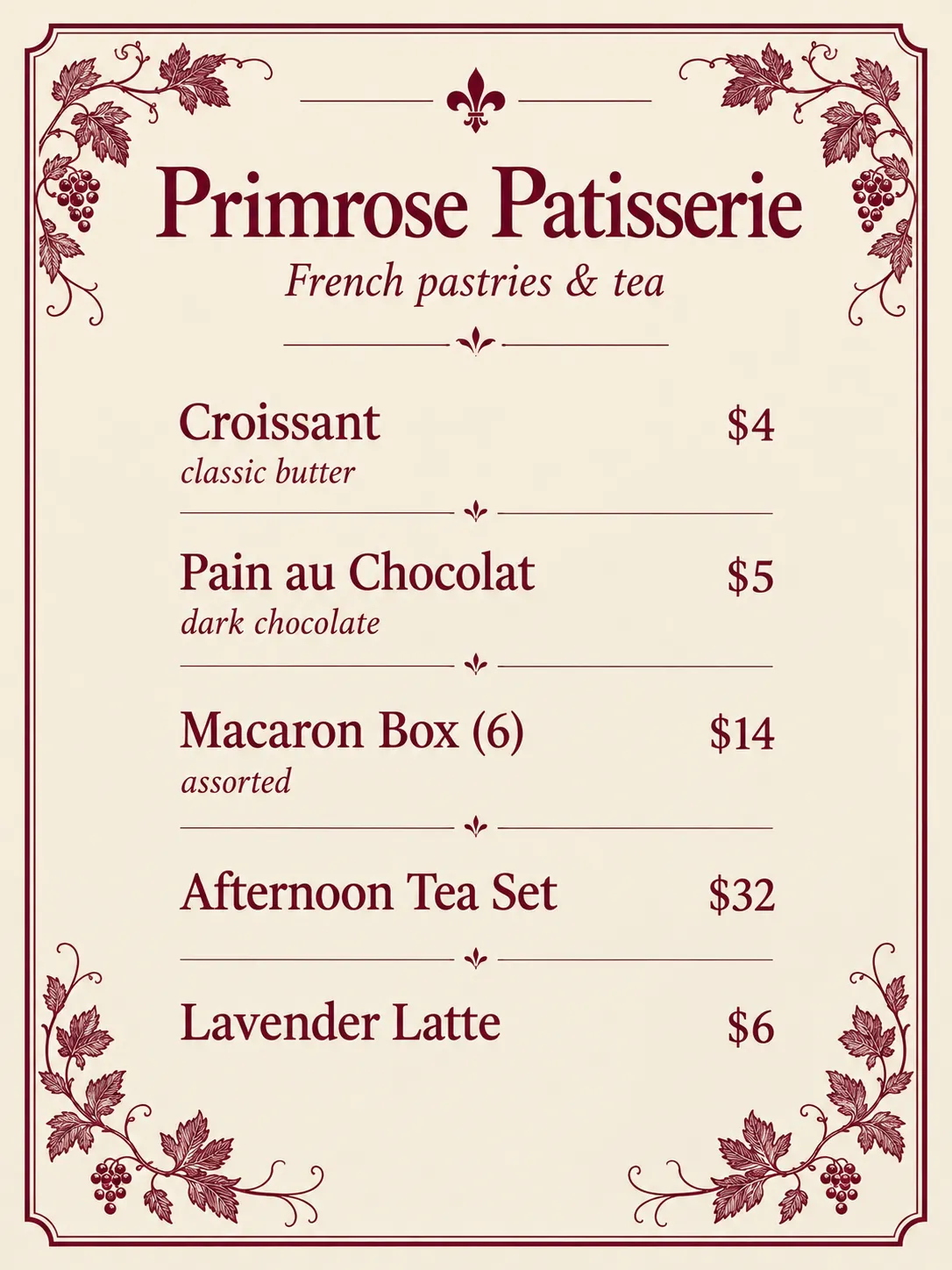
Bistro, modern, rustic, street food, fine dining, chalkboard, tropical café, Japanese zen, retro diner and wine bar.
Your wording, kept as written
Dish names, descriptions and prices are copied from your text, with section headings from lines that have no price.
Menu print sizes
| Paper | Trim size | With bleed |
|---|---|---|
| US Letter | 8.5×11 in | 8.75×11.25 in (0.125 in bleed) |
| A4 | 210×297 mm | 216×303 mm (3 mm bleed) |
- Large print files are upscaled from the generated design; bold, simple layouts print sharpest.
- Check every price before printing. Menus often need an allergen note that your local rules may require.
What people use the Restaurant Menu Maker for
Restaurants and cafés
Create a table menu, a window menu or a new seasonal menu without waiting for a designer.
Food trucks and pop-ups
Make a bold, simple menu for a stall or an event, with the street food style.
Bars and wine lists
Lay out a short drinks or wine list, one page at a time.
Delivery and online menus
Use the web image on your site or on a delivery platform page as a quick overview.
Catering and private events
Make a one-off menu for a dinner, a wedding or a company event.
Tips for better results
- 1
Write one dish per line
Use a consistent pattern such as name – description – price, so the layout stays clean.
- 2
Use a separator the same way every time
An en dash or a vertical bar between name, description and price helps the model split the line.
- 3
Add section headings as lines without prices
"Starters", "Mains" and "Desserts" on their own lines become headings.
- 4
Keep descriptions short
Three to six words per dish. Long descriptions make the page crowded.
- 5
Stay within about 14 lines
More lines mean smaller type. For a longer menu, make one page per section, such as food and drinks.
- 6
Include the currency symbol
Type $14, €12 or 14 as you want it shown. The price appears exactly as written.
- 7
Proofread every price
Compare the generated menu with your price list line by line, and generate again if anything is wrong.
Choosing a menu style
The style sets the background, the type and the atmosphere of the menu.
- Classic bistro
- Warm, traditional and neat. Fits cafés, bistros and brasseries.
- Modern minimal
- Light, airy and simple. Fits contemporary restaurants and brunch spots.
- Rustic farmhouse
- Natural textures and warm tones. Fits farm-to-table and country restaurants.
- Street food
- Bold, casual and colorful. Fits food trucks, stalls and takeaways.
- Fine dining
- Elegant type and generous space. Fits tasting menus and upscale restaurants.
- Chalkboard
- A hand-lettered look on dark slate. Fits cafés, pubs and bakeries.
- Tropical café
- Leaves and bright color. Fits juice bars, beach cafés and brunch places.
- Japanese zen
- Calm and restrained. Fits sushi, ramen and Asian fusion restaurants.
- Retro diner
- Bold color and mid-century type. Fits diners, burger places and ice cream parlors.
- Wine bar
- Deep colors and refined type. Fits wine bars, tapas places and lounges.
Before you print or publish the menu
- Check every dish name, description and price against your master menu.
- Check the spelling of ingredients, especially words in other languages.
- Add any allergen information or notices that your local rules require, in your printer's editor or in a note on the page.
- Choose the paper size that matches your printer: US Letter or A4.
- Send the PDF with bleed to the printer, and ask for the correct trim size.
- Print one test copy and read it under the lighting of your restaurant.
- Update the web image on your website, Google Business Profile and delivery apps whenever prices change.
What the Restaurant Menu Maker can't do
- A menu page holds about 14 lines. Longer menus need separate pages.
- It does not add a logo or photos of dishes. The restaurant name is set as typography in the chosen style.
- Local rules can require allergen and calorie information on menus. PiCraft does not add them for you.
- The text is part of the image, so a price change means generating again.
- Very small print can be hard to read. Keep each line short.
Frequently asked questions
How many items can a menu have?+
Up to 14 lines, which keeps the text large enough to read and accurate. For longer menus, create one page per section.
Will prices be copied exactly?+
The model is instructed to copy every name and price as written, but always proofread. Generate again if a line is off.
Can I use it for cafés, bars and food trucks?+
Yes. Use the tagline to describe the place, and choose the street food style for trucks and casual spots.
Can I add my logo?+
No. The restaurant name is set as a typographic logo in the chosen style.
What format should I paste my menu in?+
One dish per line, for example: Margherita – tomato, fior di latte, basil – $14. Lines without a price become section headings.
Can I change a price after generating?+
The text is part of the image, so generate again with the corrected line. Keep your menu text saved so it takes a minute.
Which paper size should I choose?+
Choose US Letter in the US and Canada and A4 in most other countries. Each download includes the right bleed for that size.
Can I use it for a drinks menu?+
Yes. List drinks the same way, one per line with a price.
What about allergen information?+
Many places must show allergen notes on menus. PiCraft doesn't add them, so include them in your lines or add them in your printer's editor.
Last updated:
More makers
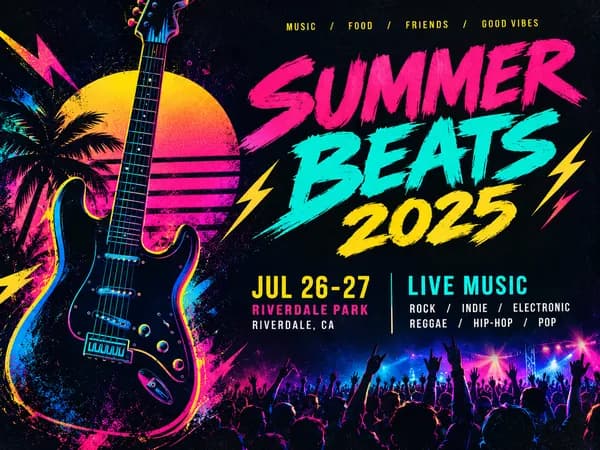
Event Flyer Maker
Posters and flyers for parties, gigs and community events, for print and Instagram.
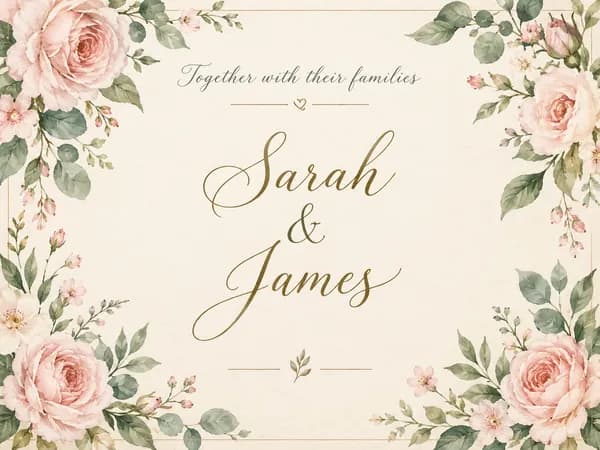
Wedding Invitation Maker
Printable 5×7 wedding invitations with your names, date and venue, plus a phone-ready version.
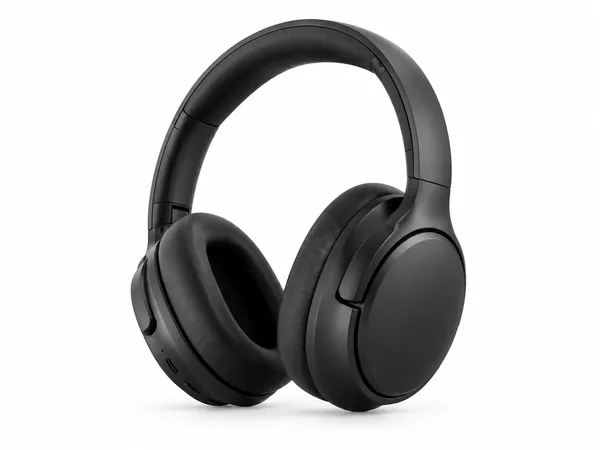
Amazon Product Photo Maker
Pure-white main images and lifestyle shots sized for Amazon, Etsy and Shopify.