

Sticker Maker
Describe what you want on the sticker and pick a style. PiCraft draws it with a clean white die-cut border and removes the background, so you get a transparent PNG ready for cutting.
Use it with Cricut Print Then Cut, sell on Etsy or Redbubble, or send it to any sticker printer.
- Step 1
Describe your sticker
A character, object, pun or phrase.
- Step 2
Pick a style
Kawaii, cartoon, retro, watercolor or pixel art.
- Step 3
Download the PNG
Transparent background with a white border, ready to print and cut.
Made with the Sticker Maker


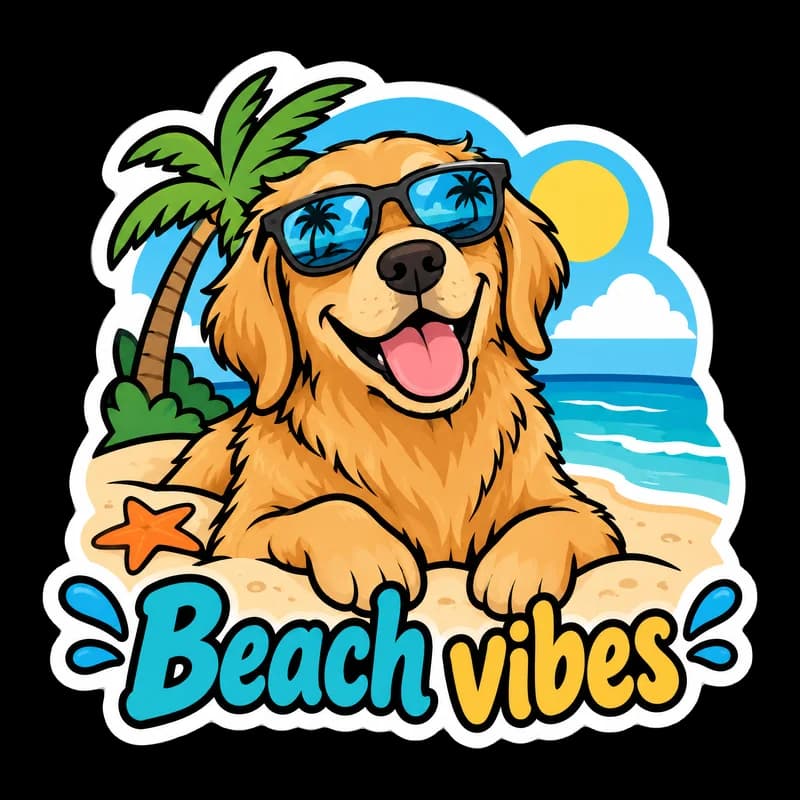
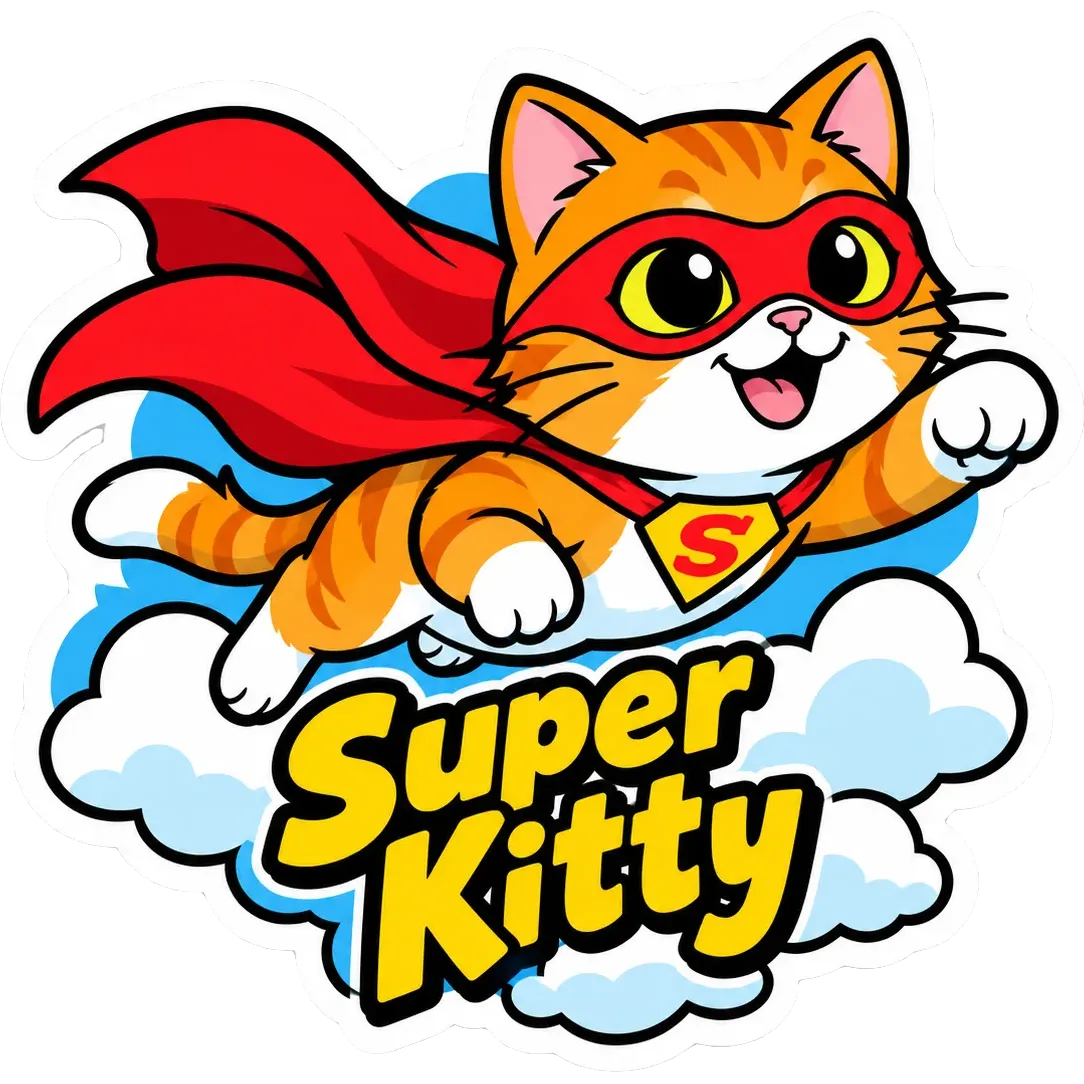
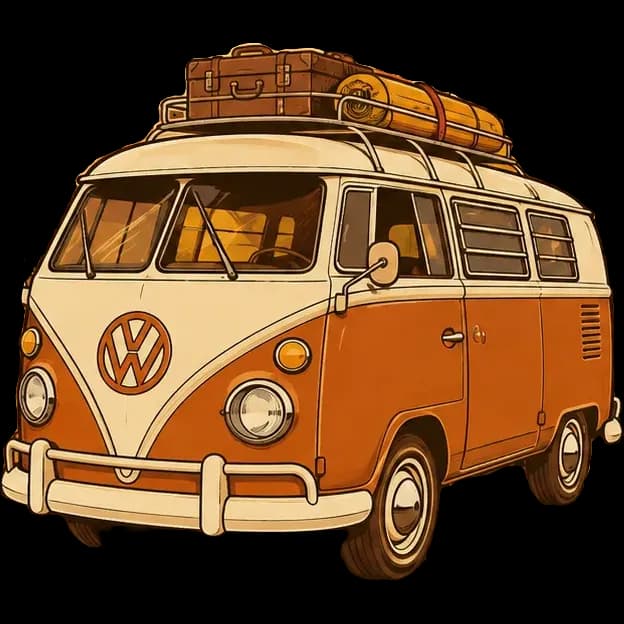
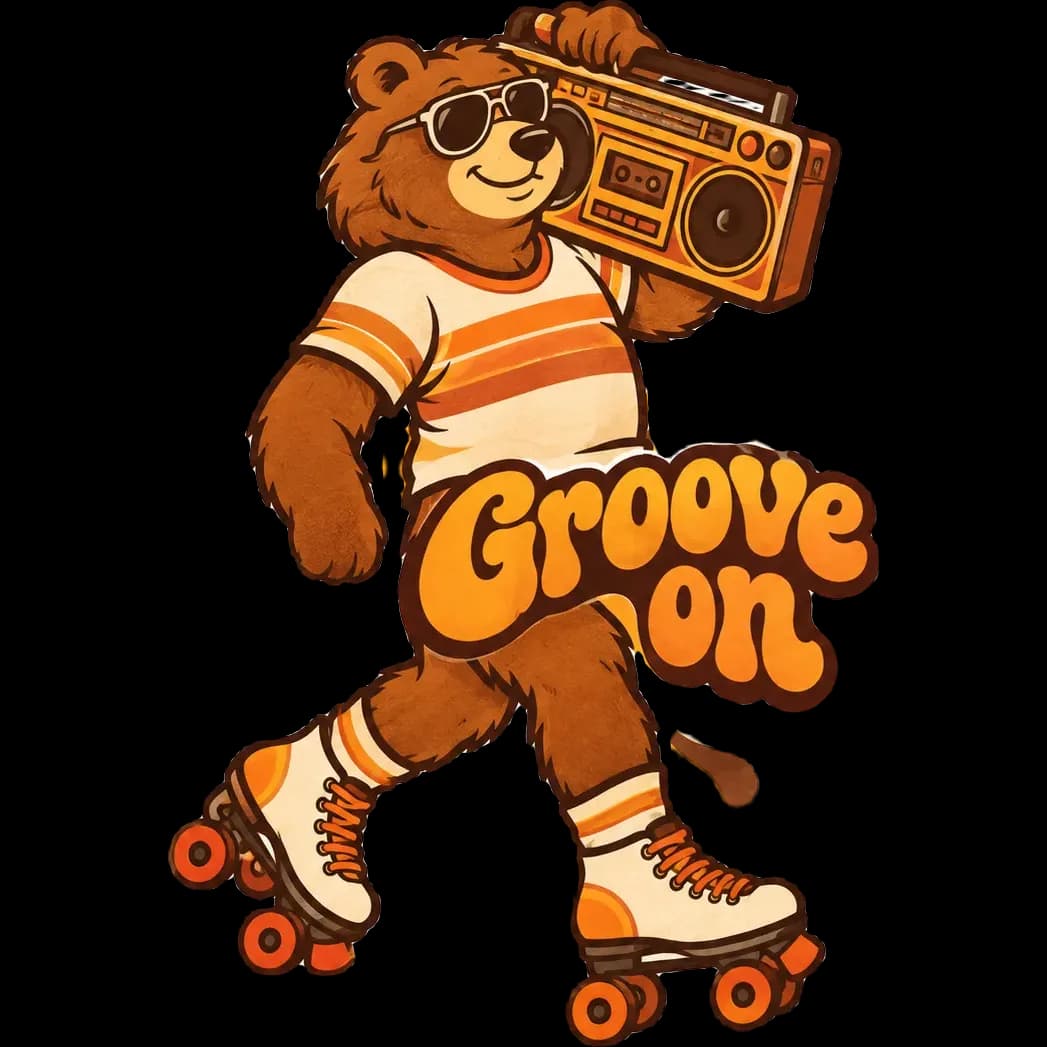
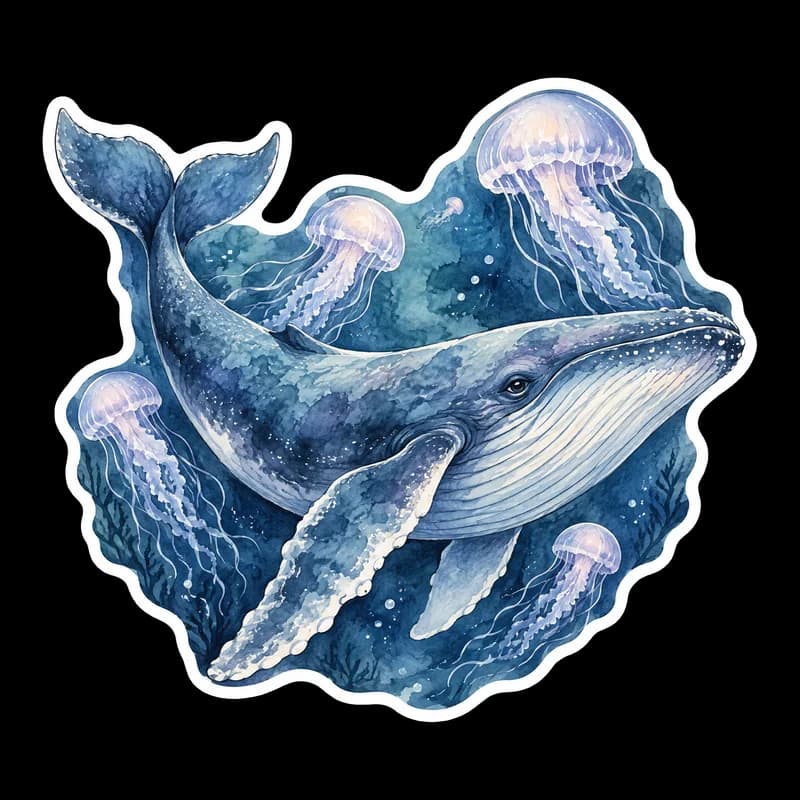
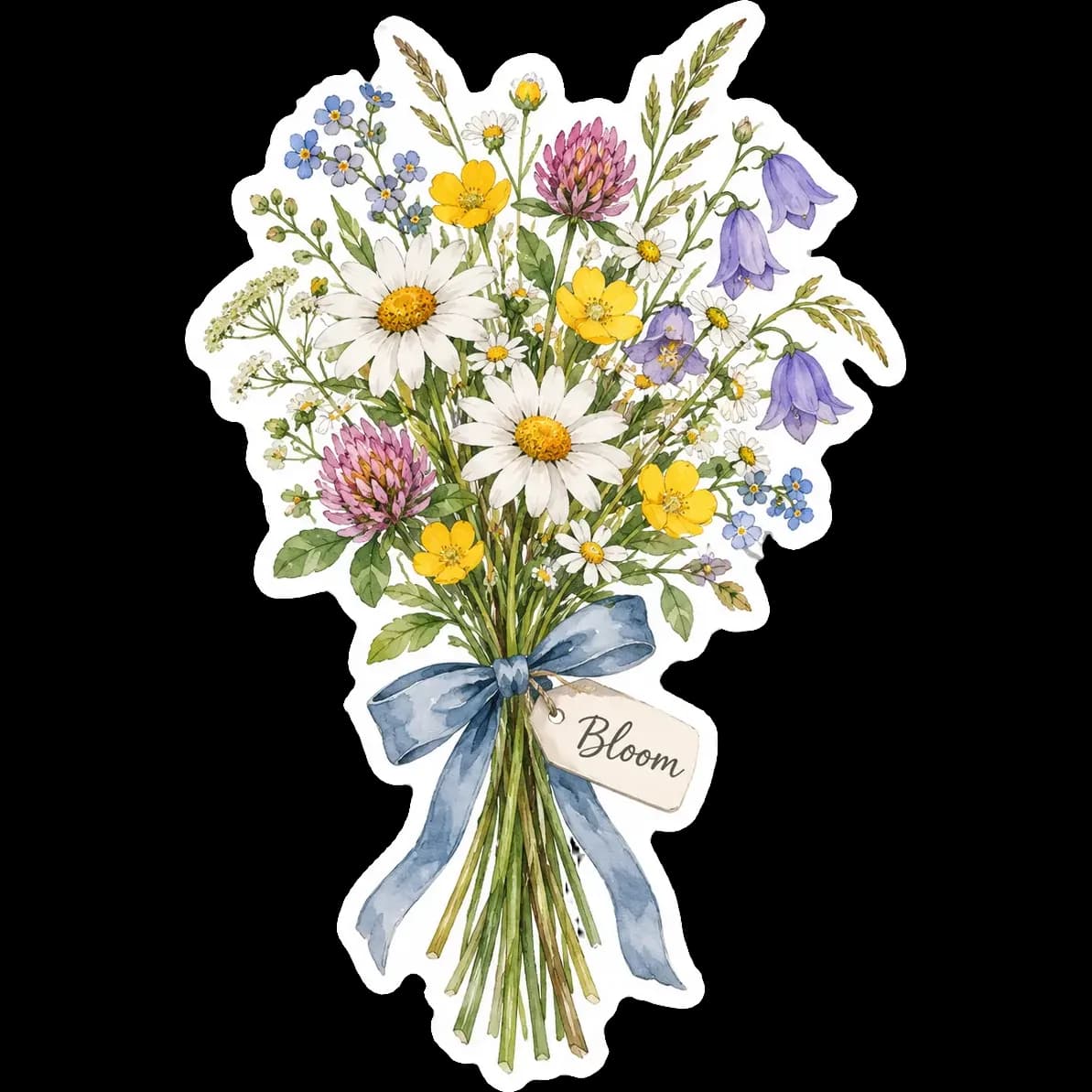

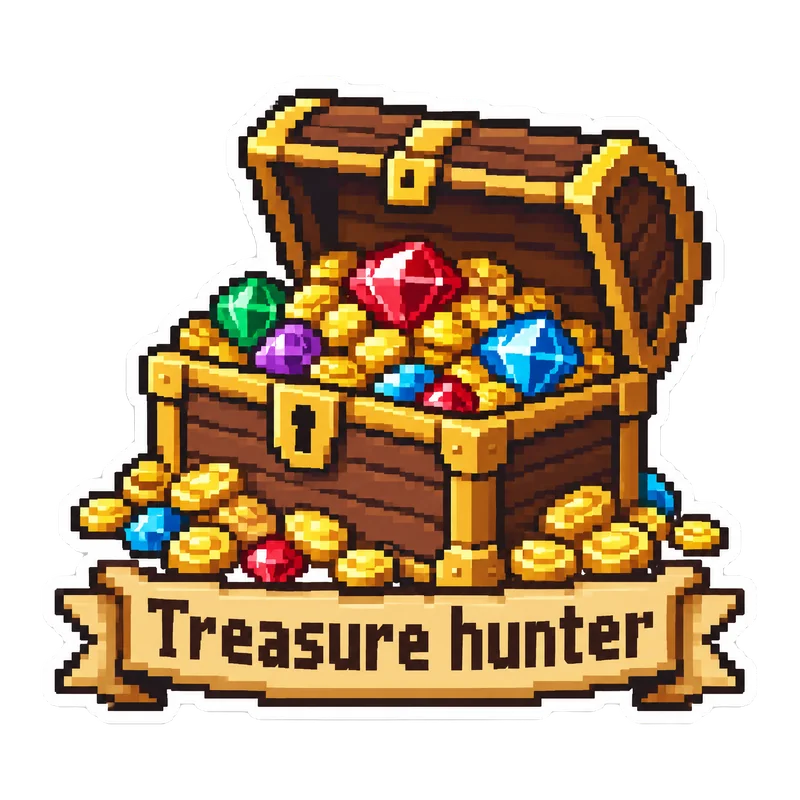


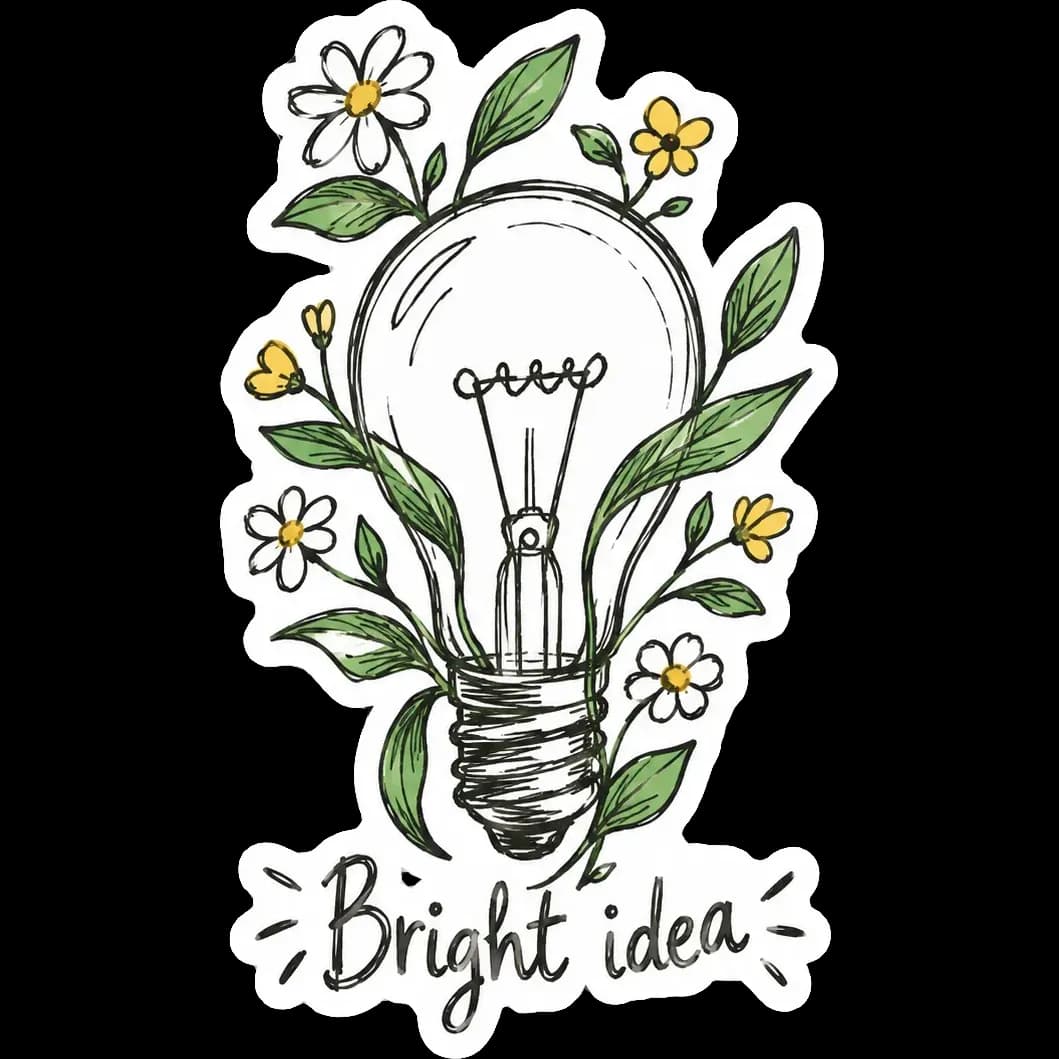


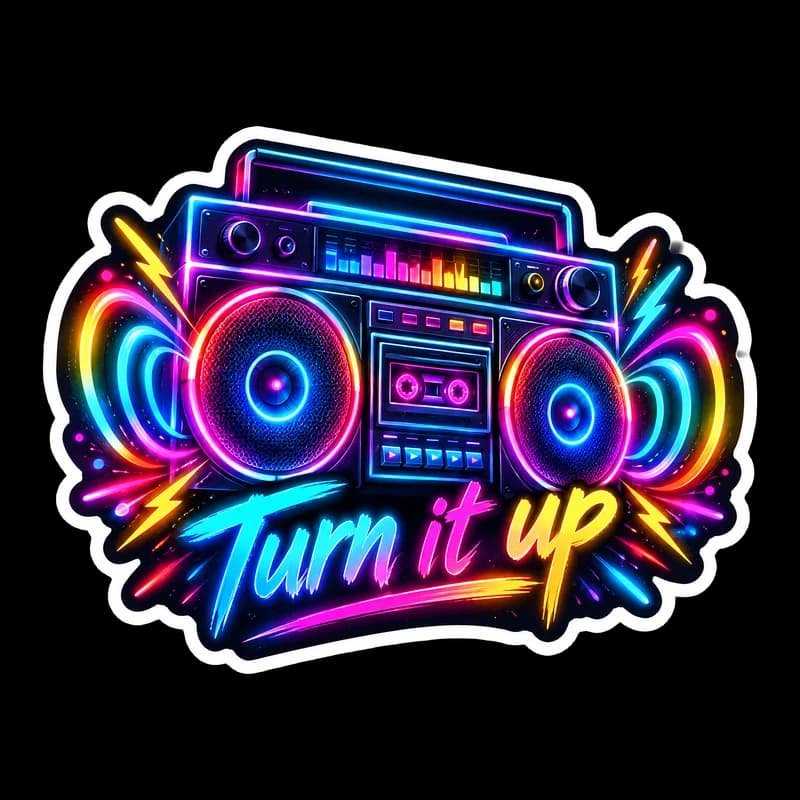

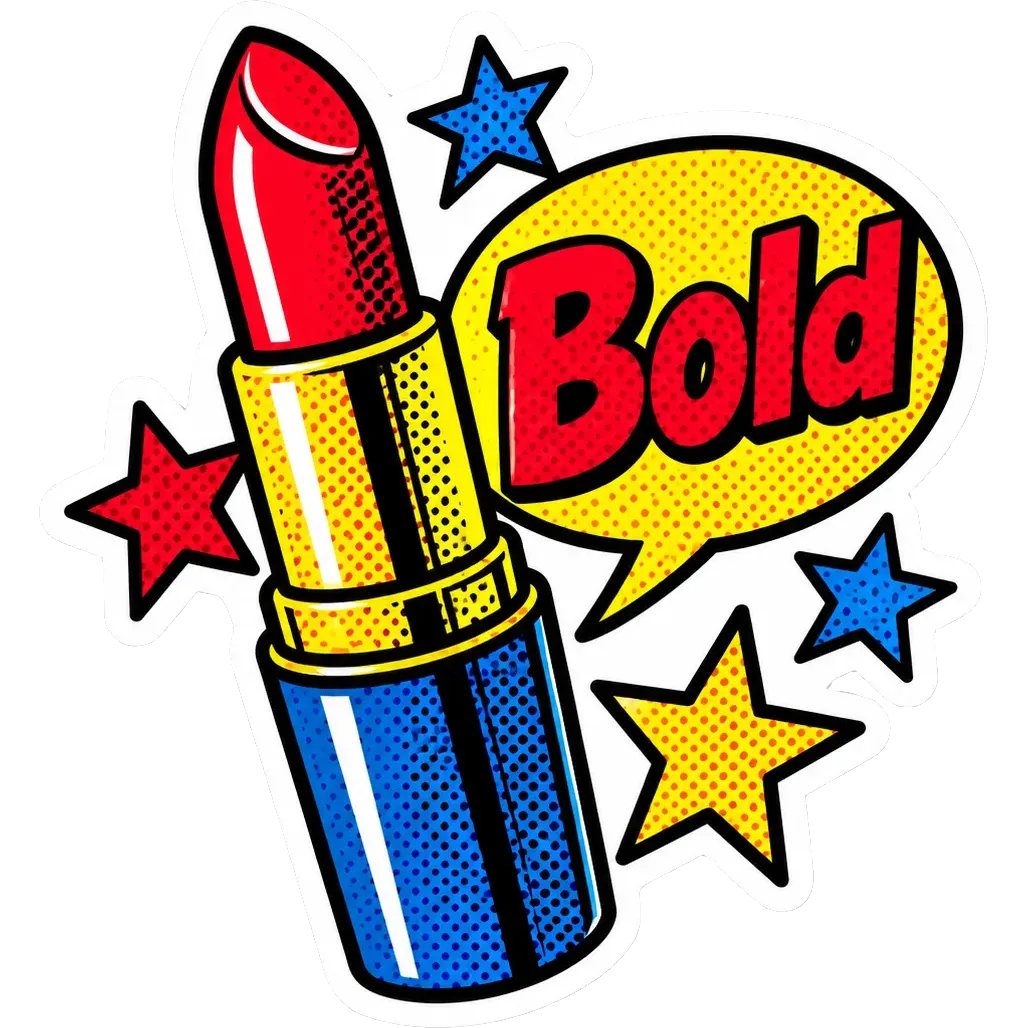


How the Sticker Maker works
You describe the sticker in a sentence, optionally add a few words of text, and pick one of ten art styles. PiCraft draws a single centered design with a thick white die-cut border, then removes the backdrop so the PNG is transparent everywhere outside that border.
The transparent edge is what a cutting machine or a sticker printer follows. Because the white border sits just inside that edge, a small cutting error shows up as a little extra white instead of a sliver of missing artwork.
Each generation uses one credit and produces a fresh design, so you can try the same idea in several styles and keep the one you like best.
What you get with the Sticker Maker
Transparent 2048×2048 PNG
The full-size file with the background removed. It holds up for stickers around 6 inches across at 300 DPI and gives you room to edit in your own software.
3×3 inch print file
A 900×900 px PNG at 300 DPI, sized for the most common sticker format and ready to place on a sheet or in Cricut Design Space.
A built-in white border
Every design is outlined with a continuous white border, the classic die-cut look and an easy cut path for machines and printers to follow.
Ten art styles
From kawaii and cartoon to pixel art, woodcut and neon glow, so one idea can become a whole pack with different personalities.
Optional text
Add a short phrase of up to 30 characters and it is drawn into the design as part of the artwork, spelled the way you typed it.
Sticker file specs
| Item | Spec |
|---|---|
| Format | PNG with transparent background |
| Large file | 2048×2048 px |
| Print file | 3×3 in at 300 DPI (900×900 px) |
| Border | White die-cut border, cut just outside it |
- Designs with very pale grey areas touching the edge of the image may lose them when the background is removed; regenerate if that happens.
What people use the Sticker Maker for
Etsy and Redbubble shops
Test a niche quickly by making several designs around one keyword, then list the ones that look best. Each file is already transparent, so it can go straight into a listing or a print-on-demand upload.
Cricut and Silhouette Print Then Cut
Upload the PNG, save it as a Print Then Cut image, print it on sticker paper and let the machine cut around the white border.
Planners and journals
Make small themed stickers for habit trackers, study notes or bullet journals: a tired cat for Monday, a tiny plant for water reminders.
Packaging and thank-you stickers
Seal order bags with a custom character or a short thank-you line. Small shops use them to make a plain mailer feel branded.
Classrooms, parties and gifts
Reward stickers, party favors and name tags are quick to make when you can describe the idea in one line and print at home.
Tips for better results
- 1
Describe one subject, not a scene
A single character or object reads clearly at 3 inches. Crowded scenes lose detail once printed small.
- 2
Say what the subject is doing
"A sleepy cat curled up inside a coffee mug" gives the model a pose and a silhouette. "Cat" produces something generic.
- 3
Keep text to a few words
One to four words work best. Long phrases get cramped and are more likely to contain a letter that is off, so proofread whatever you add.
- 4
Match the style to the subject
Kawaii suits animals and food, woodcut suits landscapes and creatures, pop art suits loud one-liners. If a result feels flat, switch the style before rewriting the idea.
- 5
Avoid trademarked characters and logos
Describe an original idea instead of a known cartoon or brand. Marketplaces remove listings that copy other people's characters.
- 6
Generate two or three variations
Every generation is a new design. Running the same idea in a couple of styles is the fastest way to find the one worth printing.
- 7
Check the edge on a dark background
Open the PNG over a dark color in your editor. A continuous white border and no leftover grey fringe means it is ready to cut.
Choosing a sticker style
Each style changes the line work, palette and mood of the design. Use this as a quick guide to which one fits your idea.
- Cute kawaii
- Soft pastels, round shapes and happy faces. Best for animals, food and gifts.
- Bold cartoon
- Thick outlines and flat bright colors. Best for mascots, memes and anything that must read from a distance.
- Retro 70s
- Warm orange, mustard and brown with groovy shapes. Best for travel, music and nostalgic slogans.
- Watercolor
- Gentle washes with fine ink details. Best for flowers, nature and journal stickers.
- Pixel art
- Crisp 16-bit look with a limited palette. Best for gaming, tech and developer humor.
- Chibi anime
- Big heads, tiny bodies and sparkly eyes. Best for characters and fandom-style art.
- Hand-drawn doodle
- Loose pen lines with minimal color. Best for quick jokes and minimalist packs.
- Neon glow
- Electric colors with glowing edges. Best for nightlife, music and bold statements.
- Pop art
- Halftone dots, primary colors and heavy outlines. Best for punchy phrases and comic-style scenes.
- Woodcut print
- Carved black lines with limited flat color. Best for wildlife, outdoors and craft brands.
Before you print or sell
- Zoom in on the PNG over a dark background and confirm the white border is continuous.
- Read any text letter by letter. A single wrong character is easy to miss on screen and obvious on paper.
- Print one test sticker on plain paper to confirm the size and the look.
- Set the print scale to 100% so the 300 DPI file is not stretched or shrunk by your software.
- In Cricut Design Space, save the upload as a Print Then Cut image and check that the cut preview follows the white border.
- Make sure the design contains no trademarked characters, logos or brand names.
- Use waterproof vinyl or add a laminate layer for stickers that will be handled, washed or left outdoors.
What the Sticker Maker can't do
- The result is a flat image, not layers. To change something, generate again with a new description.
- Very pale grey areas that touch the edge of the image can be lost when the background is removed. Regenerate if that happens.
- Each generation is one sticker, not a laid-out sheet. Place several PNGs on a page in your print software.
- Cut lines are not included. The transparent edge is the cut path, and you set up cutting in your machine's software.
- Text beyond a few words can come out garbled, so always proofread.
Official guidelines
The sizes and rules above follow these official pages. Platforms change their requirements, so check the source before you submit your file.
Frequently asked questions
Does it work with Cricut?+
Yes. In Design Space, upload the PNG, save it as a Print Then Cut image, print it on printable sticker paper and let the machine cut around the white border. Check the cut preview before you start, and finish printing and cutting in one session.
Can I sell the stickers?+
You can use designs you generate commercially. Avoid descriptions that copy trademarked characters, logos or other people's artwork.
What size should I print?+
2–3 inch stickers are the most common. The 3×3 in file is ready at 300 DPI; scale down in your print software for smaller sizes.
Do I need to remove the background myself?+
No. PiCraft removes the background for you and exports a PNG that is transparent outside the white border. If you notice a grey fringe or a missing edge, generate the sticker again.
Can I print a sheet of different stickers?+
Each generation is one design. Place several PNGs on one page in your print software or in Cricut Design Space, then print the sheet on sticker paper.
How do I keep a sticker pack looking consistent?+
Use the same style for every design and describe each subject in a similar way. Styles are consistent but not identical between generations, so pick the best result of each.
What paper or vinyl should I use?+
Printable sticker paper works with most inkjet printers. For stickers that will be handled, washed or left outdoors, use printable vinyl and add a clear laminate or overlay.
Can I add more than a few words of text?+
Text is limited to 30 characters. Short phrases of one to four words come out best, and you should always proofread them before printing.
Is the white border part of the file?+
Yes. The white border is drawn into the design and the transparent edge sits just outside it, so a machine or printer cutting along that edge leaves a clean white margin.
Last updated:
More makers
T-Shirt Design Maker
Print-on-demand t-shirt graphics as transparent 4500×5400 PNGs.
Birthday Invitation Maker
Themed birthday invitations for kids and adults, printable at 5×7 or shareable by text.
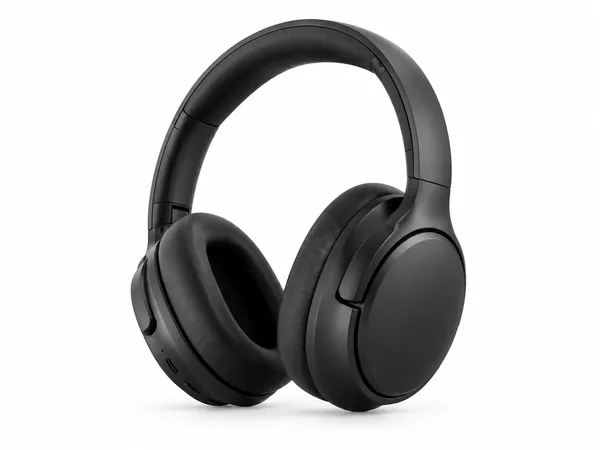
Amazon Product Photo Maker
Pure-white main images and lifestyle shots sized for Amazon, Etsy and Shopify.