

Business Card Maker
Enter your name, job title and contact details, choose a style, and PiCraft designs a finished business card with everything typeset and aligned, ready for your printer.
Pick the US size (3.5×2 in) or the common European size (85×55 mm) and download a print PDF with bleed, plus a web image for your email signature or profile.
- Step 1
Enter your details
Name, job title, company and the contact lines you want on the card.
- Step 2
Pick a style and size
Ten styles, from clean minimal to black and gold, in US or European size.
- Step 3
Download and print
Send the PDF with bleed to your printer, or use the web image online.
Made with the Business Card Maker





How the Business Card Maker works
Enter your name and, if you want them on the card, your job title, company, phone number, email, website and address. Choose one of ten styles and a size. PiCraft designs the front of the card with your details typeset and aligned, in the proportions of a US or European business card.
The design keeps all text inside a safe area in the middle of the card, with only background or decoration in the outer margins. That is what protects your details from the trimming that happens at the print shop.
You download a print PDF with bleed, a JPG of the same print file at 300 DPI, and a smaller web image for your email signature, profile or website.
What you get with the Business Card Maker
Print PDF with bleed
A US 3.5×2 inch card with 0.125 inch bleed, or a European 85×55 mm card with 3 mm bleed, at 300 DPI.
Print JPG at 300 DPI
The same file as a JPG for printers and online editors that do not accept PDFs.
A web image
A JPG of the card for email signatures, social profiles, a website or a digital business card.
Ten styles
Clean minimal, corporate navy, black and gold, tech dark, vintage letterpress and more.
A safe text area
Text stays well inside the card, away from the edges that get trimmed.
Business card sizes
| Region | Trim size | With bleed | Pixels at 300 DPI |
|---|---|---|---|
| United States & Canada | 3.5×2 in (89×51 mm) | 3.75×2.25 in (0.125 in bleed) | 1125×675 px |
| Europe (common size) | 85×55 mm | 91×61 mm (3 mm bleed) | 1075×720 px |
- Printers publish their own templates and safe zones. Check yours before ordering, and keep important text at least 3 mm (0.125 in) inside the trim line.
- PiCraft designs the front of the card. For a two-sided card, a plain color or logo on the back is usually all you need and is easy to add in your printer's editor.
What people use the Business Card Maker for
Freelancers and consultants
Get a professional card before your first client meeting without hiring a designer.
Small businesses and shops
Create cards for the counter, for packages and for local events.
Job seekers and students
Hand out a card at career fairs and networking events that carries your name and contact details.
Real estate and sales teams
Give every team member a card with the same style and different names.
Events and conferences
Make a quick card before a trade show, with your email and website ready to share.
Tips for better results
- 1
Include only what you want people to use
Name, title, one phone number, one email and a website is enough. A crowded card is harder to read.
- 2
Spell and type everything carefully
The card repeats your text. Double-check phone numbers, email addresses and the website in the form before you generate.
- 3
Choose the size for where you print
Pick US & Canada if you print in North America and Europe (85×55 mm) for most of Europe. The two sizes have different proportions.
- 4
Match the style to your work
Corporate navy and clean minimal suit professional services, creative studio and bold typographic suit design and media.
- 5
Use a short job title
"Brand Designer" is easy to place and read. A long title can crowd the name.
- 6
Leave out the address if you don't need it
An address makes the layout busier. If most clients contact you online, skip it.
- 7
Order a small test batch
Print a handful first to check the color, the stock and the readability, then order the full run.
Choosing a card style
Style sets the color, the typography and the feel of the card. These are the ten options.
- Clean minimal
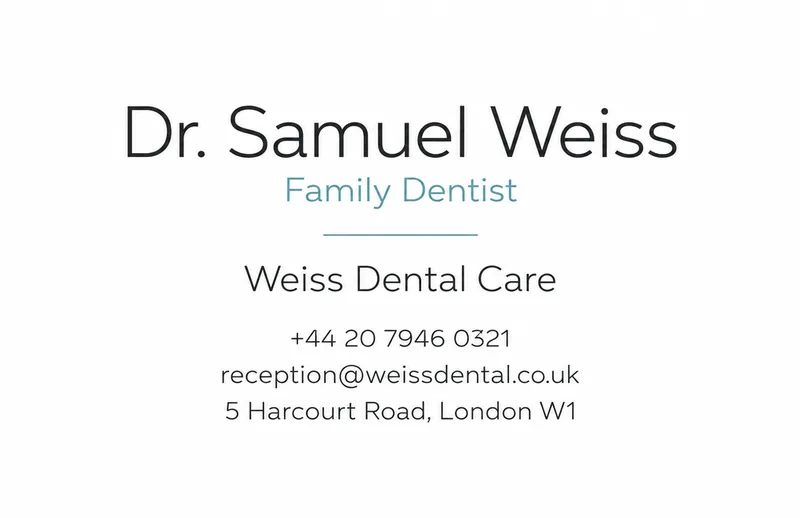
- White space, thin type and one accent color. Fits designers, consultants and most professions.
- Modern geometric
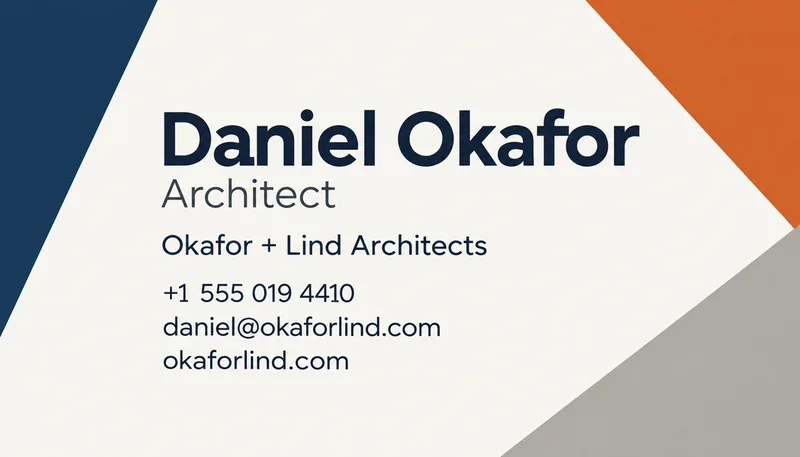
- Bold color blocks and an asymmetric layout. Fits agencies, architects and creative services.
- Corporate navy
- Navy and grey with a clear grid. Fits finance, legal, insurance and B2B.
- Elegant ivory
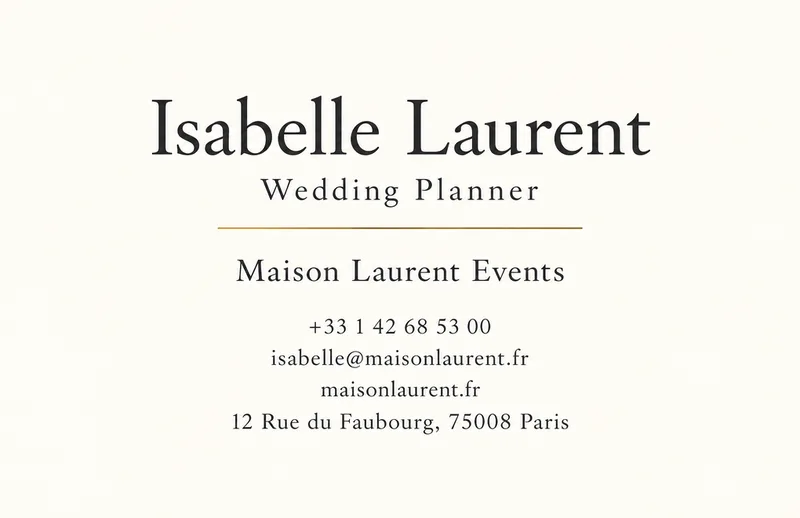
- Fine serif type on soft ivory with a thin gold rule. Fits planners, boutiques and studios.
- Black & gold
- A black card with gold-style type. Fits luxury, hospitality and premium services.
- Creative studio
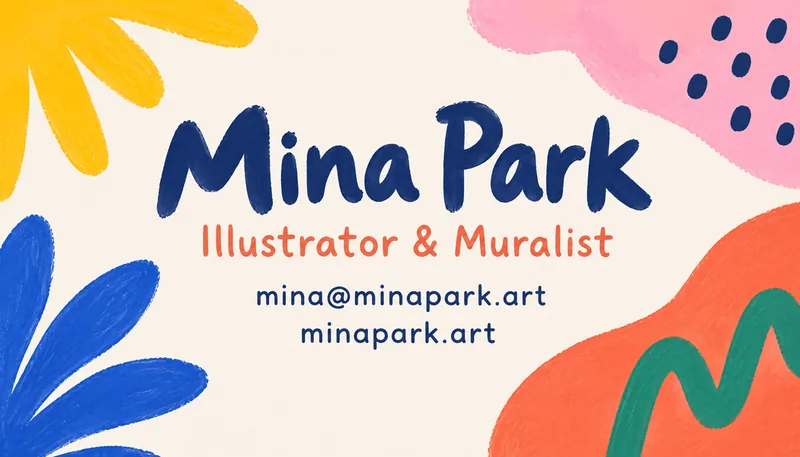
- Bright colors and a hand-drawn accent. Fits illustrators, makers and creative agencies.
- Natural green
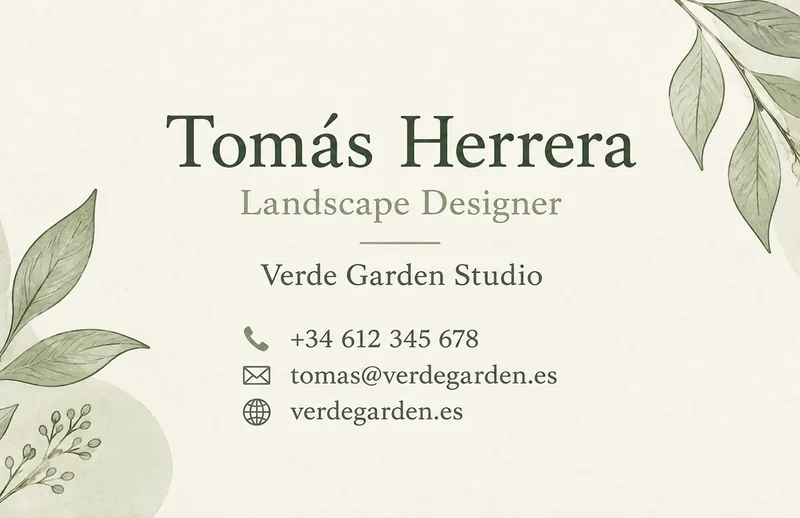
- Soft green with a leaf line illustration. Fits wellness, gardening and sustainable brands.
- Tech dark
- Dark gradient with teal and violet accents. Fits startups, developers and tech services.
- Vintage letterpress
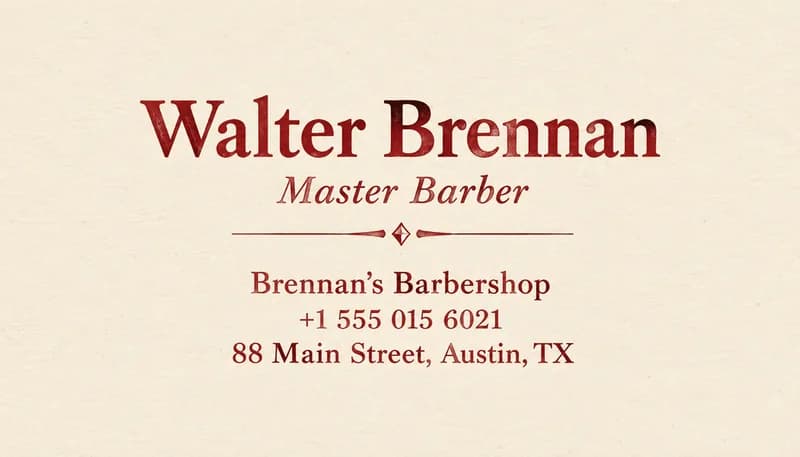
- Cream stock, deep red ink and classic serif type. Fits cafés, bakeries and craft brands.
- Bold typographic
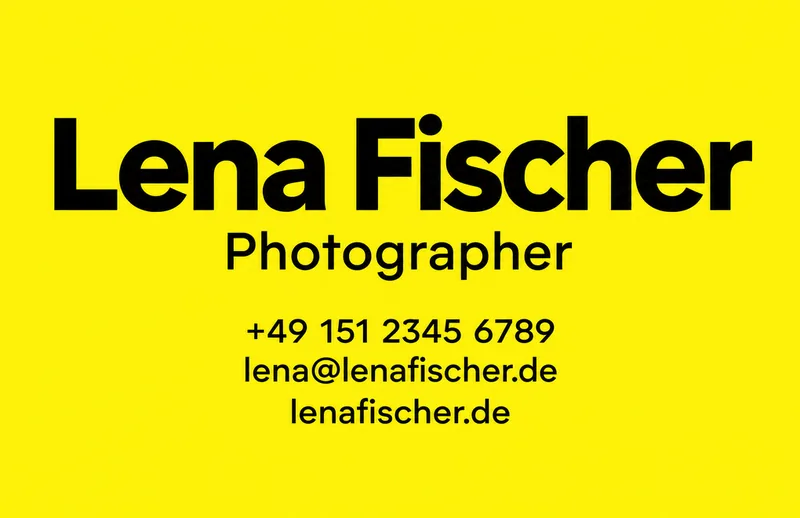
- An oversized name in black and yellow. Fits creators, photographers and brands that want to be remembered.
Before you send the card to print
- Read your name, phone number, email and website character by character.
- Call the number and send a test email to the address to confirm they are the ones printed.
- Choose the file size that matches your printer: US & Canada or Europe.
- Upload the PDF with bleed unless your printer asks for a different format.
- Check your printer's template and safe zone, and compare it with the card.
- Ask your printer for a proof, or order a small test batch, before a big order.
- Keep text at least 3 mm (0.125 inch) inside the trim line if you edit the card later.
What the Business Card Maker can't do
- The maker designs the front of the card. Use a solid color or your logo for the back in your printer's editor.
- It does not add a logo, photo or QR code. Add those in your printer's online editor or an image editor.
- Fine print can be too small to read on a 3.5×2 inch card, so avoid long addresses and taglines.
- The text is part of the image, so a change means generating again.
- Printers have their own templates and safe zones, so always check the one you use.
Frequently asked questions
What size is a standard business card?+
In the US and Canada the standard is 3.5×2 inches. In much of Europe it is 85×55 mm. Pick the size that matches where you will print; both downloads include bleed so the design runs cleanly to the edge.
Will every detail be spelled correctly?+
PiCraft is instructed to copy your text exactly, but always proofread your name, phone number and email before ordering. If something is off, generate the card again.
Can I add my logo or a QR code?+
No. Your name and company are set as typography in the chosen style. You can add a logo or QR code later in your printer's online editor.
Can I make a card for the back side?+
This maker designs the front. For the back, most people use a solid color from the same palette or their logo, which any print shop's editor can add.
Which file should I send to the printer?+
Send the PDF with bleed unless your printer asks for another format. The 300 DPI JPG is the same design as an image.
What is bleed and why does it matter?+
Bleed is extra artwork beyond the cut line: 0.125 inch in the US size and 3 mm in the European size. It keeps a white edge from showing if the cut is slightly off.
How much text can I fit on a card?+
A name, title, company, phone, email, website and address all fit, but every extra line makes the type smaller. Most cards read best with four or five lines.
Can I make cards for several people?+
Yes. Generate one card per person with the same style and size. The look is consistent but not identical, so check each result.
Is it safe to put my phone number and address on a card?+
Only add details you are happy to share with everyone who receives the card. Leave out your home address unless you need it.
Last updated:
More makers

Event Flyer Maker
Posters and flyers for parties, gigs and community events, for print and Instagram.

LinkedIn Banner Maker
1584×396 LinkedIn background banners that leave room for your profile photo.

Sticker Maker
Die-cut sticker designs with a white border, exported as transparent PNGs.