

Birthday Invitation Maker
Enter who the party is for, when and where, choose a theme, and PiCraft designs a finished invitation with every detail in place.
Print it at 5×7 inches for the classroom or send the share image straight to the group chat.
- Step 1
Add the party details
Name, age, date, place and how to RSVP.
- Step 2
Pick a theme
From balloons and dinosaurs to elegant black and gold.
- Step 3
Send or print
Share the image by text or print the 5×7 in PDF.
Made with the Birthday Invitation Maker
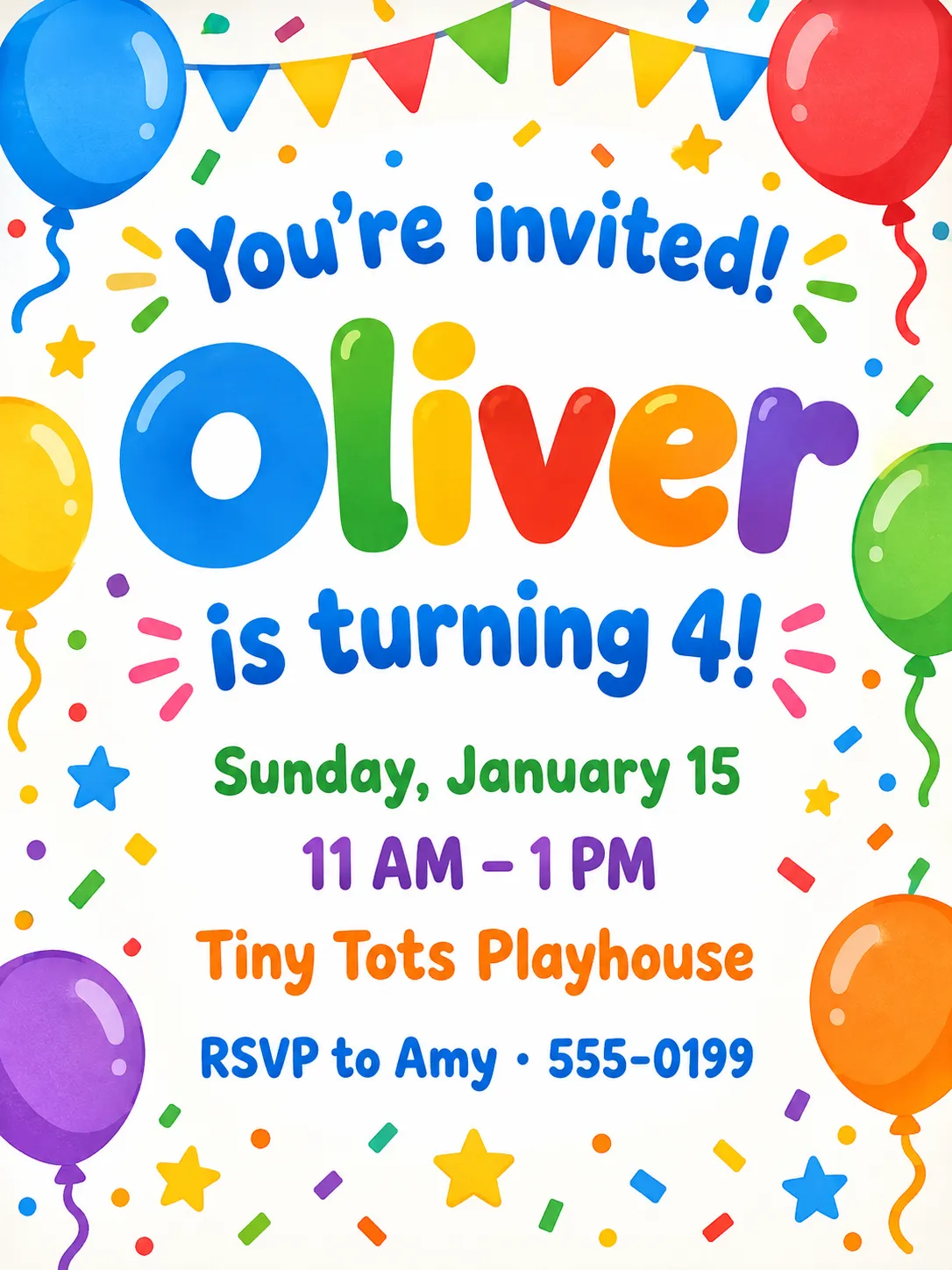
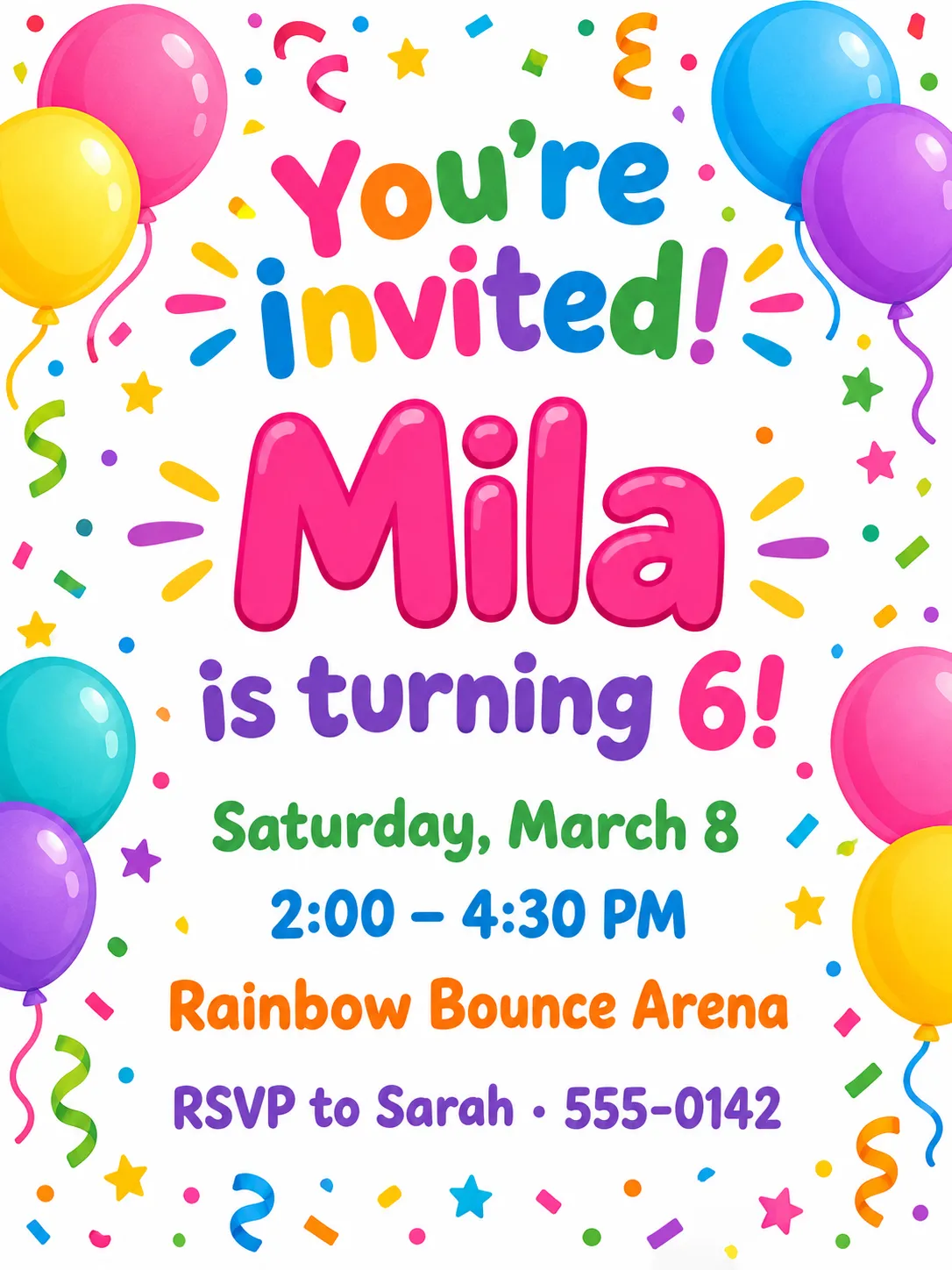
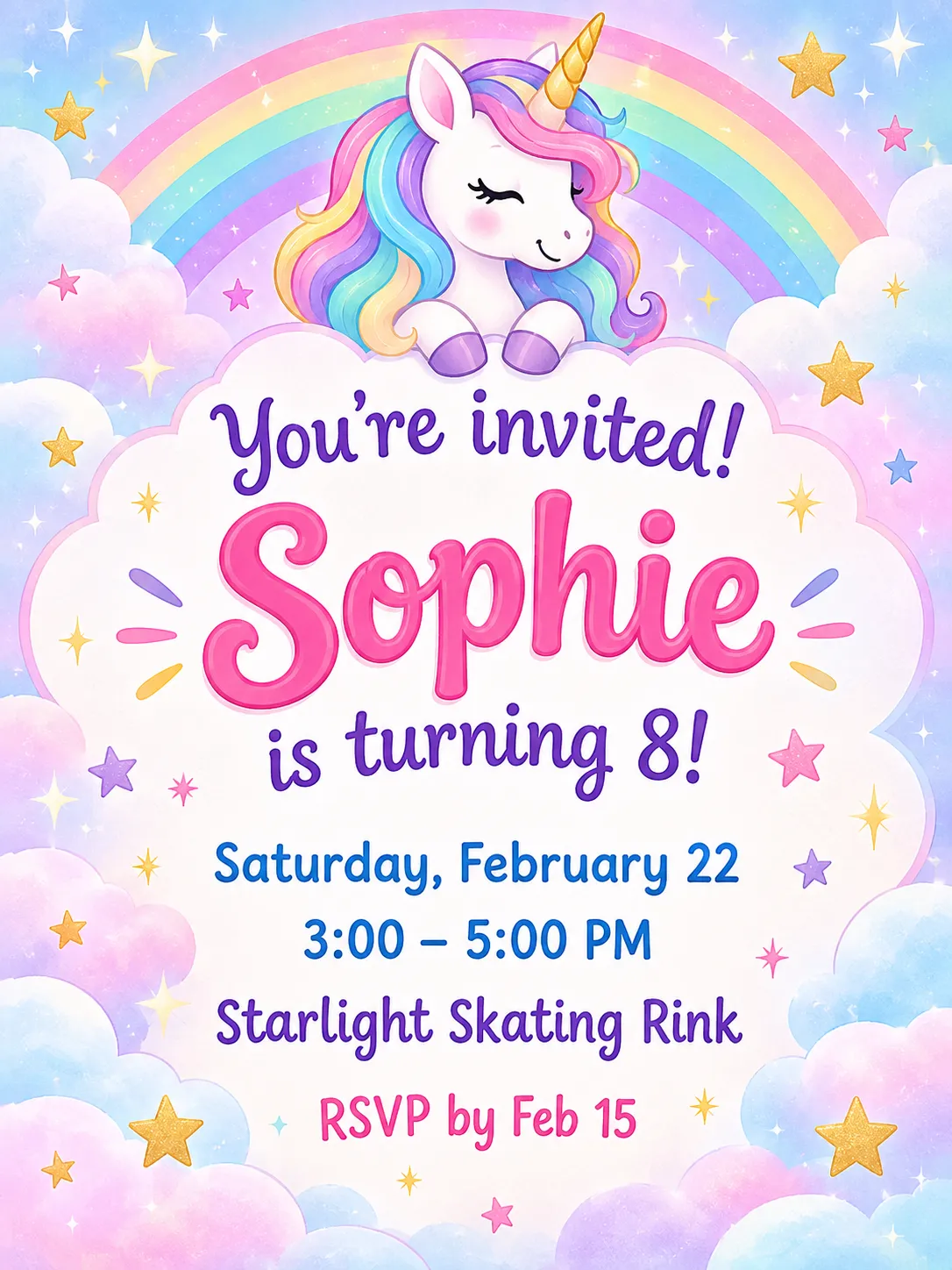
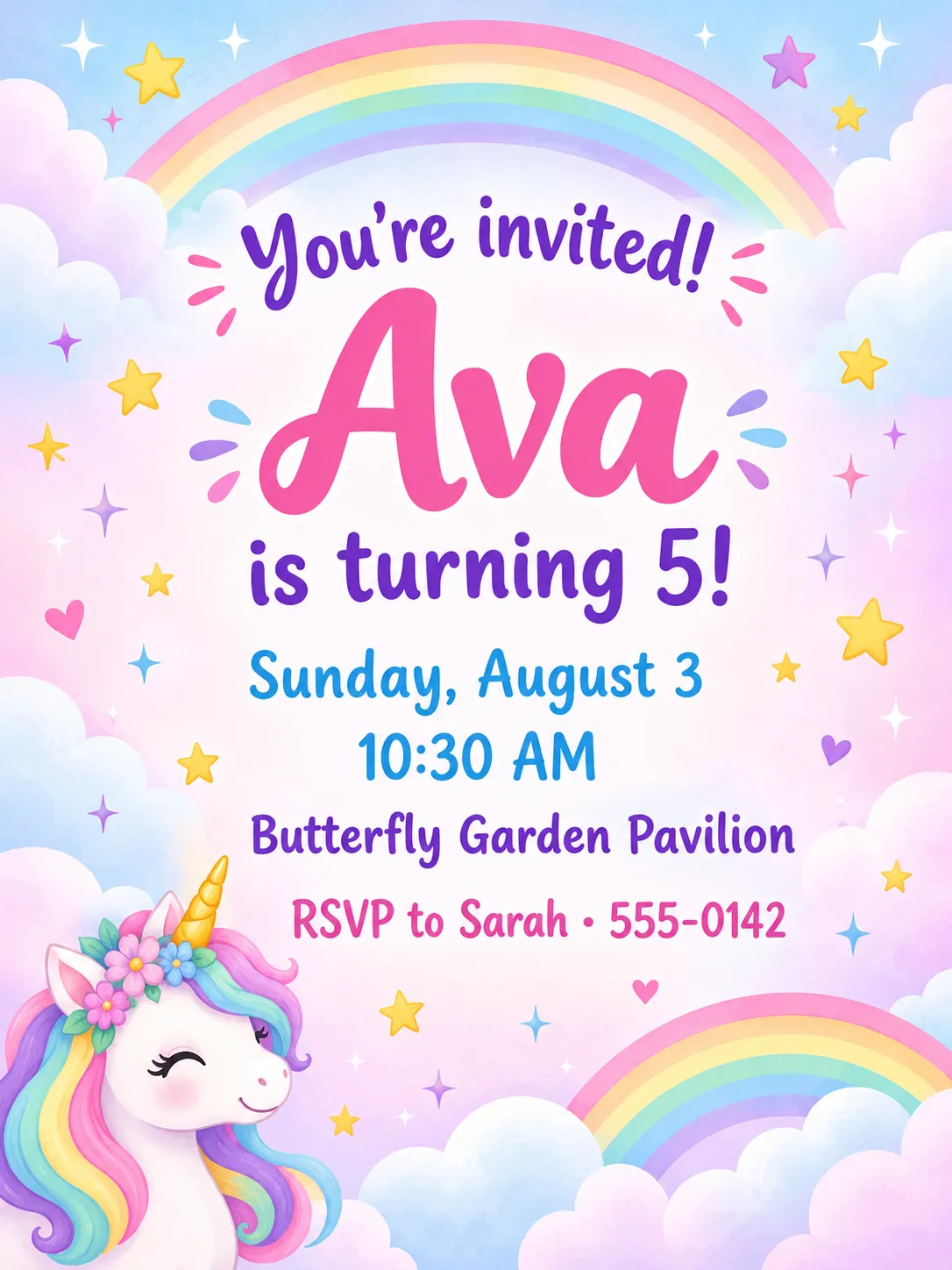
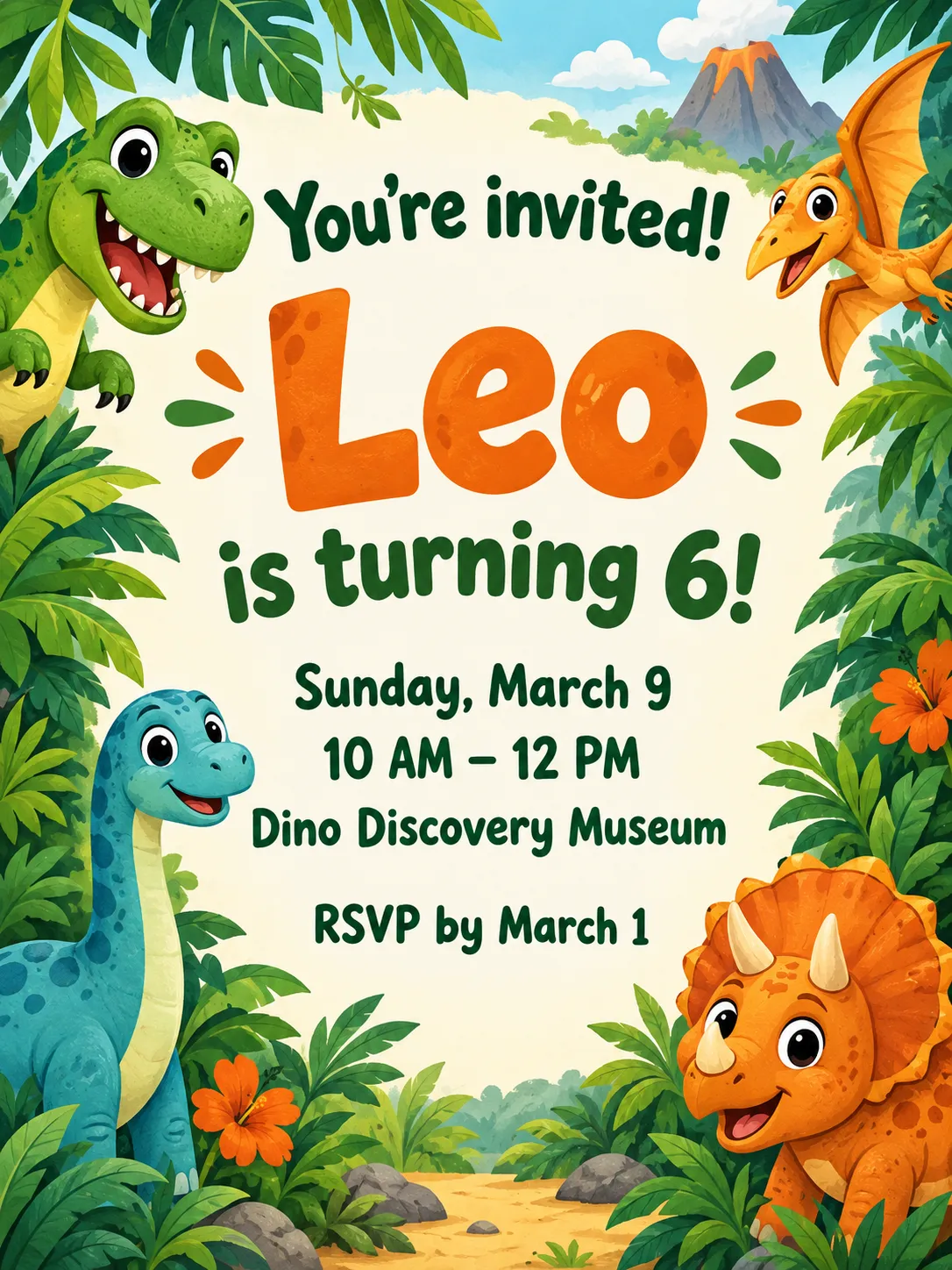
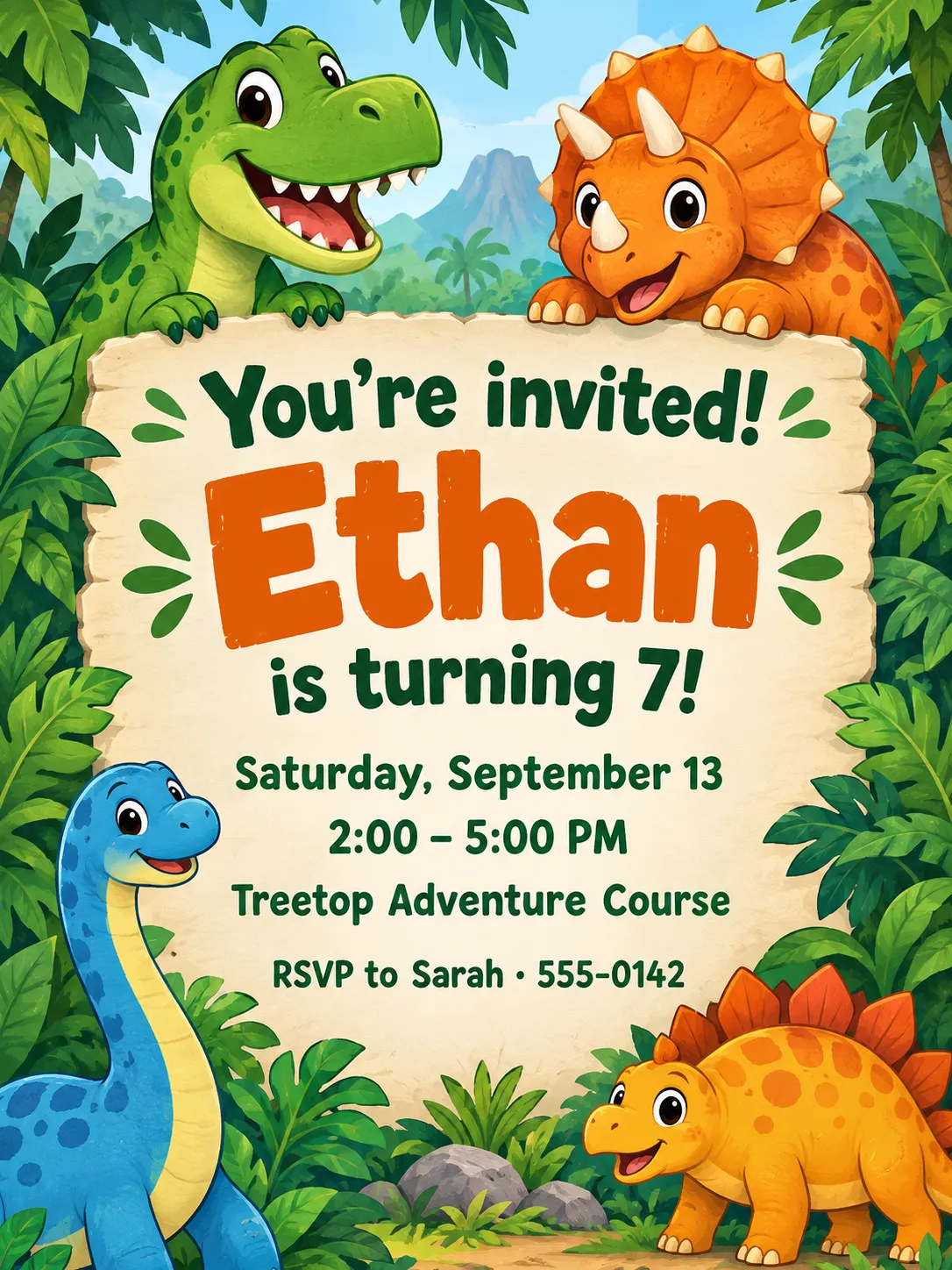
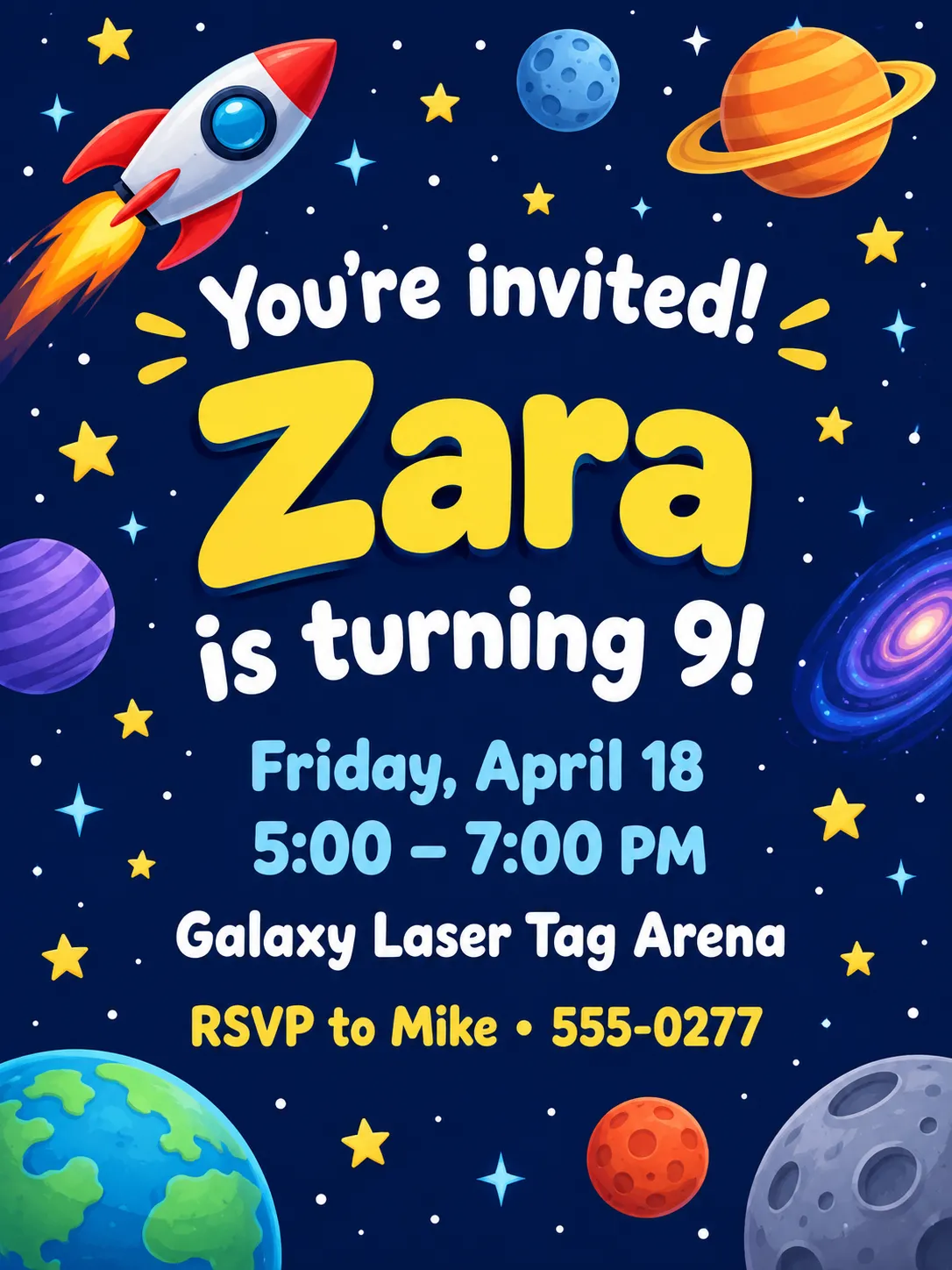
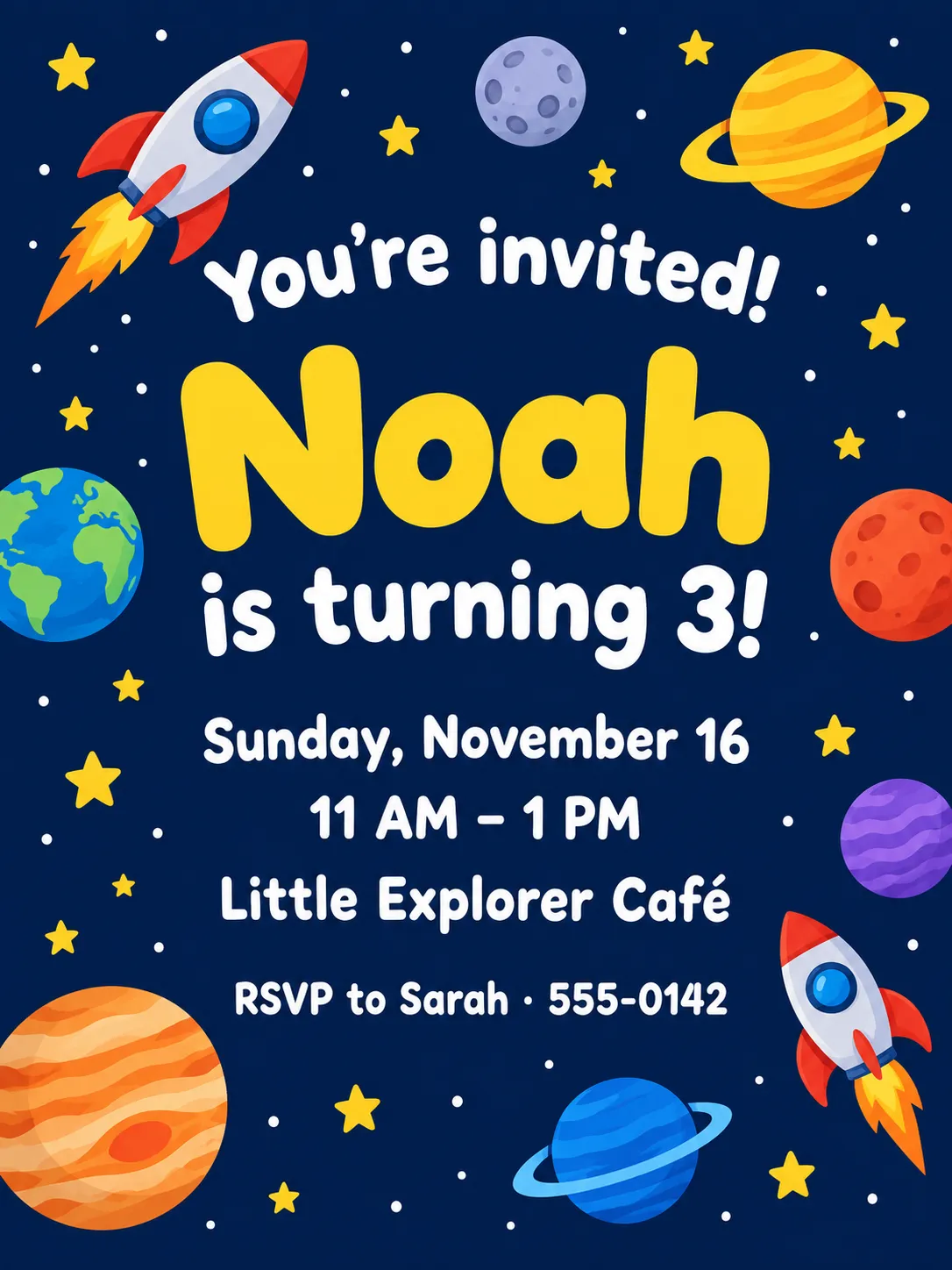
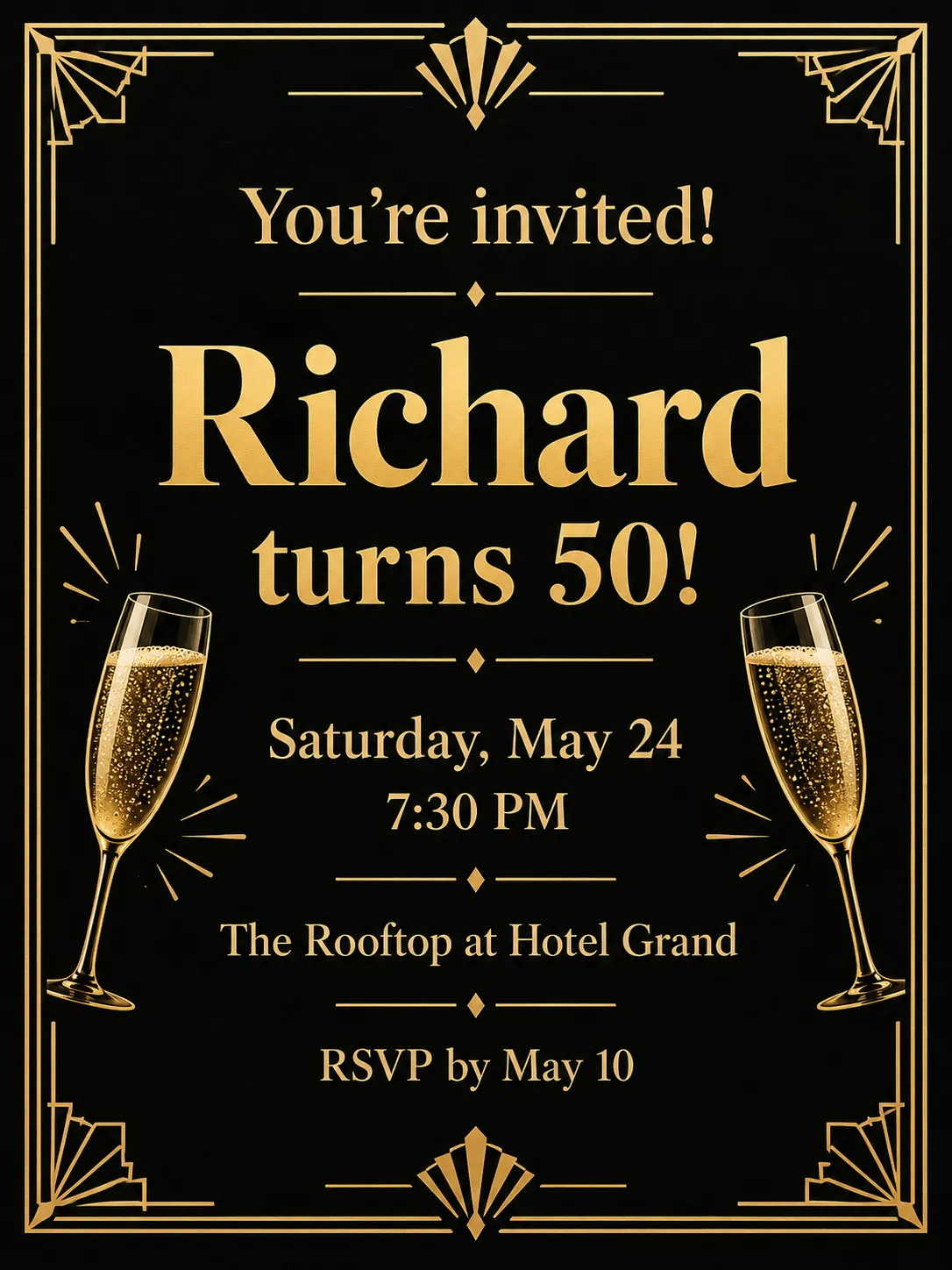
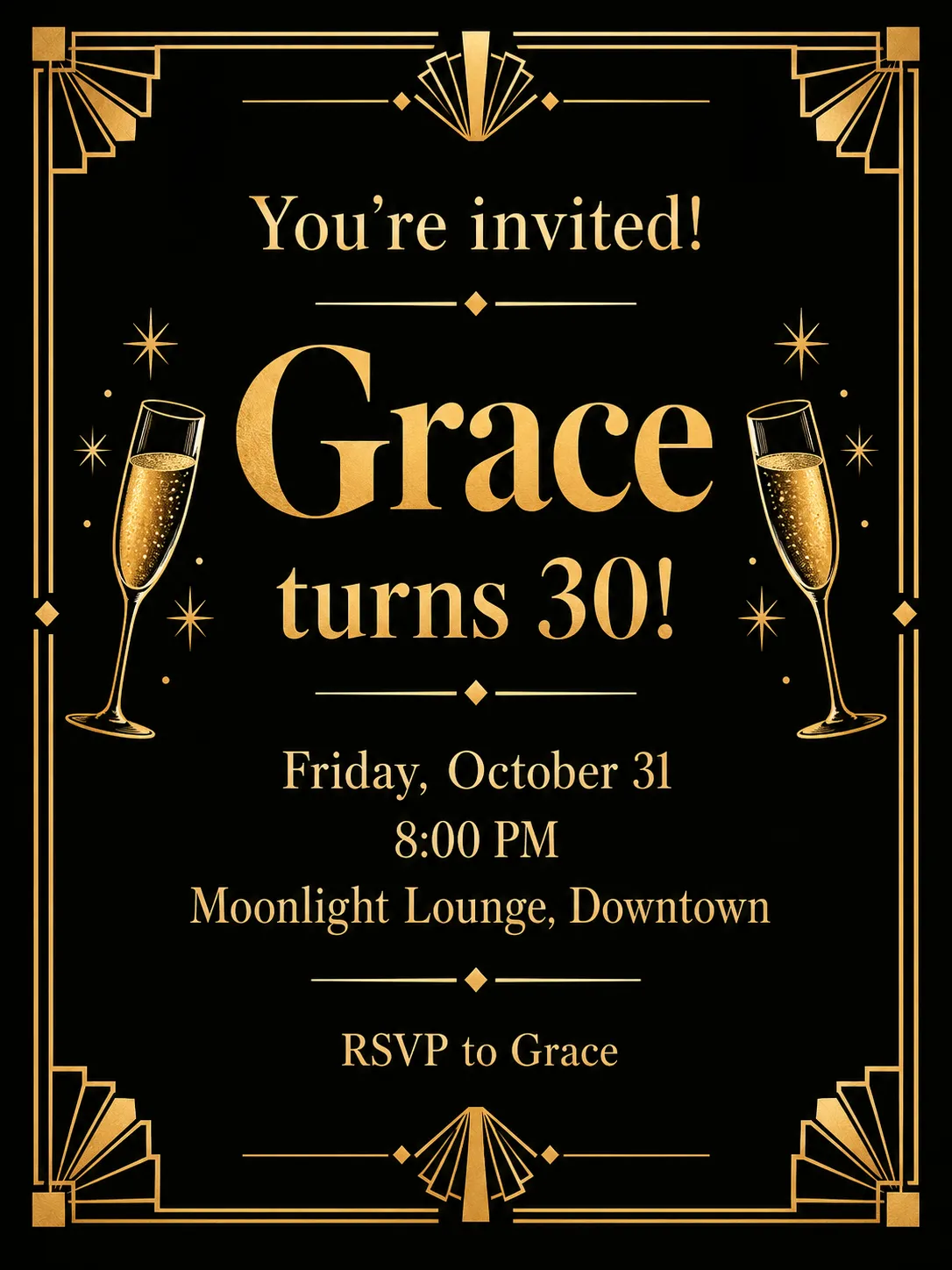
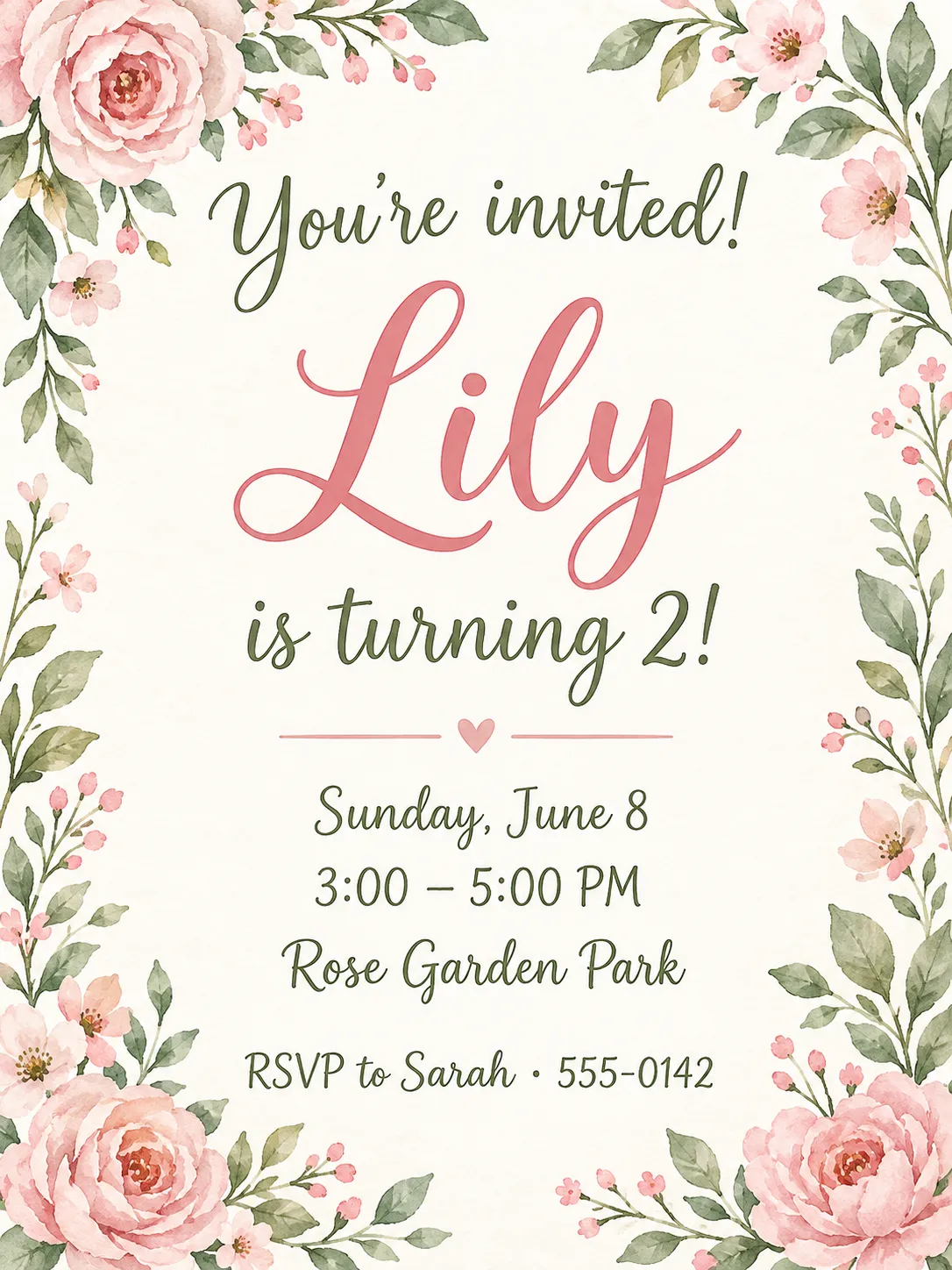
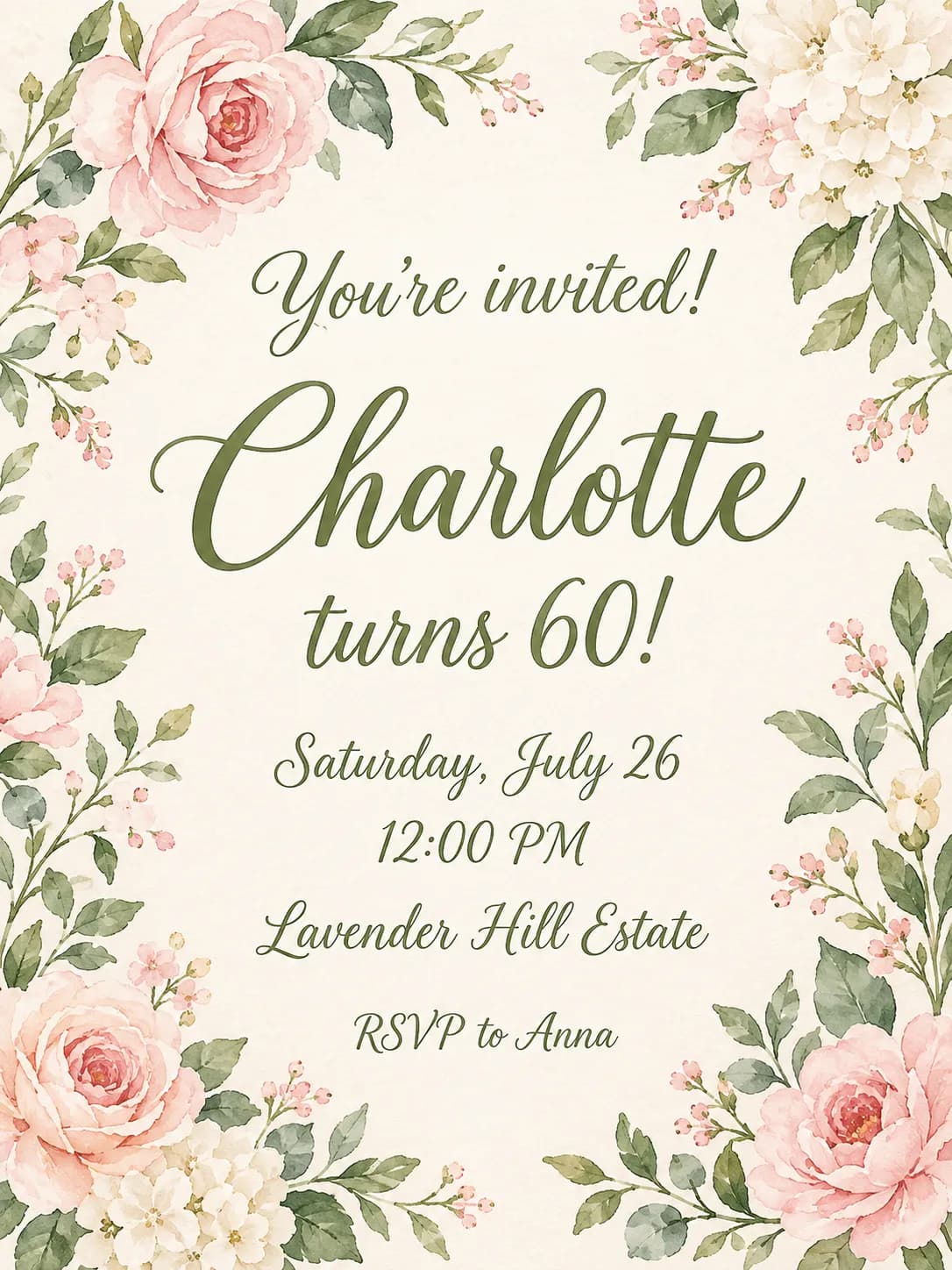
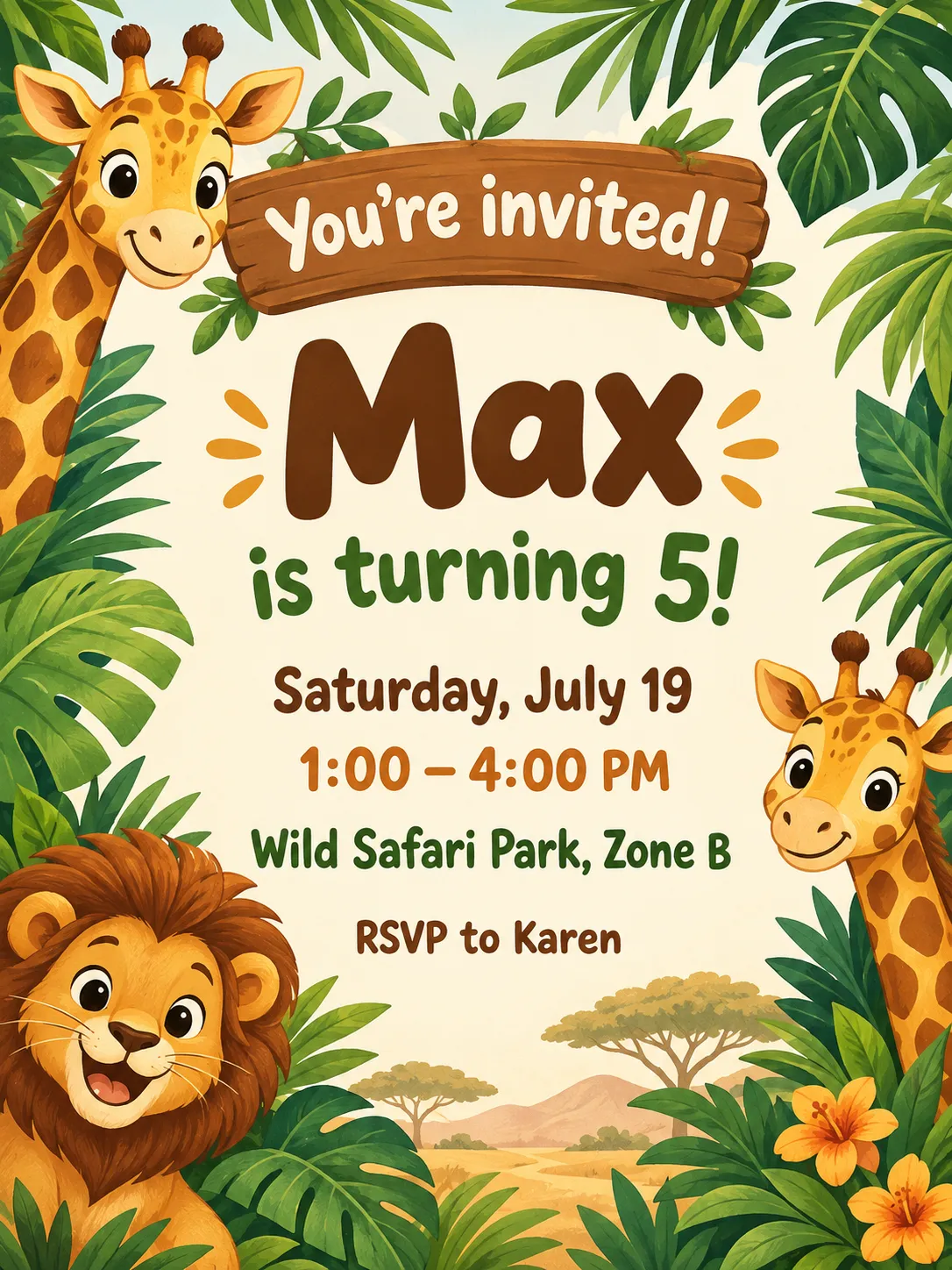
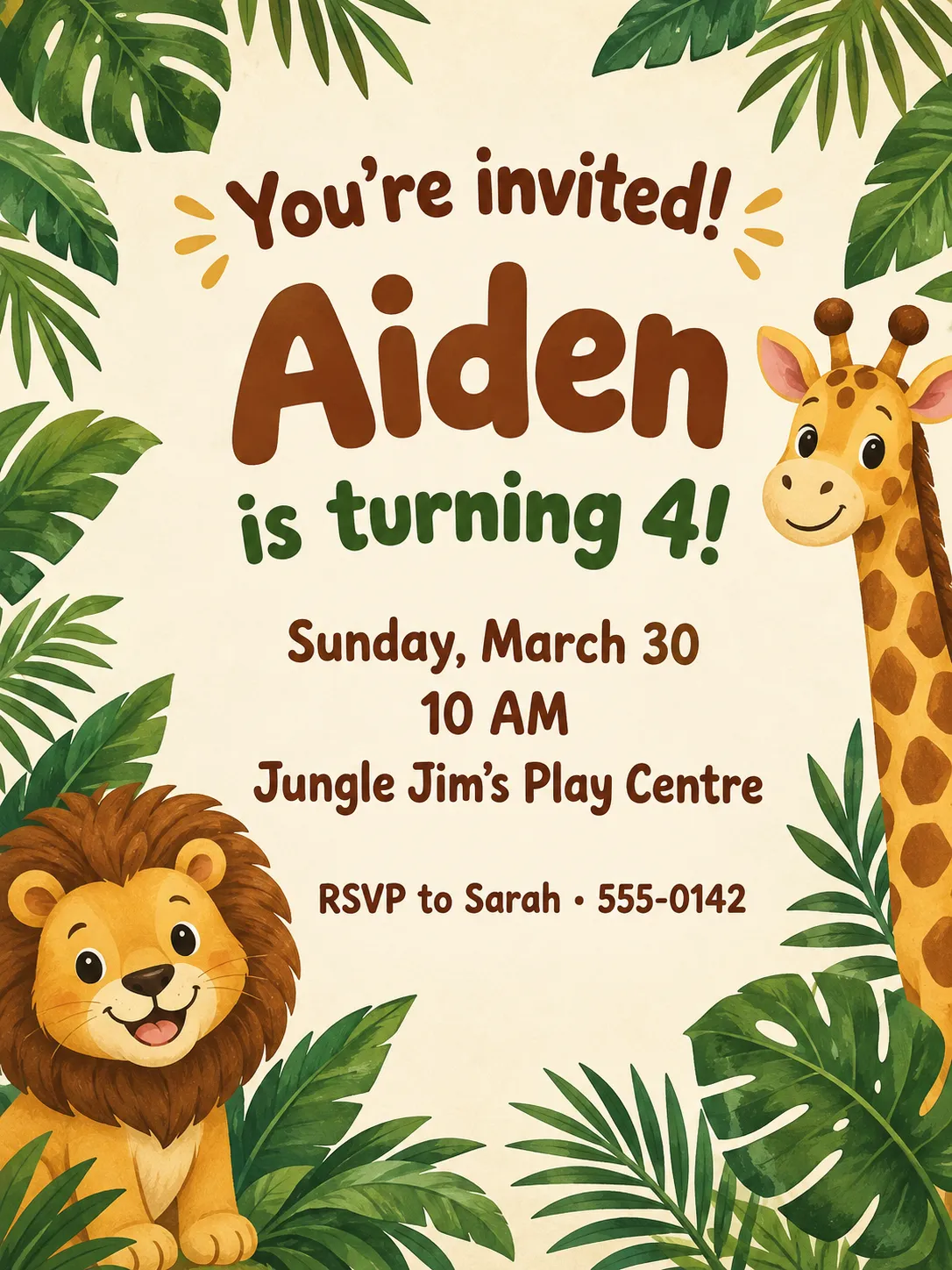
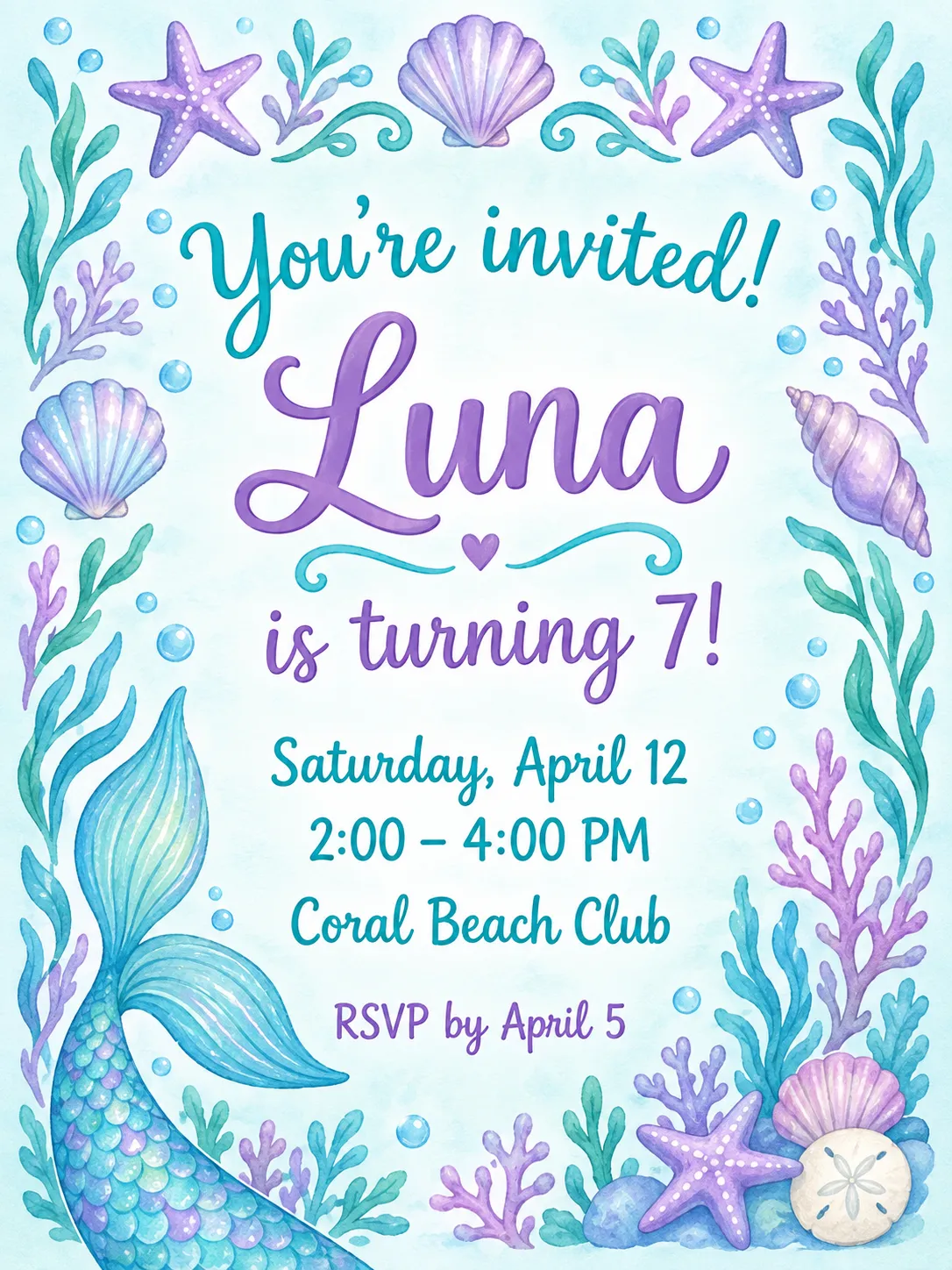
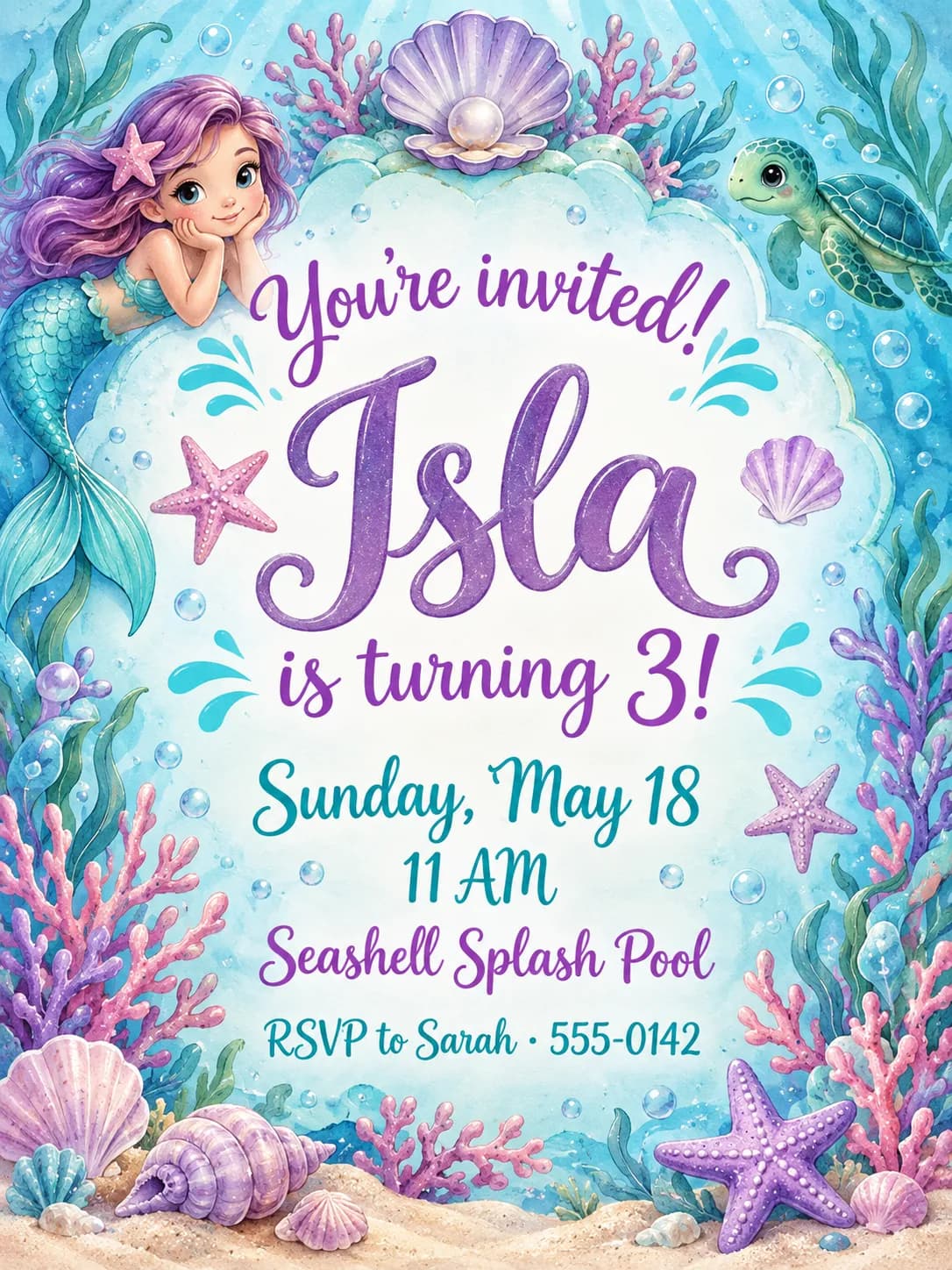
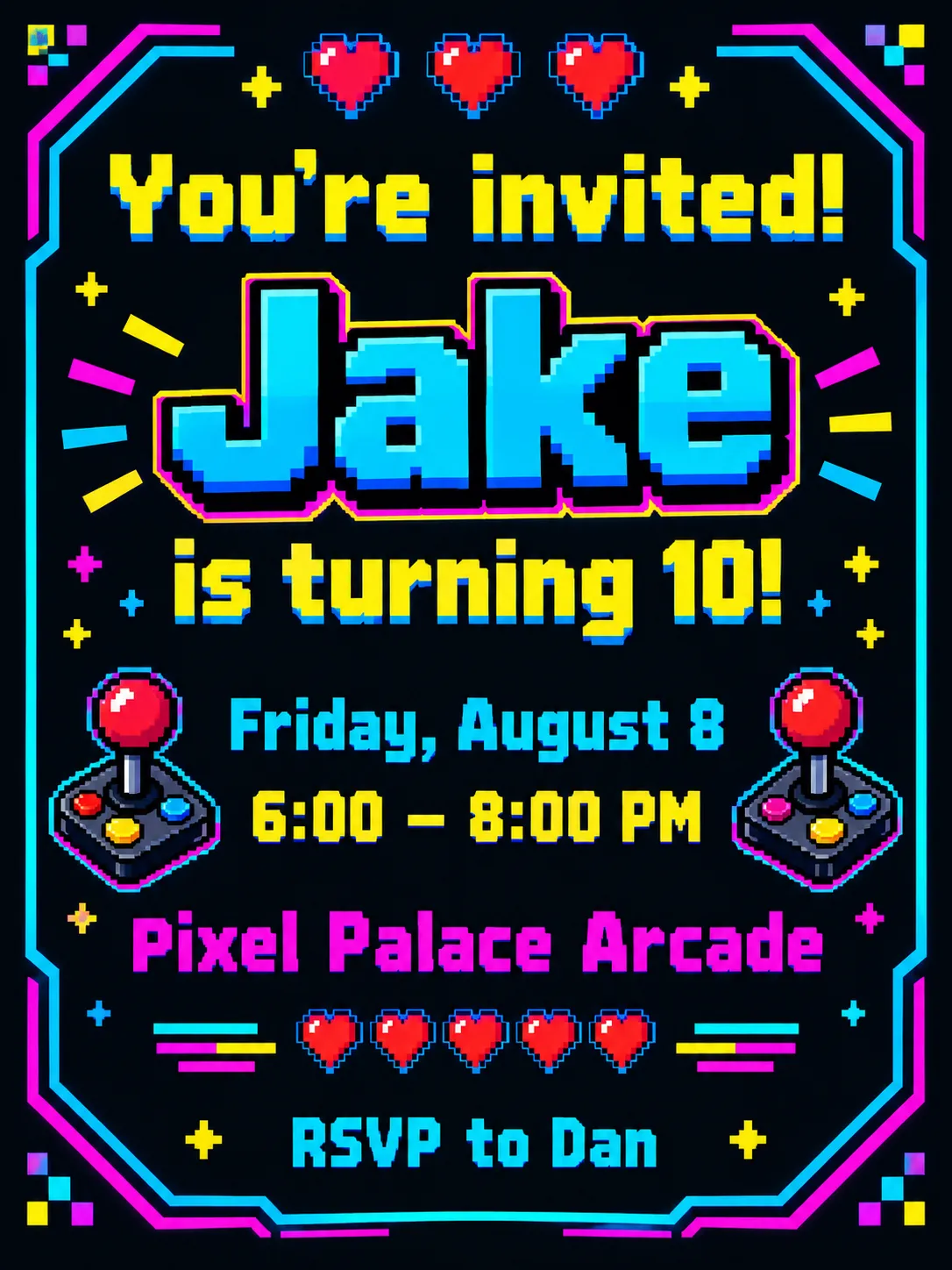
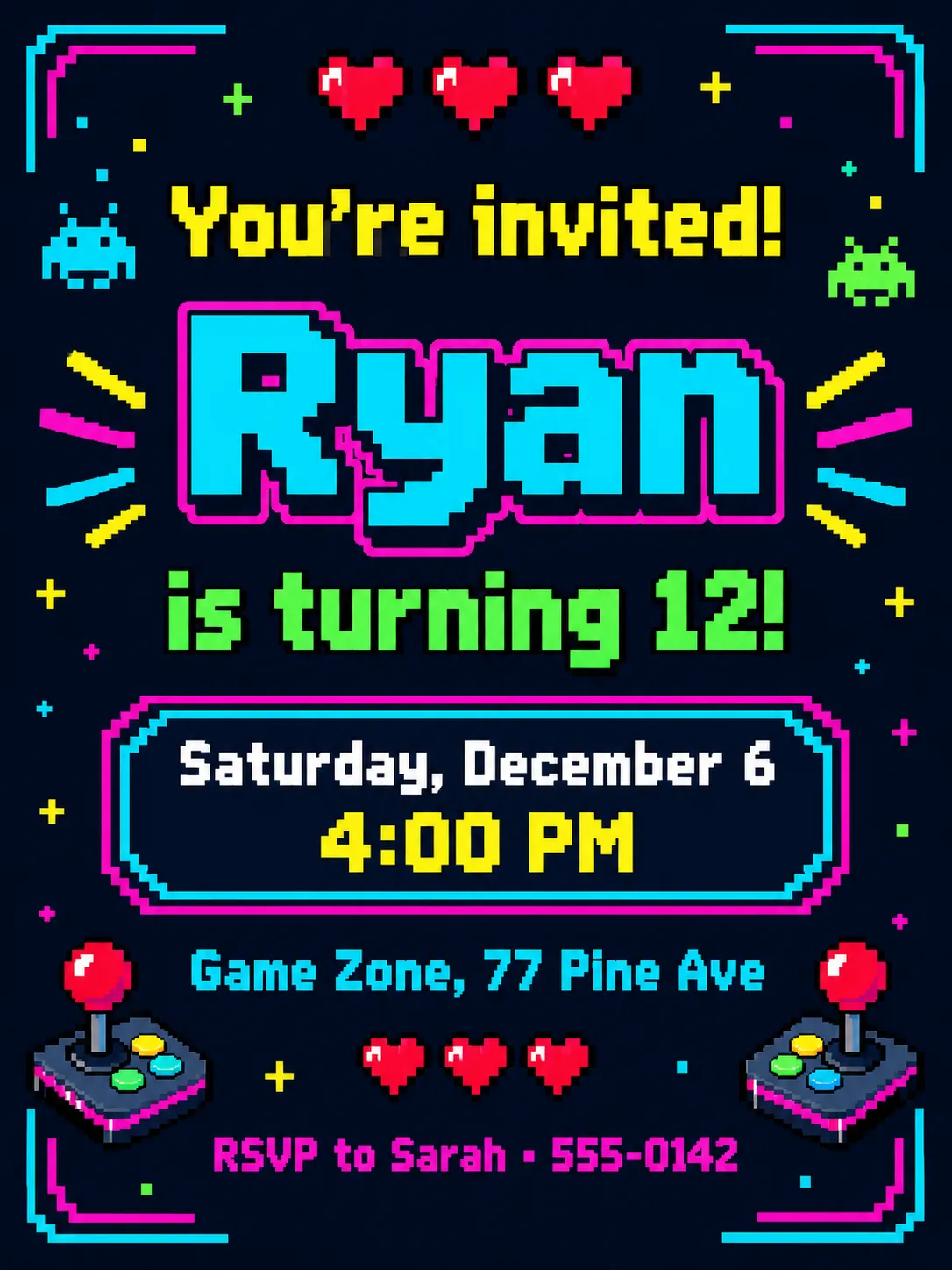
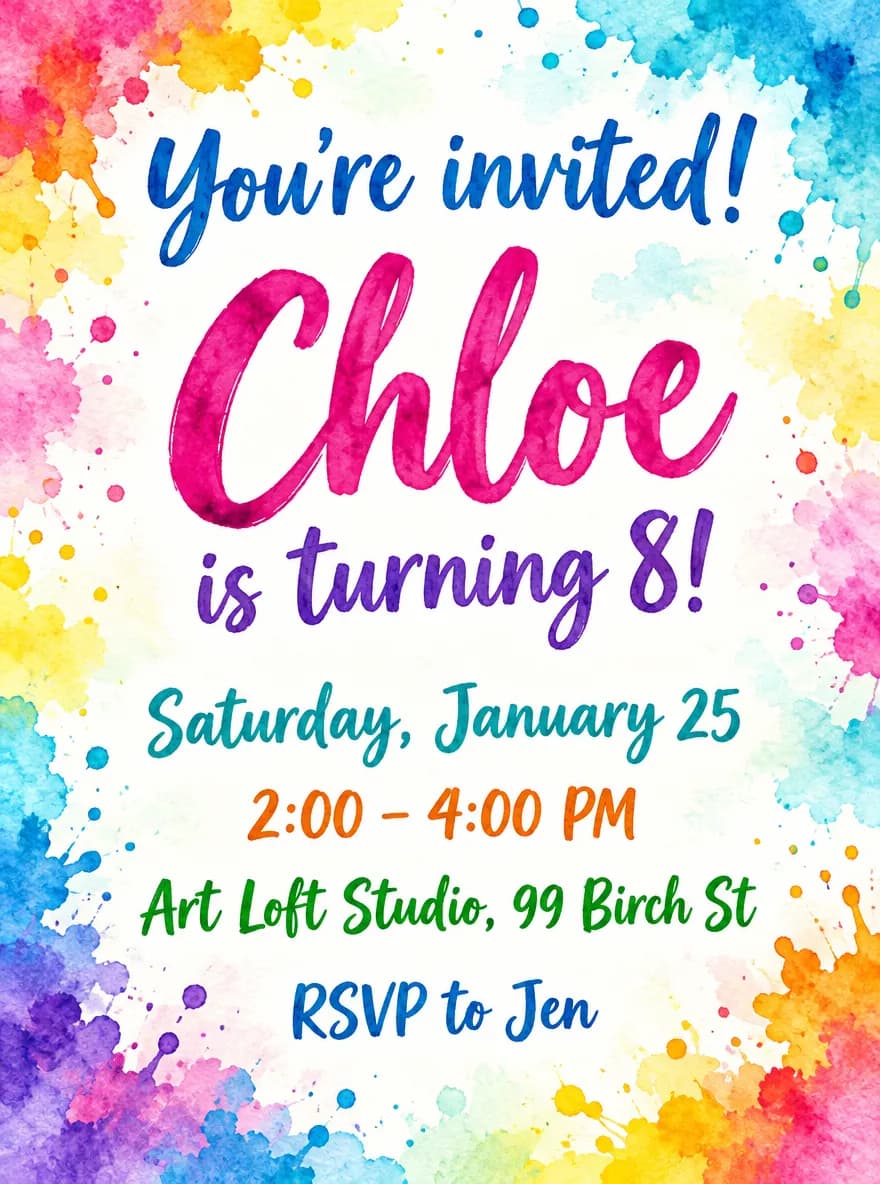
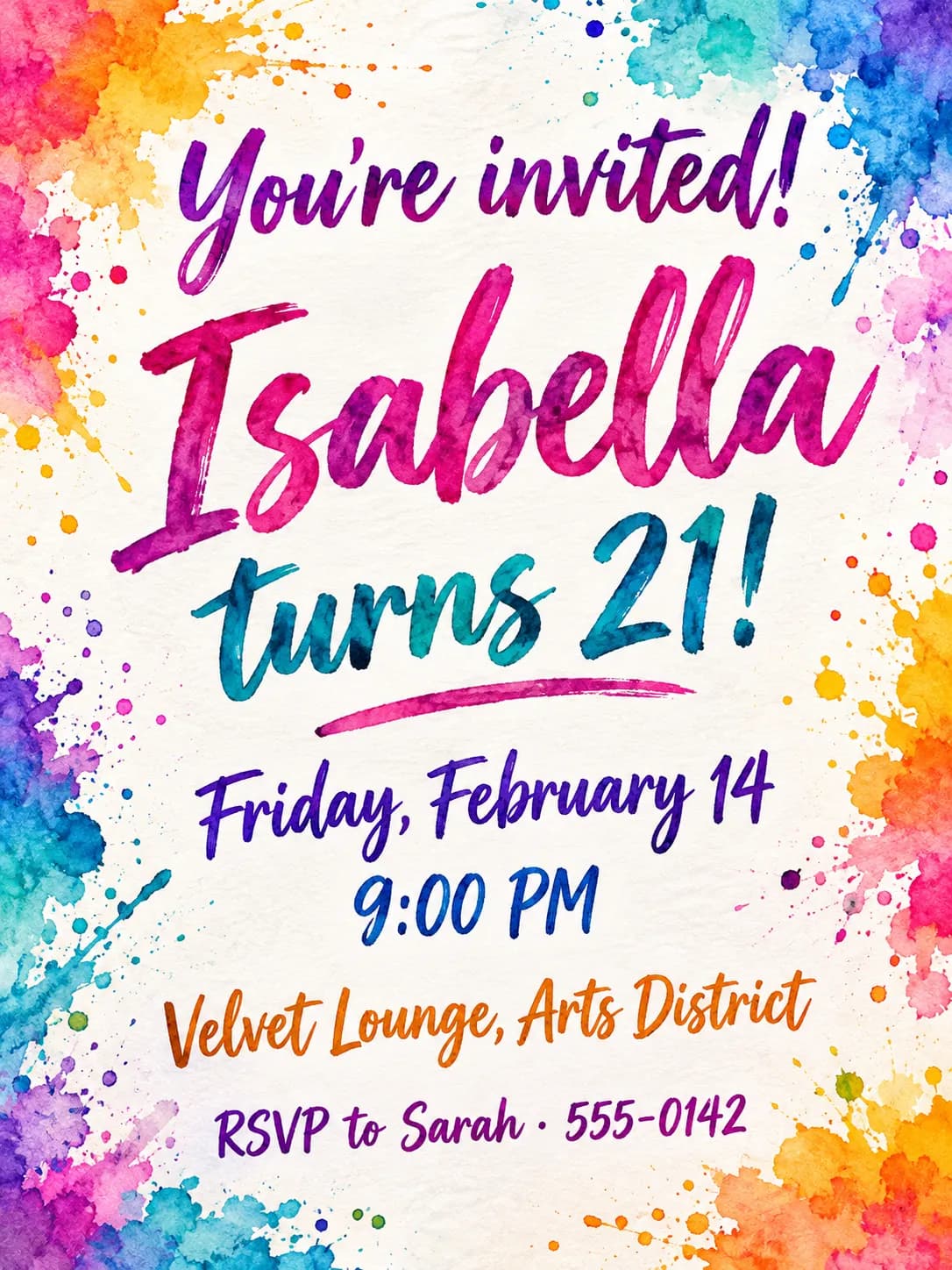
How the Birthday Invitation Maker works
Enter the name of the birthday person and, if you like, their age or milestone, then the date, time, place and an RSVP line. Choose one of ten themes and PiCraft designs a finished portrait invitation with your details in place and the name as the largest text on the card.
The invitation opens with "You're invited!" and sets your details underneath, so there is nothing to fill in later. It is illustrated artwork, which keeps the text layout reliable.
You download a 5×7 inch print PDF with bleed, a 300 DPI JPG for home printing, and a phone-sized image for the group chat.
What you get with the Birthday Invitation Maker
Print PDF with bleed
A 5×7 inch card with 0.125 inch bleed at 300 DPI, for a print shop or an online printer.
Print JPG for home printing
The same file as a JPG you can print at actual size on card stock and trim yourself.
A 1080×1500 px share image
A version sized for texts, chat groups, email and social stories.
Ten party themes
Balloons, unicorns, dinosaurs, space, safari, mermaids, retro arcade and more, plus elegant options for adults.
A clear hierarchy
The birthday person's name is the largest text, followed by the date, time and place.
Birthday invitation sizes
| Use | Size |
|---|---|
| Printed card | 5×7 in finished, 5.25×7.25 in with bleed, 300 DPI |
| Home printing | Print the JPG at 100% on 8.5×11 in card stock, then trim |
| Text message / WhatsApp | 1080×1500 px JPG |
| Envelope | A7 (5¼×7¼ in) |
- Proofread the name, date, time and address before sending.
What people use the Birthday Invitation Maker for
Kids' parties
Print invitations for the classroom or send an image to the parents' group chat.
Milestone birthdays
Use the age field for a 30th, 50th or 80th, with an elegant theme.
Themed celebrations
Match the invitation to a dinosaur, unicorn or space party, and use the same theme for the decorations.
Last-minute parties
Send a finished image within minutes when you plan a gathering at short notice.
Family and community events
Use it for reunions, anniversaries and neighborhood celebrations, with the name field as a headline.
Tips for better results
- 1
Write the age in your own words
"is turning 7!" or "Turns 40" both work. Leave the field empty if you want no age on the card.
- 2
Keep the place to one or two lines
A venue name and a street fit well. Add a full address in your message instead of crowding the card.
- 3
Put the time on its own
Use the time field for "2:00 – 5:00 PM" and keep the date to the day and month.
- 4
Use the RSVP line for a name and number
"RSVP to Sarah · 555-0142" tells guests who to contact. Remember that a phone number is shared with everyone who receives the card.
- 5
Pick a theme the guest of honor loves
A child will notice if the theme matches their favorite thing, and that is what makes a party feel personal.
- 6
Print one test copy
Print a copy at home or at a shop before you print a stack, and check that every detail is correct.
- 7
Proofread before sending
Check the name, date, time and address once on screen and once more in the message you send.
Choosing a party theme
The theme sets the artwork, the colors and the mood. Here is how the ten options differ.
- Balloons & confetti
- A bright all-purpose party look. Works for any age.
- Unicorn & rainbow
- Pastel colors, stars and rainbows. Fits young children.
- Dinosaur adventure
- Friendly dinosaurs and jungle leaves. Fits young children who love animals.
- Outer space
- Planets, stars and rockets. Fits children and science fans.
- Elegant black & gold
- A refined look for adults and milestone birthdays.
- Soft floral
- Gentle flowers and a calm palette. Fits garden parties and afternoon teas.
- Safari jungle
- Animals and leaves in earthy colors. Fits first birthdays and family parties.
- Under the sea
- Mermaids, fish and shells. Fits pool parties and beach days.
- Retro arcade
- Pixels and neon. Fits teens and gaming fans.
- Watercolor splash
- Bright painted color. Fits art parties and any age.
Before you send or print
- Check the name, age, date, time and address against your plans.
- Confirm the RSVP contact and deadline are correct.
- Test the share image on a phone to make sure the text is readable.
- Print the JPG at actual size, 100% scale, on card stock if you print at home.
- Trim along the outer edge of the printed card with a paper cutter for clean edges.
- Order A7 envelopes, 5¼×7¼ inch, if you send printed cards.
- Share a map link or parking details in the message, not on the card.
What the Birthday Invitation Maker can't do
- The invitations are illustrated. This maker does not add a photo of the birthday person.
- The opening wording "You're invited!" is in English and cannot be changed in the form.
- Matching items such as thank-you cards use the same theme but are not identical designs.
- The text is part of the image. To change a detail, generate again.
- A printed home copy depends on your printer and paper, and home printers cannot print to the edge.
Frequently asked questions
Can I print invitations at home?+
Yes. Print the 5×7 in JPG at actual size on card stock and trim along the edges. Two invitations fit on one 8.5×11 in sheet if you place them side by side in any photo printing app.
What if a detail is misspelled?+
Generate again. Always proofread before printing or sending; each generation produces a fresh design.
Can I use a photo of the birthday child?+
No. This maker designs illustrated invitations without photos, which keeps the text layout reliable.
Can I change the "You're invited!" line?+
The opening line is fixed. Use the place or RSVP field for extra words, or add your own wording in an image editor after you download the card.
What size are the invitations?+
The printed card is 5×7 inches, and the print PDF adds a 0.125 inch bleed. The share image is 1080×1500 px for phones.
How do I send it by text or WhatsApp?+
Download the share image and attach it like any photo. It is sized for phones, and the text stays readable on a small screen.
Should I put the address on the invitation?+
For private invitations, include it. If the invitation will be posted in a public group, share the exact address only with guests who reply.
Can I make an invitation for an adult birthday?+
Yes. Choose elegant black & gold, soft floral or watercolor splash, and write the milestone in the age field.
How many invitations should I print?+
Print a few more than your guest list to cover late additions and mistakes. Small print runs are inexpensive at most print shops.
Last updated:
More makers
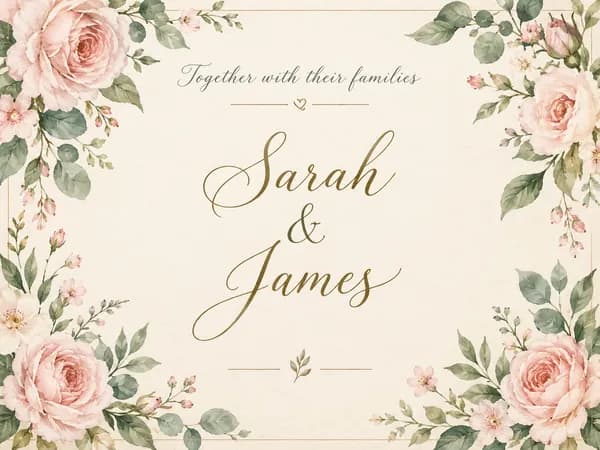
Wedding Invitation Maker
Printable 5×7 wedding invitations with your names, date and venue, plus a phone-ready version.
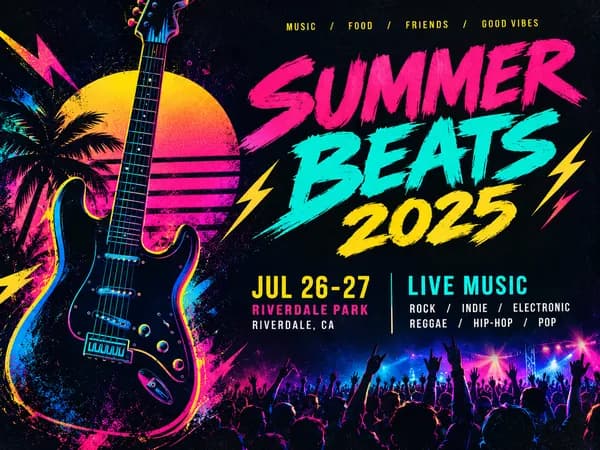
Event Flyer Maker
Posters and flyers for parties, gigs and community events, for print and Instagram.
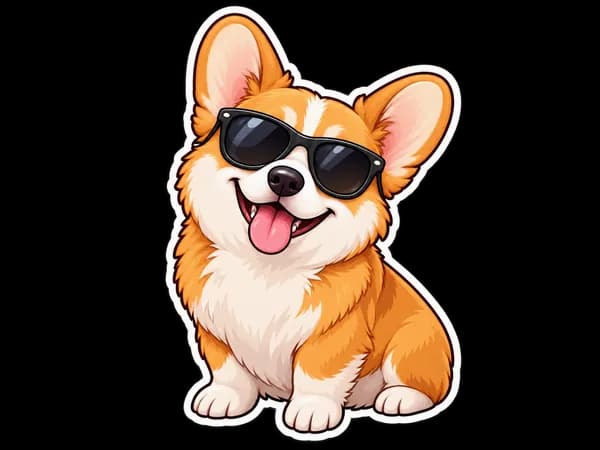
Sticker Maker
Die-cut sticker designs with a white border, exported as transparent PNGs.