

Book Cover Maker
Readers judge a book by its cover in the half-second it shows up in search results. PiCraft designs genre-appropriate covers with your title and author name set in type that reads at thumbnail size.
Download a 1600×2560 px eBook cover for Kindle and other stores, and a 6×9 inch front cover with bleed for your paperback designer.
- Step 1
Enter title and author
Add a subtitle or series name if you have one.
- Step 2
Choose the genre
Each genre follows the visual conventions readers expect.
- Step 3
Publish
Upload the 1600×2560 eBook cover to your store, or send the front file to your designer.
Made with the Book Cover Maker
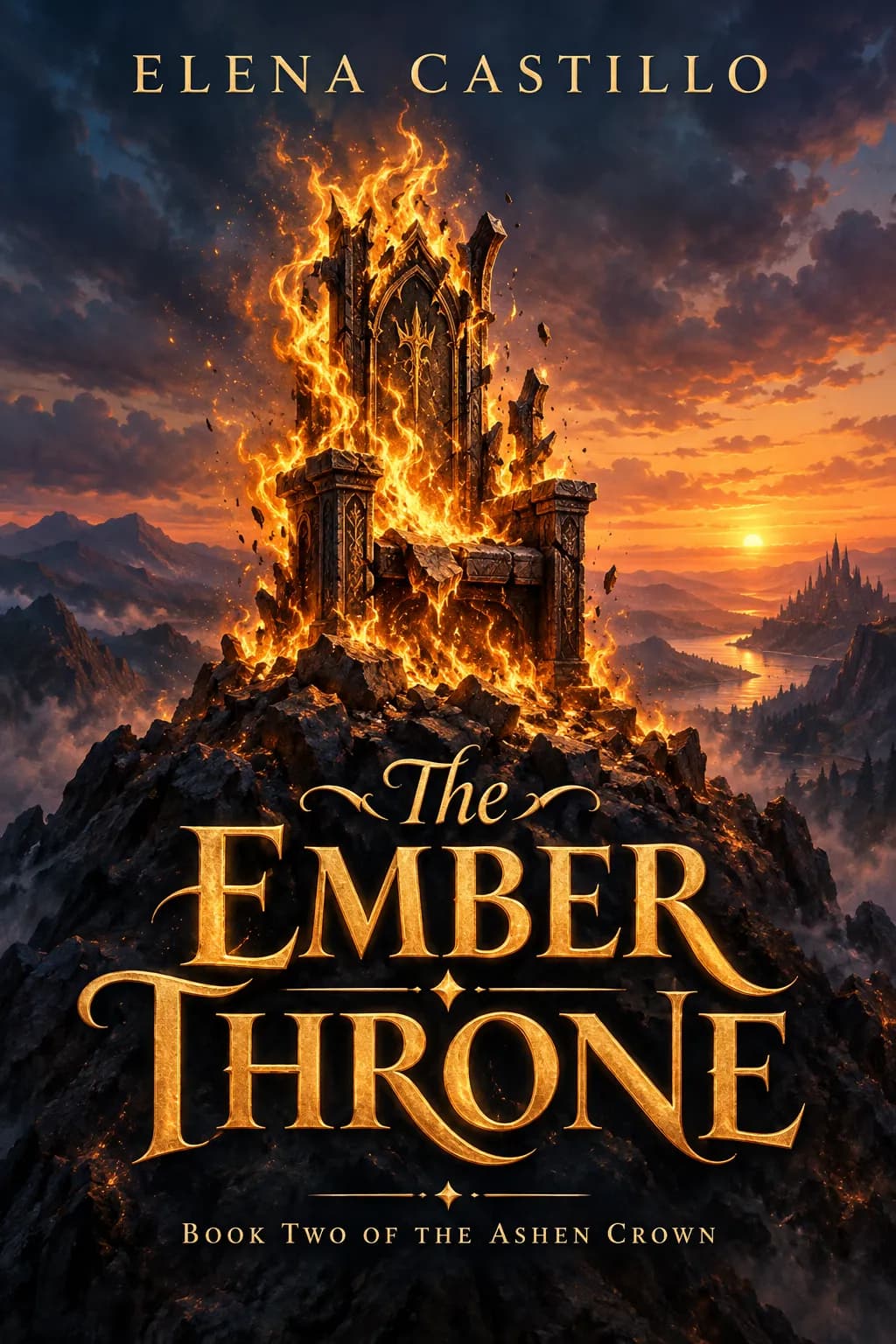
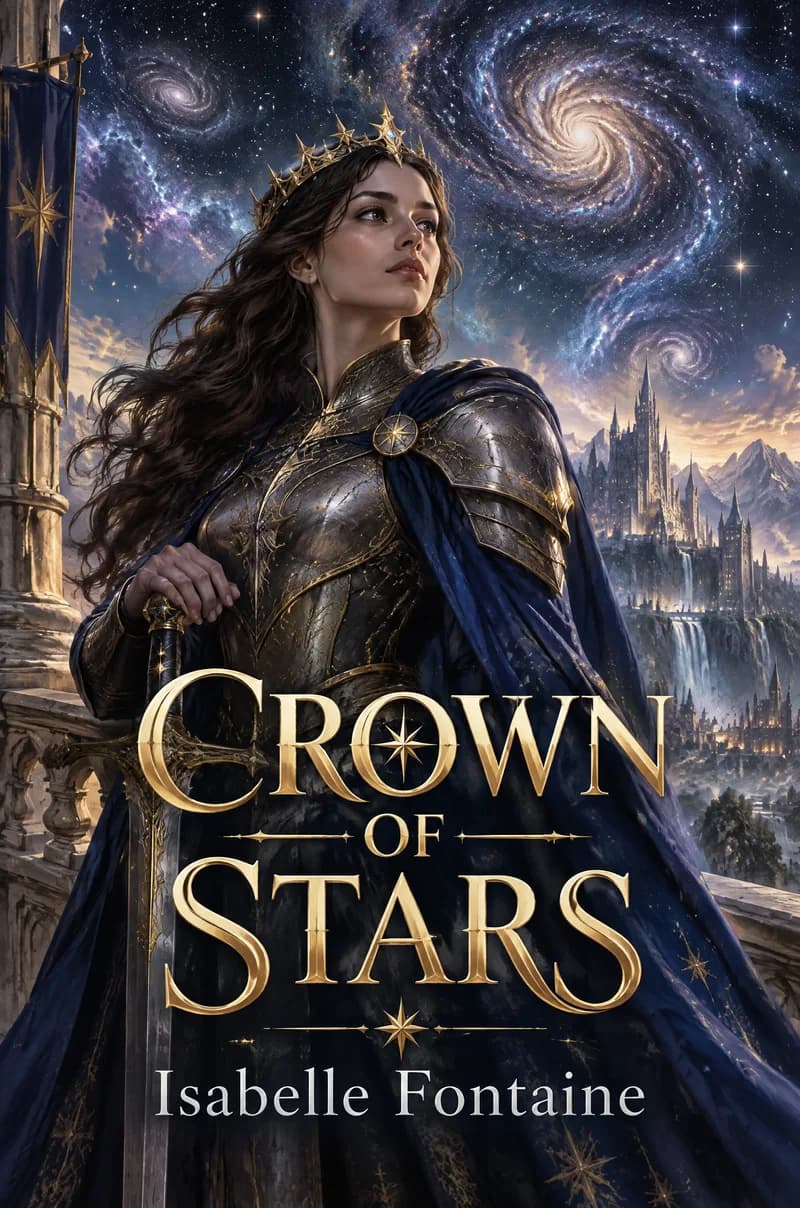
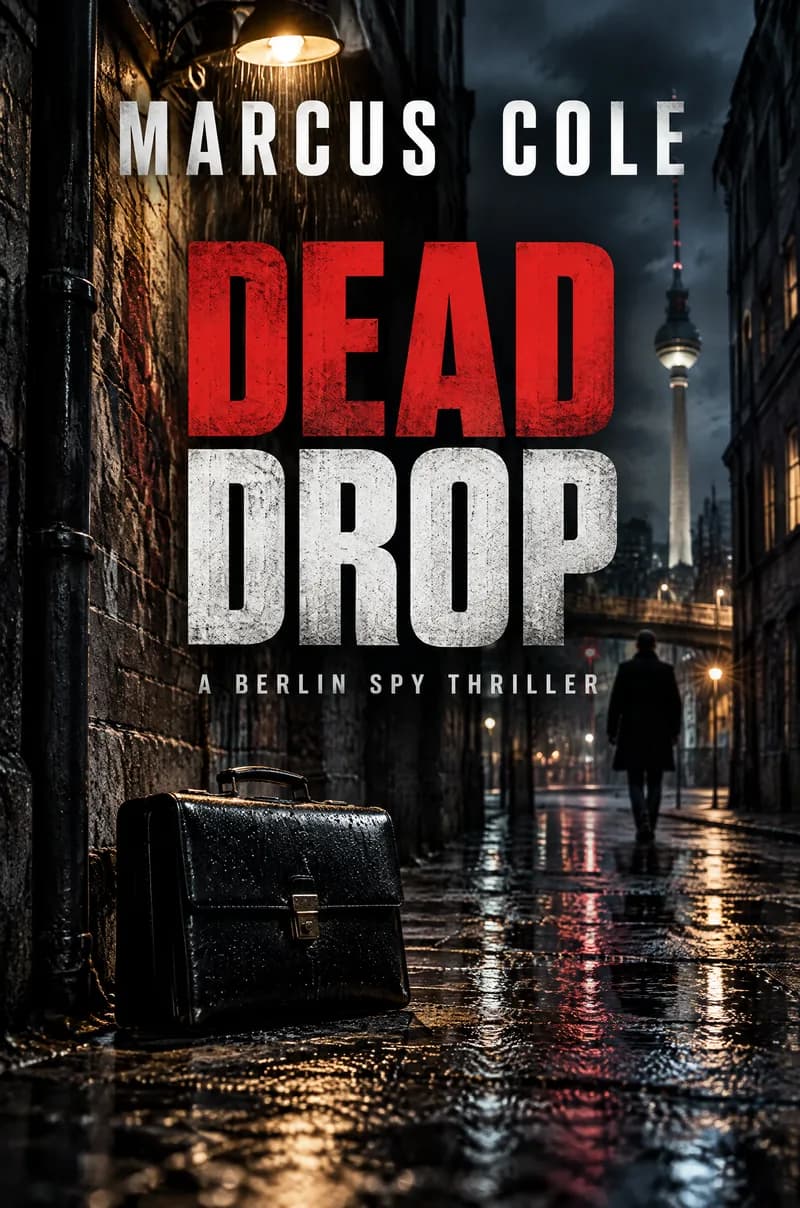
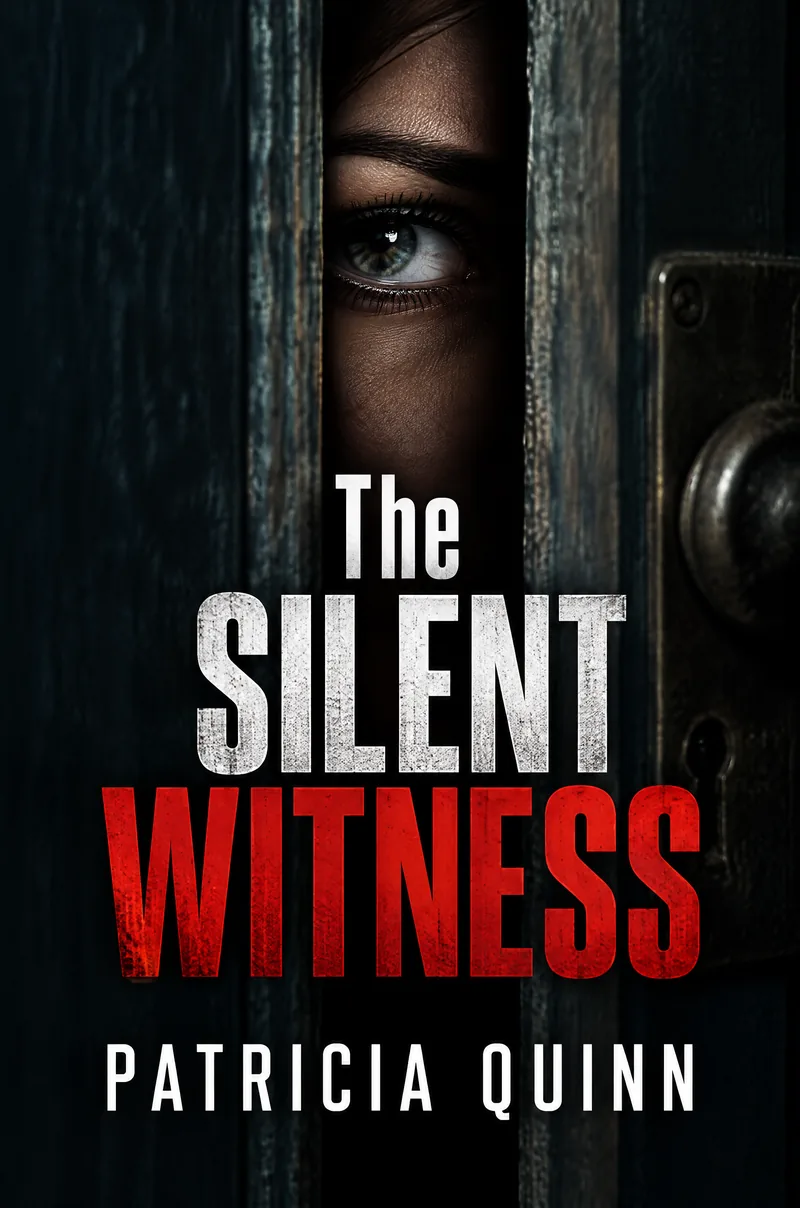


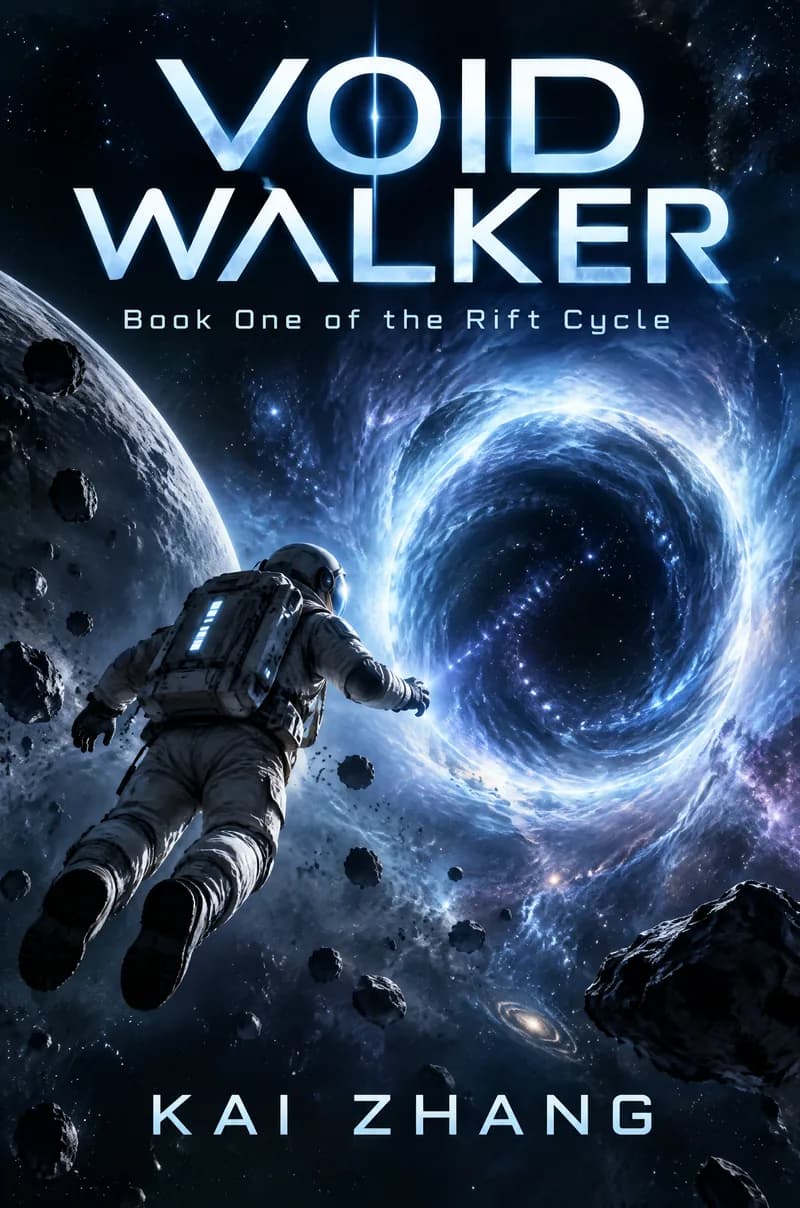

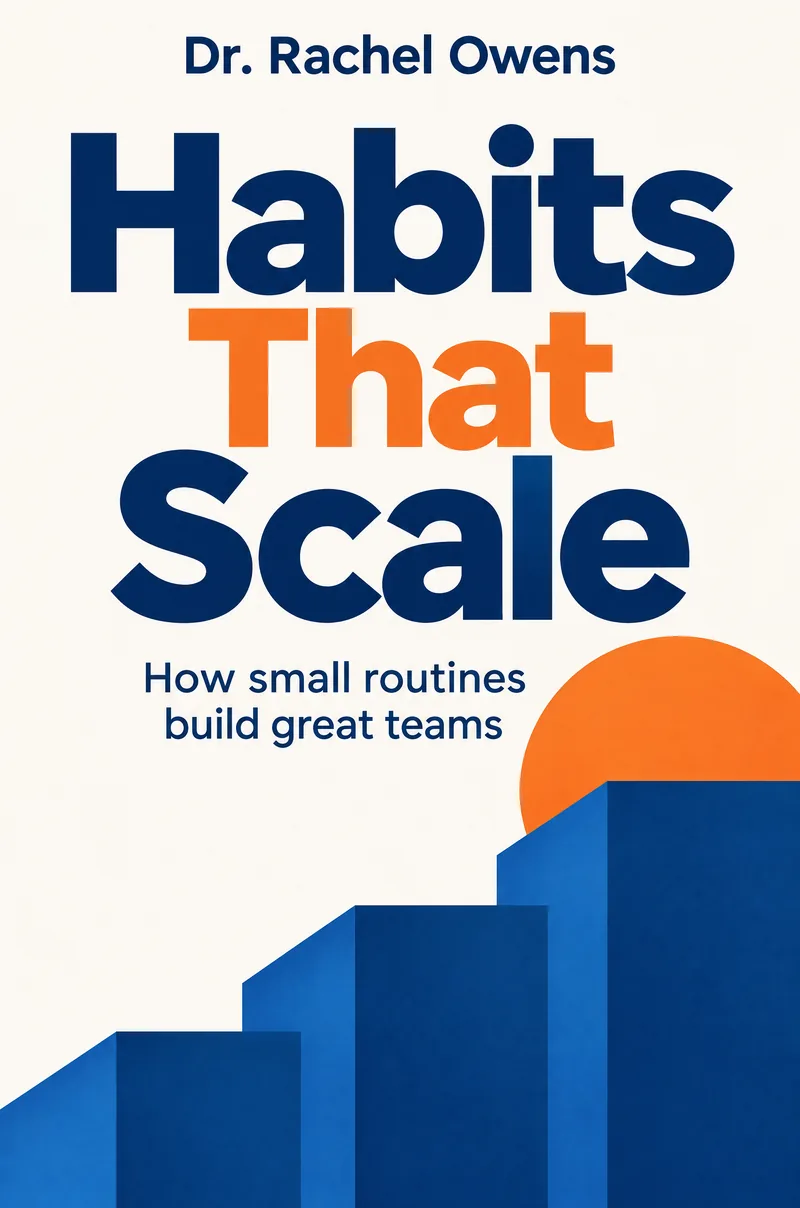
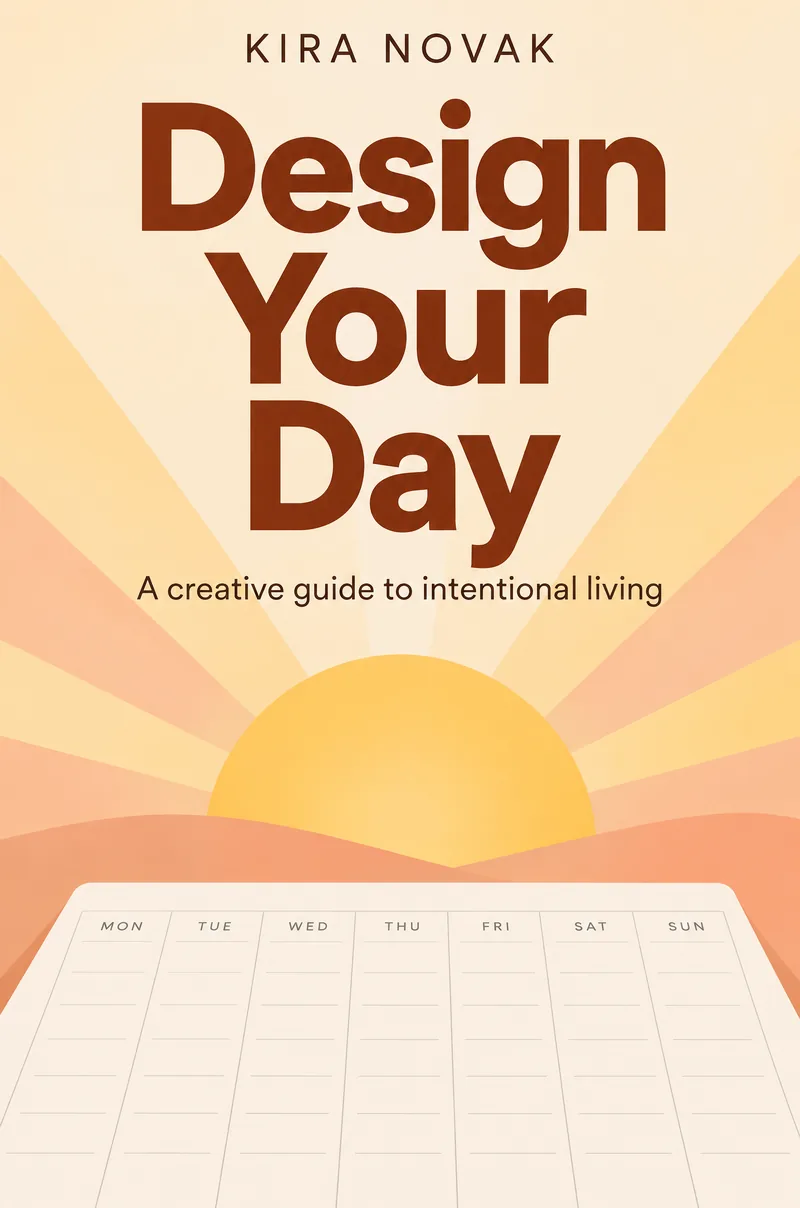
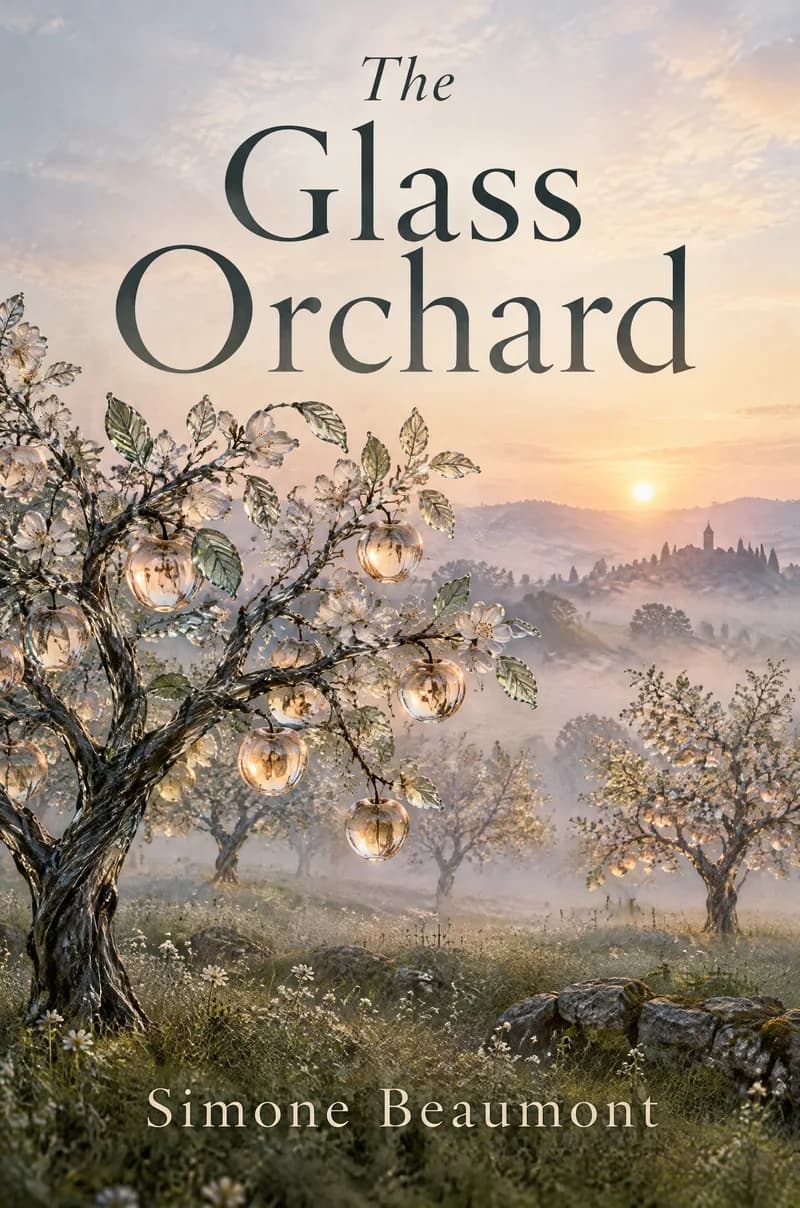
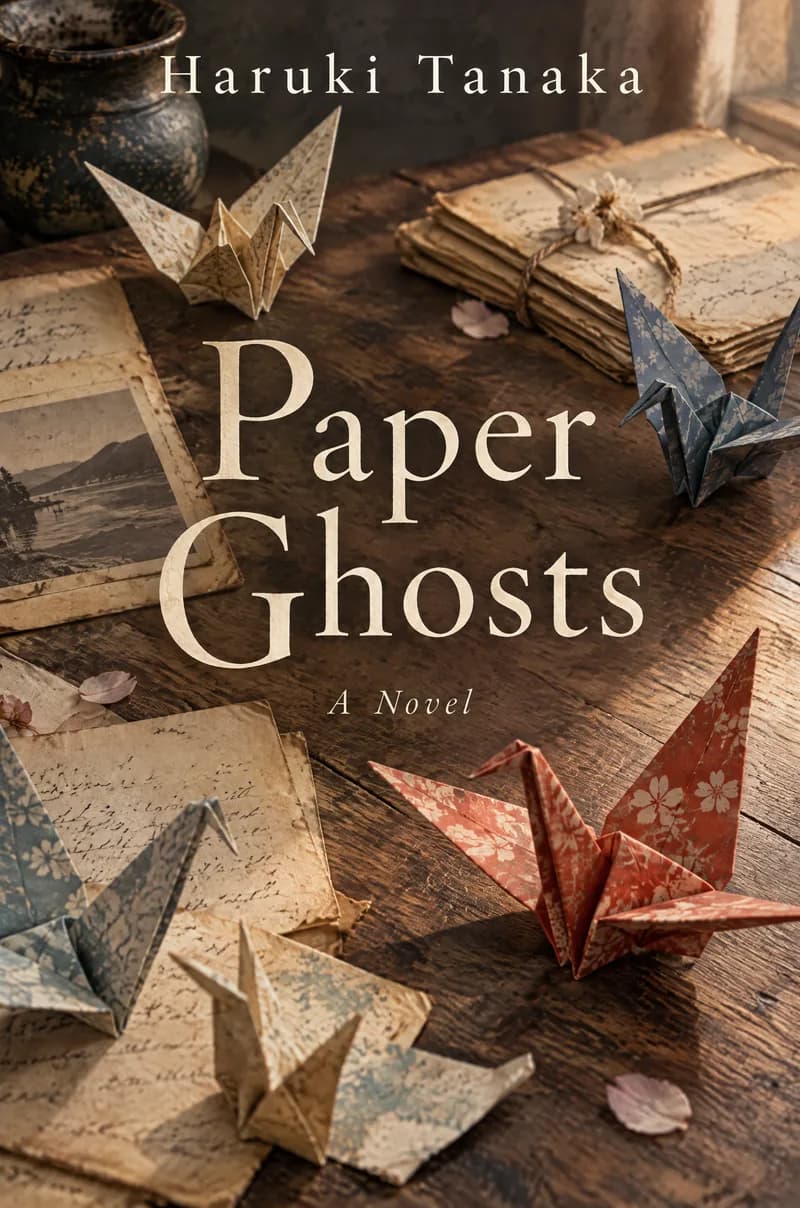

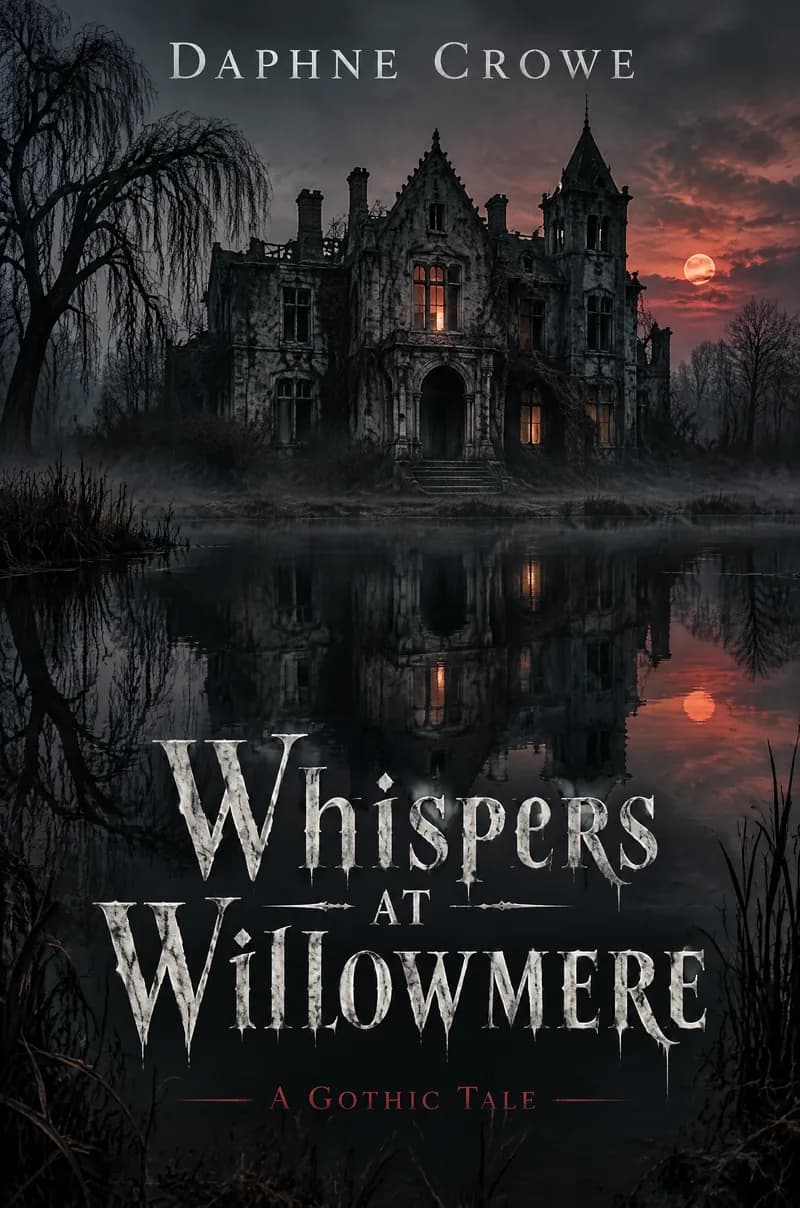
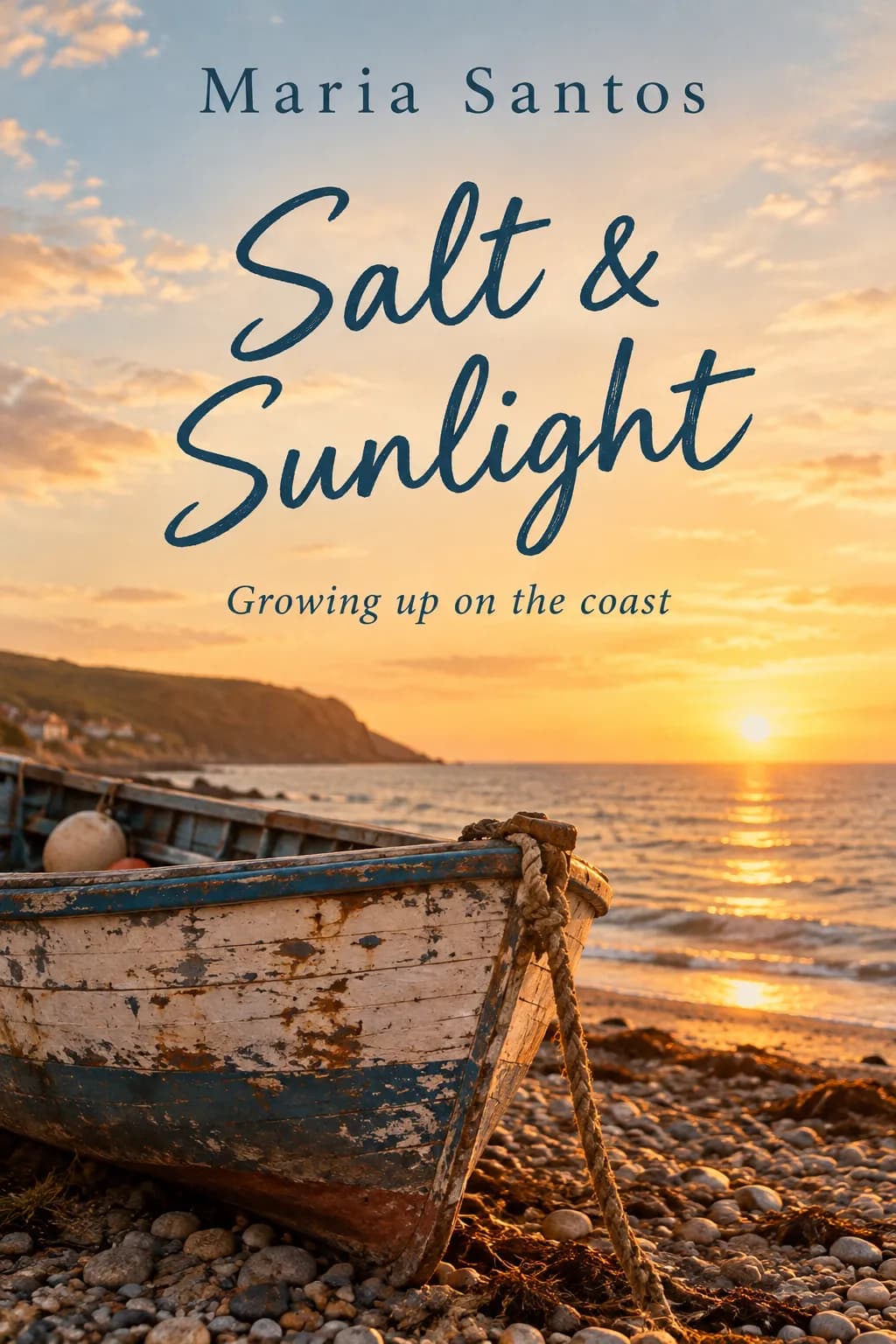


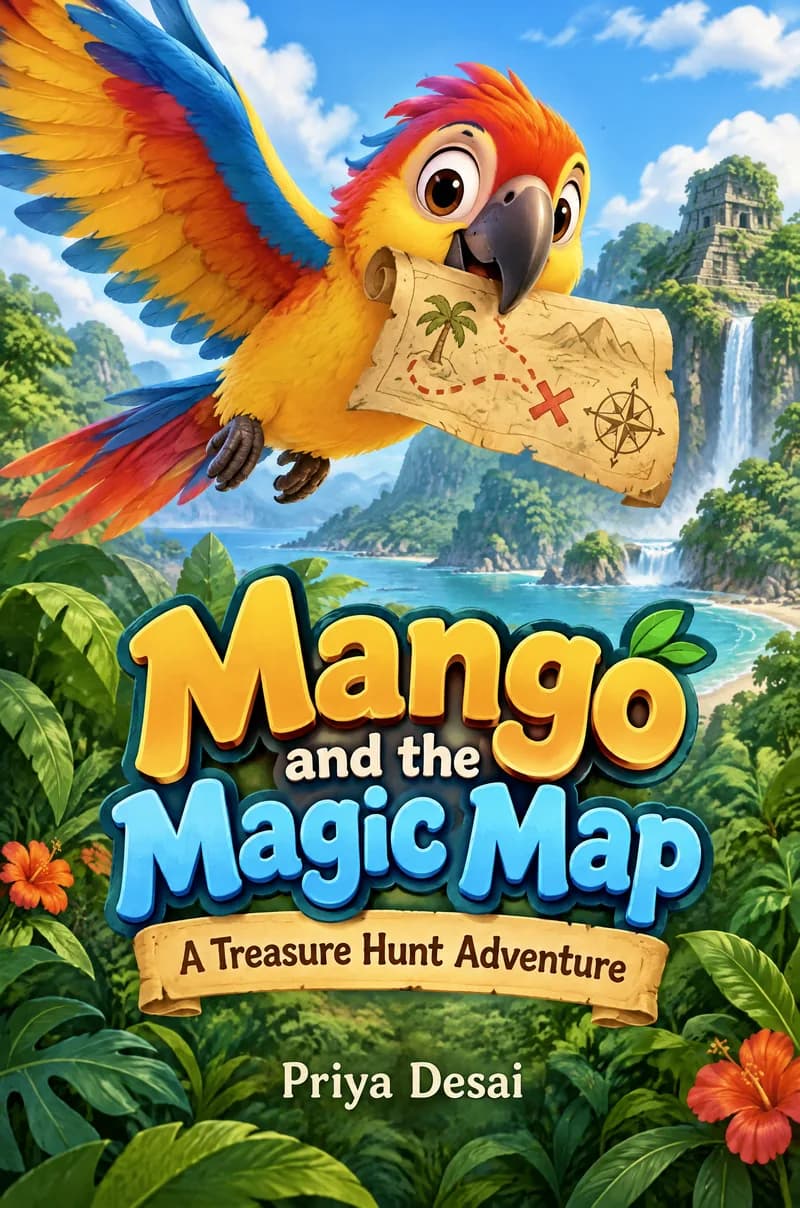
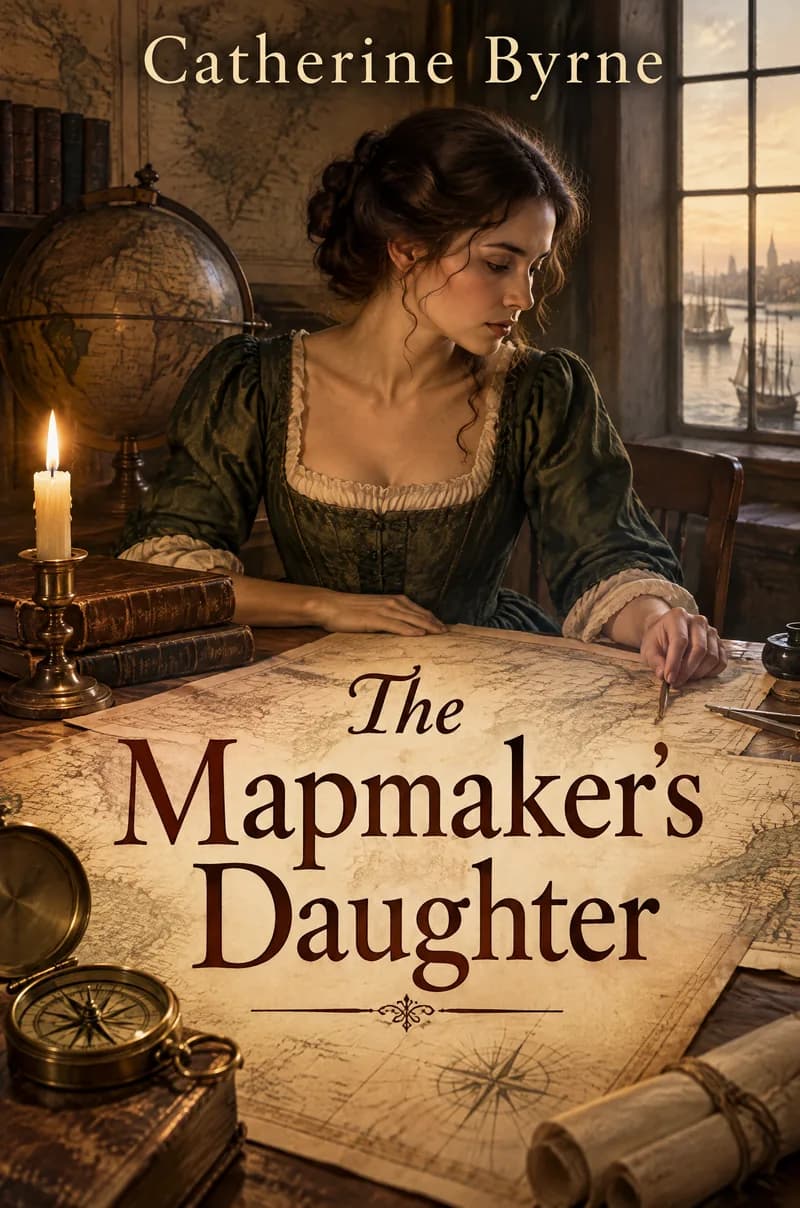

How the Book Cover Maker works
Enter the title, an optional subtitle or series line, and the author name. Choose a genre and, if you have one, describe the cover image you imagine. PiCraft designs a front cover that follows the visual conventions of that genre, with the title large enough to read as a thumbnail in search results.
Genre matters because readers recognize a book's category in a fraction of a second. A thriller in pastel watercolor, or a romance in dark metallic type, sends the wrong signal and can lose the readers it was written for.
You download a 1600×2560 px eBook cover that matches Kindle's ideal size, and a 6.125×9.25 inch front cover at 300 DPI that includes bleed for a 6×9 inch paperback.
What you get with the Book Cover Maker
1600×2560 px eBook cover
A JPG at the ideal Kindle cover size and the 1:1.6 ratio, in RGB.
6×9 inch front cover with bleed
A 6.125×9.25 inch image at 300 DPI, with bleed on the outer, top and bottom edges, for use as the front panel of a paperback cover.
Genre-appropriate design
Ten genres, from fantasy and thriller to memoir and children's books, each with its own look.
Title, subtitle and author
Type is set large and legible, with the title dominant and the author name clear.
Your cover idea
Describe a scene or symbol and the cover is built around it.
Book cover sizes
| Format | Size |
|---|---|
| Kindle eBook | 1600×2560 px (1:1.6), JPG, RGB |
| Paperback front (6×9 in trim) | 6.125×9.25 in at 300 DPI (bleed on the outer, top and bottom edges) |
| Thumbnail check | Title should read at about 160 px tall |
- Printed paperbacks need a full wrap cover (back, spine and front) sized to your page count. Use the front file as the front panel in your printer's template.
- Only use cover imagery you have the right to publish commercially.
What people use the Book Cover Maker for
Self-published Kindle books
Get a first professional-looking cover for a novel, a short story collection or a nonfiction title.
Series branding
Use the same genre and similar wording on each book so a series looks related.
Lead magnets and short reads
Make an eBook cover for a free guide, a workbook or a newsletter bonus.
Concept testing
Compare a few cover directions before you commission a designer or order a final print.
Draft covers for paperbacks
Produce the front panel for a designer or a printer template, and add the back cover and spine afterwards.
Tips for better results
- 1
Choose the genre honestly
Readers browse by genre. Pick the one your book fits, not the one that sounds most impressive.
- 2
Use a short title
Short titles can be set larger. If your title is long, put the extra words in the subtitle.
- 3
Describe one strong image
"A lighthouse on a cliff at night, a girl with a lantern at its base" gives a clear central picture. Lists of many objects make covers busy.
- 4
Test it at thumbnail size
Shrink the image to about 160 px tall. The title should still read, and the image should still be recognizable.
- 5
Keep the series line short
A subtitle such as "Book One of the Tidewater Saga" works because it is brief.
- 6
Look at covers in your category
Search your genre on Amazon and compare. Your cover should feel at home on that page while still standing out.
- 7
Generate more than once
Each generation is a different design. Try a few and choose the one that is both beautiful and clear.
Choosing a genre
Each genre follows the cues readers expect, such as the colors, the type style and the kind of image.
- Fantasy
- Rich illustrated scenes, dramatic skies and ornate lettering.
- Thriller / crime
- Dark tones, strong contrast and bold sans-serif or condensed type.
- Romance
- Warm, bright covers with an emotional focus and flowing or script type.
- Science fiction
- Space, technology and cool colors with sleek or futuristic type.
- Nonfiction / business
- Clean layouts, clear titles and simple graphic images.
- Literary fiction
- Restrained, artistic covers with a single strong image.
- Horror / dark
- Shadows, unsettling imagery and a limited palette.
- Memoir
- Personal, atmospheric images with a quiet, readable title.
- Children's book
- Colorful illustration, rounded shapes and friendly type.
- Historical fiction
- Period-appropriate scenes, muted colors and classic type.
Before you publish the cover
- Check the spelling of the title, subtitle and author name against your book details.
- Shrink the cover to thumbnail size and confirm the title is readable.
- For a light or white cover, add a thin grey border so it does not disappear on Amazon's white page.
- Make sure you have the right to publish the imagery commercially.
- Confirm you disclose AI-generated content if the store you publish on asks for it.
- For paperbacks, build the full wrap with your printer's template and place the front file as the front panel.
- Keep text at least 0.125 inch inside the trim line of a paperback, as KDP recommends.
What the Book Cover Maker can't do
- The maker produces a front cover only. It does not create the spine, back cover or barcode.
- A printed paperback needs a full wrap sized to your page count and paper. Use the printer's template for that.
- KDP requires paperback covers as a single PDF with back, spine and front, so the front file needs to be placed in a template.
- The text is part of the image. To change a word, generate again.
- AI-generated images may not qualify for copyright protection in some countries.
Official guidelines
The sizes and rules above follow these official pages. Platforms change their requirements, so check the source before you submit your file.
Frequently asked questions
Can I use these covers on Amazon KDP?+
Yes. The eBook file matches KDP's ideal 1600×2560 px, as a JPG in RGB. KDP also asks you to tell it when content is AI-generated, so check its current content guidelines when you publish.
Does it make the spine and back cover?+
No. You get a front cover; paperback wraps depend on page count and are best assembled in your printer's template.
Why choose a genre?+
Genres have strong visual conventions. A thriller that looks like a romance confuses readers and hurts sales.
Is the text editable?+
The text is part of the image. To change it, generate again with the new wording.
Is the cover big enough for print?+
The paperback front is 6.125×9.25 inches at 300 DPI, which includes bleed for a 6×9 inch book. For other trim sizes, ask your printer for a template and scale the front accordingly.
Can I use it for stores other than Amazon?+
The 1600×2560 px eBook cover is a common size for eBook stores, but each store has its own rules, so check the current requirements before you upload.
How do I make the title readable as a thumbnail?+
Use a short title and check the image at about 160 px tall. If you can't read the title, shorten it or generate again.
Can I describe the cover image?+
Yes. The cover idea field takes a scene or a symbol of up to 300 characters. Leave it empty and PiCraft chooses an image that fits the genre.
Can I keep one look across a series?+
Choose the same genre and describe a similar kind of image for each book. Results are consistent but not identical, so review each cover.
Who owns the cover?+
We don't claim ownership of the files you generate, and you may use them commercially under our terms. AI-generated images may not qualify for copyright protection in some countries, so consider a designer if you need a cover that is legally unique.
Last updated:
More makers

YouTube Thumbnail Maker
Click-worthy 1280×720 thumbnails with bold headline text, optionally featuring your face.
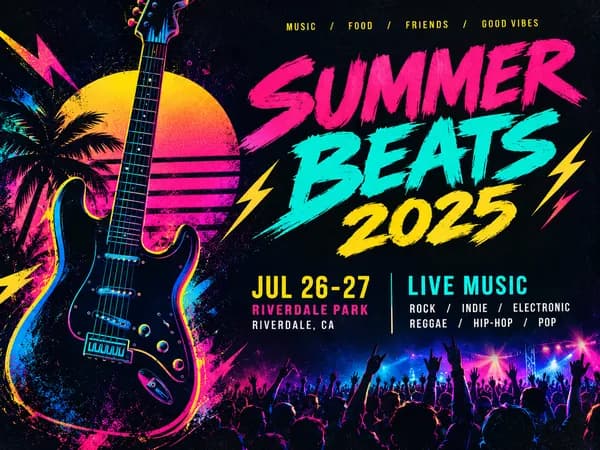
Event Flyer Maker
Posters and flyers for parties, gigs and community events, for print and Instagram.
LinkedIn Banner Maker
1584×396 LinkedIn background banners that leave room for your profile photo.